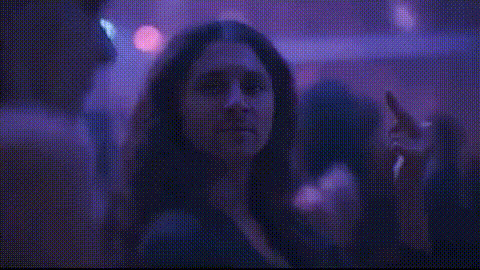
woman-dancing-in-blue-outfit
Overview
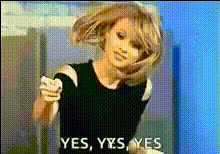
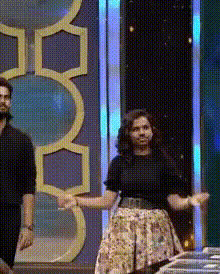
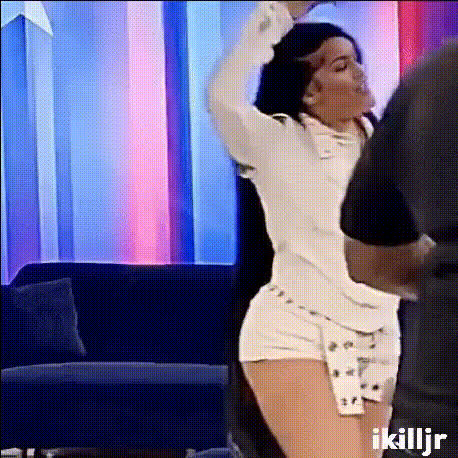
Our "Woman Dancing in Blue Outfit" video face swap template revolutionizes your content creation by enabling you to insert any face into a dynamic dancing scene. This is ideal for creating engaging social media posts or personalized video messages. Experience the power of AI-driven transformations and bring your creative vision to life.
What It Does
This template uses advanced AI to replace the original subject's face in a video of a woman dancing in a blue outfit with any face you choose. This tool leverages techniques similar to our Face Swap and Head Swap products. Whether for fun or professional purposes, the result is a high-quality, realistic video.
Who It's For
Designed for content creators, marketers, and social media enthusiasts, this template is perfect for anyone seeking to enhance their digital storytelling. If you are involved in campaigns for social media ads or wish to surprise your followers with unique content, this tool is a game-changer. Additionally, it offers great opportunities for agencies and businesses looking to personalize their marketing videos.
Summary
By using this face swap template, you can create captivating, personalized videos with ease. The combination of AI technology and creative flexibility makes it ideal for a wide range of applications, from promotional materials to viral social media content. Discover more about our transformative tools like the AI Video Generator and explore new creative horizons.
How to
Choose Your Template

Customize Your Input

Generate Your Video

Use Cases
Social Media Content
- Great for Instagram Reels and TikTok videos
- Enhance engagement with eye-catching visuals
Marketing Campaigns
- Personalize promotional content
- Ideal for product reveals or feature highlights
Entertainment and Fun
- Perfect for parties or online challenges
- Easily shareable for viral potential
Best Practices
Choose Clear Images
For best results, use high-resolution images where the face is clearly visible.Adjust Responsively
Make any necessary tweaks to the size and position of the face to ensure it aligns perfectly with the body.Preview Before Finalizing
Utilize the preview feature to check the overlay before generating the final video.