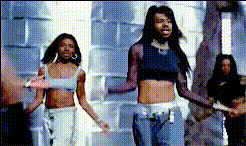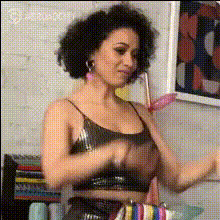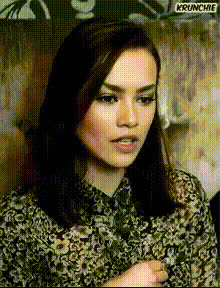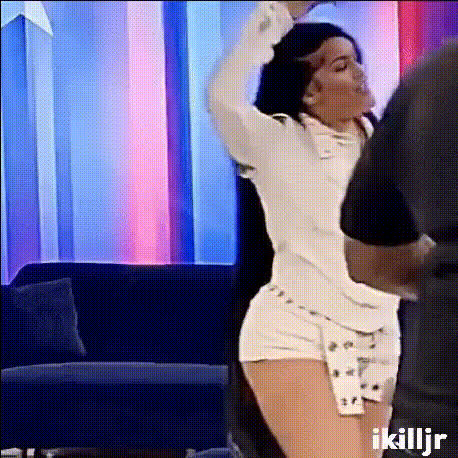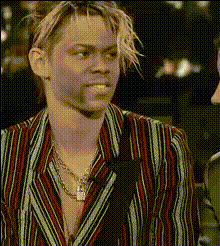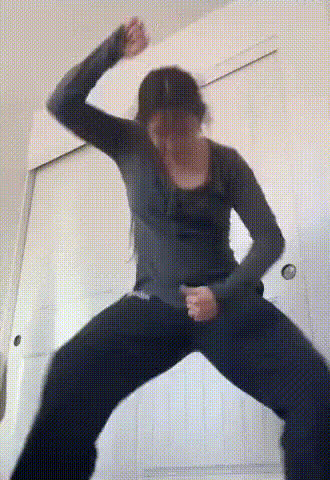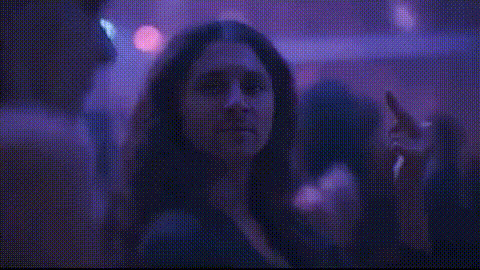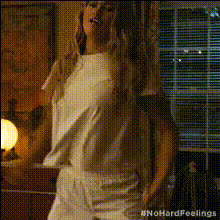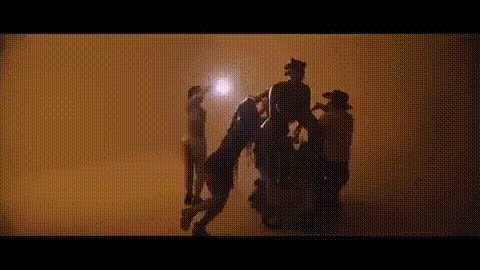
woman-in-floral-jacket-dancing
Overview
Transform your digital content creation with our Video Face Swap template featuring a woman in a vibrant floral jacket dancing. This template allows you to replace the face in the video with your own, creating personalized videos suitable for TikTok, Instagram, or any creative project. Bring your social media posts to life in just minutes.
What It Does
This Video Face Swap template enables users to seamlessly insert their own face onto the dancing woman's body. The sophisticated AI algorithms ensure that facial expressions and movements match naturally, providing a realistic and engaging final product. The tool supports multiple video formats for versatile use.
Our AI model ensures the changes are subtle yet impactful, offering a unique opportunity to create fun, shareable content. Enhance your videos with the perfect facial transformation that maintains natural lighting and skin tones.
Who It's For
This template is perfect for content creators, social media influencers, and anyone looking to add a dash of personalization to their video content. Whether you're enhancing your brand's presence on Image to Video platforms or simply enjoying some creative fun, this template provides the flexibility and ease of use required.
Summary
Use the "woman-in-floral-jacket-dancing" Video Face Swap template to create engaging and personalized videos. Designed for anyone looking to elevate their digital content, this template offers a user-friendly interface that results in high-quality, realistic video transformations.
Explore more possibilities with related tools such as AI GIF Generator and the AI Video Generator to further expand your creative projects.
How-To Structure
Choose Your Template

Customize Your Face Swap

Generate and Download

Use Cases
Social Media Content
- TikTok challenges and trends
- Instagram stories and posts
- Facebook video shares
Personal Projects
- Family videos with unique twists
- Birthday or celebration videos
Marketing and Branding
- Unique product promotion videos
- Special event marketing
Best Practices
Choose High-Quality Images
For best results, use high-resolution images with neutral lighting to ensure a smooth face swap.Match Facial Expressions
Select images where facial expressions are similar to those in the video for natural integration.Review the Output
Before sharing, review your video for any adjustments needed in alignment or lighting.