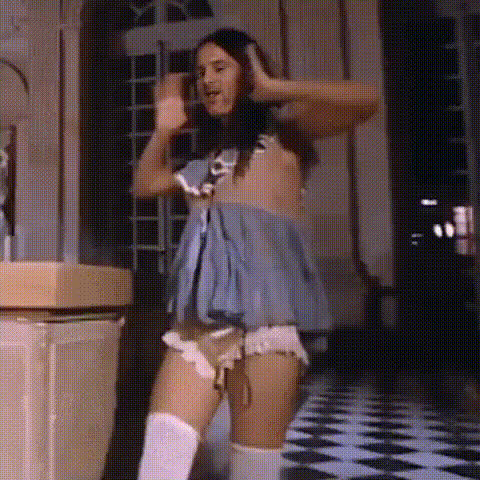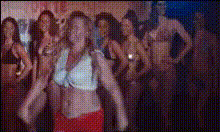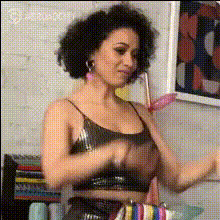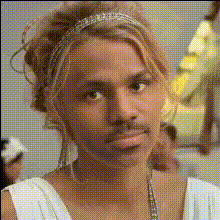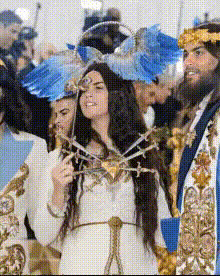
woman-in-white-outfit-dancing
Overview
The "Woman in White Outfit Dancing" template is designed for those looking to make engaging and visually striking video content. With this Video Face Swap tool, you can replace the face of the dancer in the video with anyone you choose. Perfect for creative social media content or personalized video projects.
What It Does
This template uses face swap technology to seamlessly incorporate your chosen face onto a professionally produced dance video. The result is a high-quality, entertaining video that maintains all the dynamism and fluidity of the original dance while featuring new faces.
Who It's For
This tool is perfect for social media managers, content creators, and anyone looking to generate buzz with unique videos. Whether you're creating a fun video for personal use or developing content for a brand, the Video Face Swap tool offers endless opportunities for personalization.
Summary
The "Woman in White Outfit Dancing" template provides a straightforward way to create personalized video content. It's an ideal choice for those interested in transforming existing video footage with innovative face-swap capabilities. Explore the template for a new way to express your creativity.
How To
Choose Your Template

Customize Your Video

Generate Your Content

Use Cases
Social Media Clips
- Boost engagement with personalized face swap videos
- Stand out with unique content
Marketing Content
- Attract attention with innovative video content
- Enhance brand storytelling with personalized video
Event Highlights
- Make your event videos memorable
- Add a fun twist to the usual event highlights
Best Practices
Choosing Images
For optimal results, use high-resolution images with clear facial expressions. This helps the face swap process and ensures smoother final videos.Video Context
Consider the context and mood of your video to select appropriate faces, making sure the tone matches the intended audience.Preview Regularly
Regularly preview your changes to ensure that face alignment fits seamlessly into the video before finalizing.