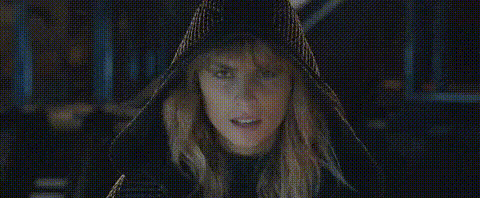
taylor-swift-surprised-expression-1
Overview
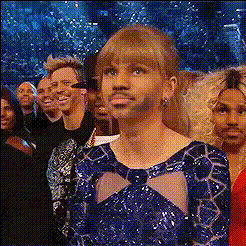
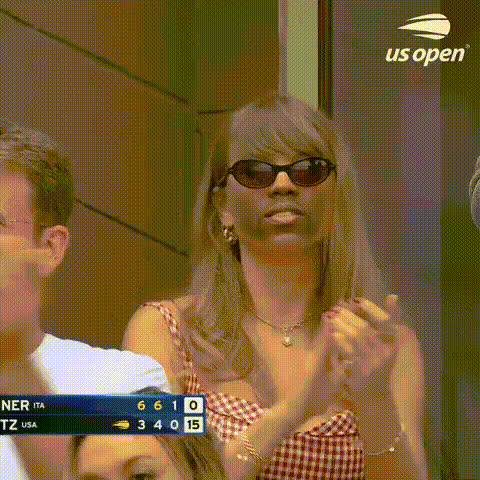
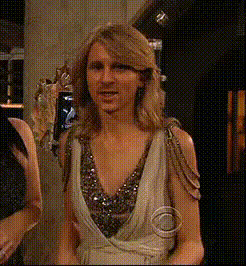
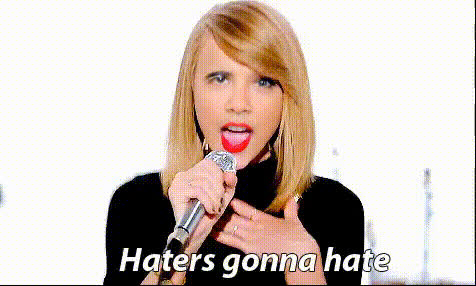
Bring a dynamic and engaging twist to your videos with the Taylor Swift Surprised Expression Video Face Swap template. Whether you're creating content for social media or delivering a standout presentation, this template offers a unique facial transformation experience. It's designed to overlay Taylor Swift's iconic surprised expression onto any video, making your content both captivating and memorable.
What It Does
This Video Face Swap template allows you to apply Taylor Swift's surprised expression onto the face of a subject in your video. Ideal for entertainment or promotional materials, it utilizes advanced facial recognition technology to ensure a seamless transformation. With support for various video formats, it integrates smoothly with other Face Swap processes.
Who It's For
This template is perfect for video creators, marketers, and social media influencers who want to add a touch of humor and surprise to their projects. Whether you're crafting social media ads or developing content for UGC campaigns, integrating a pop culture element can greatly enhance viewer engagement.
Summary
Incorporate Taylor Swift's surprised look into your videos for a fresh and entertaining effect. This template is easy to use and compatible with various video formats. Explore our other transformation tools like the Body Swap or the AI Voice Changer to experiment with more creative combinations.
How To
Choose Your Template

Customize Your Settings

Generate Your Video

Use Cases
Social Media Content
- Perfect for Instagram and TikTok
- Increase viewer engagement with surprising transformations
Marketing and Advertising
- Use in campaigns for a viral effect
- Pair with <a href="/products/ai-gif-generator">GIFs</a> for maximum impact
Video Entertainment Projects
- Ideal for parody videos
- Great for fan edits
Best Practices
Ensure Proper Lighting
Videos with good lighting conditions produce the best face swap results. This is crucial for maintaining image clarity.Align Faces Correctly
Make sure the face in your video is well-aligned; adjusting scaling settings can improve results.Explore Additional Effects
Combine this template with the AI Talking Photo tool to create even more dynamic content.