tamar-braxton-shocked-expression
Overview
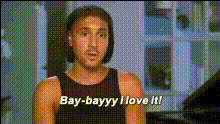
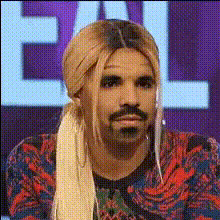
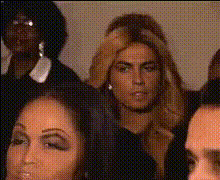
Add a dash of humor and surprise to your videos with the Tamar Braxton Shocked Expression template. This Video Face Swap tool allows you to overlay Tamar's iconic shocked look onto your video content, creating moments of hilarity that stand out.
What It Does
The template takes your selected video and integrates Tamar Braxton's facial expressions, specifically her shocked look, into it. By using our advanced AI Face Editor, this template provides a fluid and believable transformation that elevates the entertainment value of your content.
Who It's For
Ideal for video creators, social media influencers, and anyone looking to add a layer of comedy to their content. Whether you're working on TikTok, Instagram, or YouTube, this tool is perfect for injecting a memorable twist to engage your audience.
Summary
Embrace comedic transformation in your videos with this unique template. Use it alongside our tools like AI GIF Generator to expand your content's creative potential. Engage your audience and amplify your reach by swapping faces with an expression everyone will recognize.
How To
Choose Your Template

Customize the Details

Generate Your Video

Use Cases
Social Media Content
- Enhance TikTok skits
- Create hilarious reaction videos
- Drive engagement with unique expressions
Marketing Campaigns
- Boost ad creativity
- Draw attention to branding
- Increase shareability
Event Promotions
- Add humor to event recaps
- Make highlight reels pop
- Attract a wider audience
Best Practices
Select the Right Video
Ensure your video has a stable view of the face for optimal swapping results.Adjust Expression Placement
Use our tools to perfectly position the expression for natural-looking outcomes.Combine with Other Tools
Utilize with products like AI Image Generator to maximize visual impact across platforms.