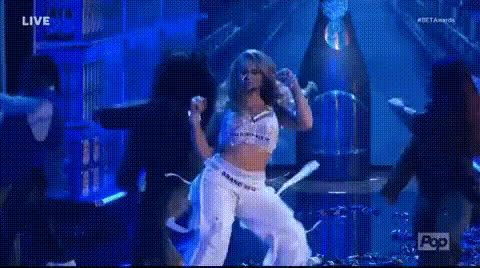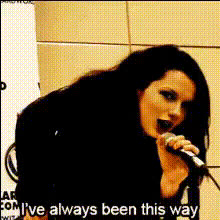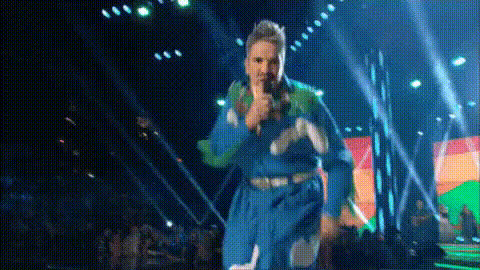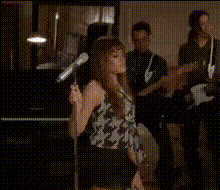
singer-charlotte-cardin-performing
Overview
Elevate your video projects with the Charlotte Cardin Performing Video Face Swap template. Designed to deliver captivating transformations, this template allows creators to integrate Charlotte Cardin's likeness into their content. From promotional videos to social media content, immerse your audience with authentic visuals and engaging performances.
What It Does
This Video Face Swap template enables users to replace any face in their video with the stunning and dynamic visuals of Charlotte Cardin. Perfect for projects needing a fresh twist and a touch of celebrity magic, the template leverages advanced A.I. to ensure high-definition and seamless integration.
Who It's For
If you're a content creator, marketer, or social media strategist aiming to enhance engagement and visual appeal, this template is for you. It's particularly useful for those in the music industry, looking to produce promotional content, or any creator aiming to harness the popularity of image-to-video transformations.
Summary
Incorporating the Charlotte Cardin Performing Video Face Swap into your toolkit opens doors to creative possibilities and audience immersion. Take advantage of high-quality face swapping to bring unique and compelling narratives to life. Explore more visuals transformations with our AI GIF Generator or refine your content using the AI Image Editor.
How To
Choose the Template

Customize Your Content

Generate and Download

Use Cases
Social Media Content
- Instagram Stories
- TikTok Videos
Promotional Videos
- Product Launches
- Event Promotions
Music Videos
- Lyric Videos
- Performance Enhancements
Ad Campaigns
- Facebook Ads
- YouTube Ads
Best Practices
Select High-Quality Source Material
Ensure your source video is high definition to achieve the best results with the face swap.Adjust Settings for Natural Integration
Fine-tune brightness and contrast settings to match lighting and shadow nuances between the source and Charlotte Cardin's video.Test on Short Clips
Run the face swap on shorter clips first to verify settings before applying to longer videos.