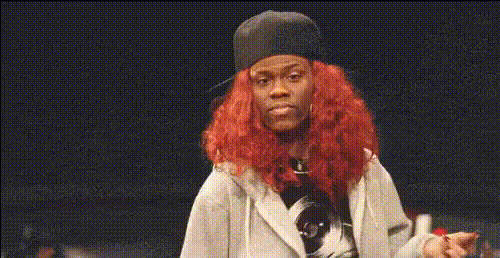
rihanna-dancing-in-studio
Overview
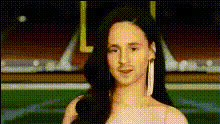
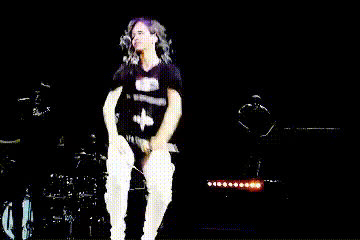
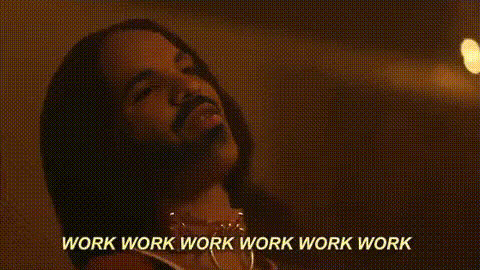
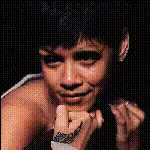
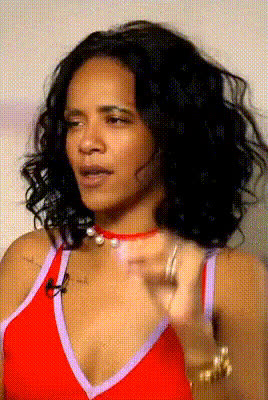
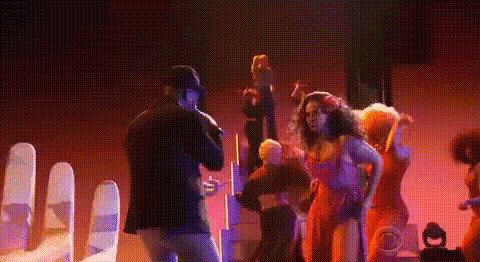
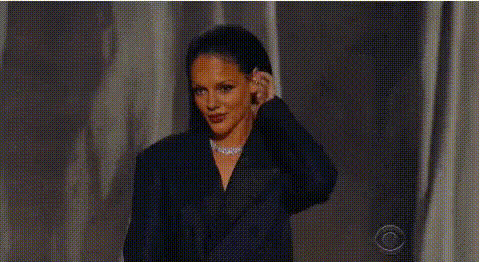
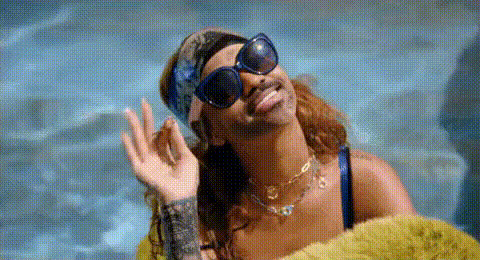
Transform your videos with the Rihanna Dancing in Studio template, an innovative Video Face Swap project that allows you to have fun by placing your own face onto Rihanna's dancing moves. This tool makes it easy to create personalized and entertaining content that is perfect for sharing on social media.
What It Does
This template lets you take any video where Rihanna is dancing in a studio and replace her face with yours, creating a high-quality video featuring your likeness. Using cutting-edge face swap technology, derive professional results with every use. The output is perfect for platforms that benefit from engaging visual content like Instagram, TikTok, and YouTube.
Who It's For
Ideal for content creators, social media influencers, or anyone looking to add a playful twist to their video content, this template is easy enough for beginners yet powerful for professionals. Whether you're producing videos for Social Media Ads or TikTok Videos, this template enhances creativity and engagement.
Summary
With the Rihanna Dancing in Studio template, you get a fun and intuitive way to generate viral video content. Leverage technology that transforms your clips by integrating them with humorous and engaging dance sequences. Try it today and see your audience interact with your creations like never before. Explore more possibilities with other products like our Face Swap and Image to Video tools.
How to Use
Choose the Template

Customize Your Input

Generate Your Video

Use Cases
Social Media Highlights
- Instagram Stories
- TikTok Challenges
- Facebook Reels
Personalized Video Messages
- Birthday Greetings
- Event Invitations
Brand Promotion
- Product Launches
- Ad Campaigns
Best Practices
Use High-Quality Images
Ensure that the images you upload are high-resolution to achieve the best results.Check Lighting and Angles
Matching lighting and angle of your image with the video will improve the natural look of the face swap.Explore Creative Edits
Experiment with color grading and filters using the AI Image Editor to enhance your output.