rihanna-at-grammy-awards
Overview
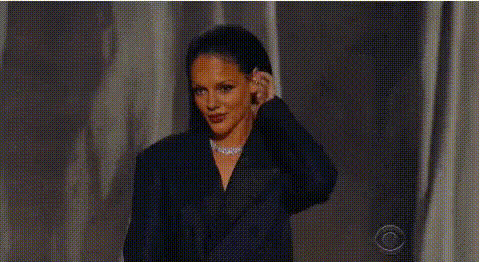
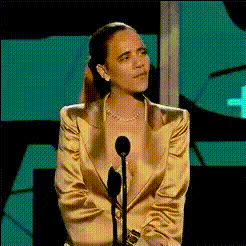
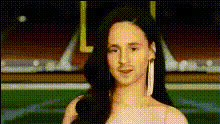
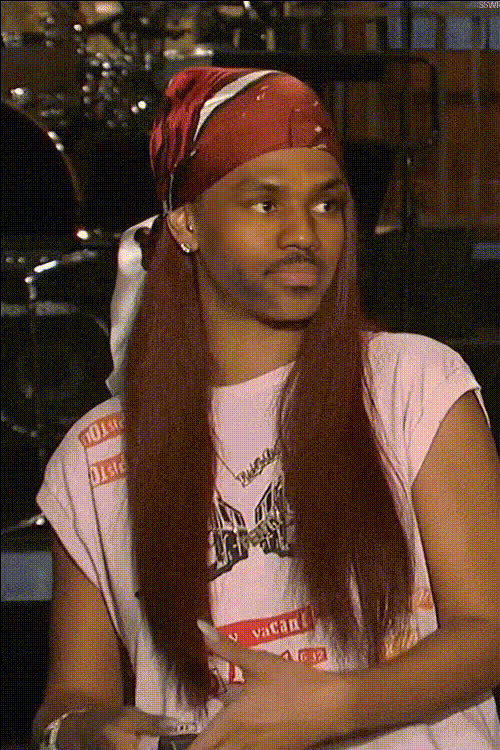
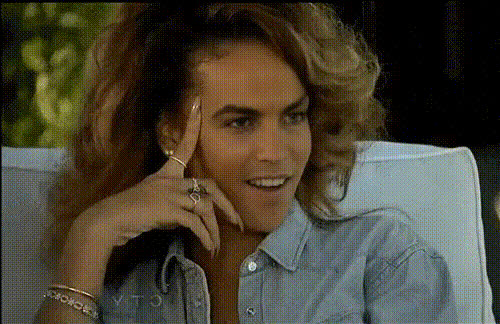
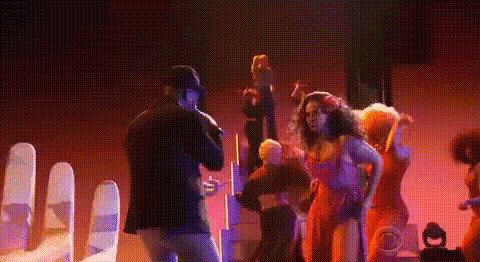
Step into the spotlight with our Rihanna at Grammy Awards Video Face Swap template. This tool lets you place faces into iconic Grammy scenes featuring Rihanna, opening pathways to unique video content creation. Capture attention with video transformations that impress.
What It Does
The Video Face Swap template skillfully replaces faces within a video, allowing you to become part of a star-studded event. Perfect for generating buzzworthy videos, the template accepts popular formats such as MP4 and MOV. Leverage our advanced face swap technology to create seamless, eye-catching clips.
Enhance the final look or pair this tool with the AI Image Editor to refine individual frames. For broader transformations, explore the AI Video Generator for additional creative layers.
Who It's For
This template caters to video content creators, influencers, and marketers eager to produce viral content. Social media managers can effectively use this tool to promote brands by creating shareable moments. Educators and trainers can also repurpose famous events to enhance engagement in learning materials.
Summary
Embrace the power of celebrity with the Rihanna at Grammy Awards Video Face Swap template. Ideal for creators looking to merge their content with iconic events, this template is an essential asset for anyone seeking to elevate their video projects.
Combine with tools like the Lip Sync for added realism or the AI Voice Changer to match sounds with swapped faces for a complete transformation.
How-To
Choose Template

Customize Inputs

Generate Video

Use Cases
Social Media Content
- Viral challenges
- Influencer marketing
Event Promotions
- Concerts
- Awards shows
Educational Videos
- History lessons
- Cultural studies
Best Practices
Select High-Quality Source Material
Ensure videos used are high-resolution for optimal face clarity and alignment.Adjust Lighting
Pay attention to lighting conditions in both the source video and the face image for a natural appearance.Combine Tools for Enhancement
Use tools like the AI Image Upscaler to boost resolution, ensuring crisp output for any platform.