rihanna-dancing-on-stage
Overview
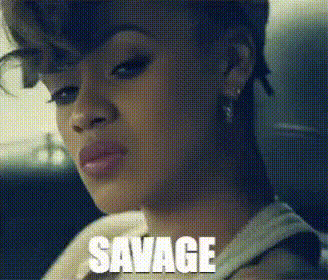
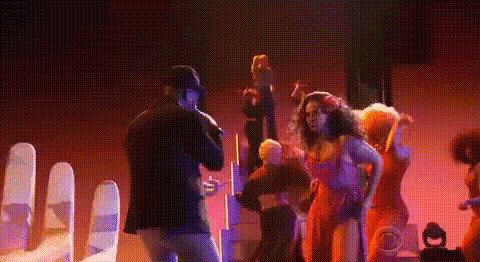
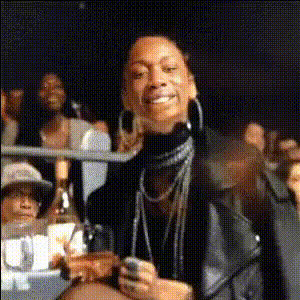
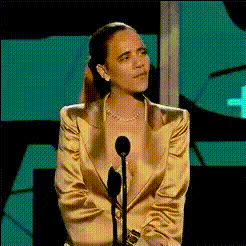
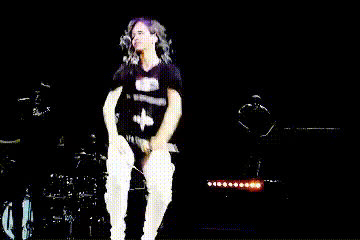
Step into the spotlight with our Video Face Swap template featuring the exhilarating "Rihanna Dancing On Stage" experience. This tool allows you to place your own or someone else's face onto a dynamic video of Rihanna's iconic performance, bringing personalized flair to a well-recognized scene. Easily craft content that's both entertaining and unique.
What It Does
This Video Face Swap template lets you engage with celebrity culture creatively. By swapping faces onto Rihanna's dance video, you create content that feels personal yet shares in the star's glamour. The result is a professionally edited video featuring realistic movements, perfectly synced to the original performance.
Ideal for creating compelling content for social media, this template works well in combination with other tools like the Face Swap feature and can be transformed further using the AI Image Editor.
Who It's For
This template is perfect for content creators, social media enthusiasts, and anyone looking to make their videos stand out. Whether you're making a fun post for TikTok or aiming for likes on Instagram, this template offers a creative edge.
Additionally, it’s an excellent choice for digital marketers aiming to engage audiences with celebrity-inspired content. Combine this with the AI Voice Changer to match voices with swapped faces effortlessly.
Summary
The "Rihanna Dancing On Stage" Video Face Swap template turns any video into a star-studded clip. It integrates well with several AI tools, offering endless creative possibilities for both personal enjoyment and professional content creation.
Explore our suite of transformation tools and find how you've always wanted to see yourself, from fun dances to stunning glamour.
How-To
Choose Your Template

Customize Your Inputs

Generate Your Video

Use Cases
Social Media Content
- Pose as Rihanna on stage
- Craft fun birthday wishes
Marketing Campaigns
- Dynamic ad content
- Engaging promotions
Personalized Gifting
- Customized birthday videos
- Unique anniversary greetings
Best Practices
Choose High-Quality Images
For the best results, use high-resolution images or videos for face swapping to ensure clarity and realism in the final product.Ensure Good Lighting
Proper lighting in the face source image enhances the quality of the swap, ensuring it matches the lighting conditions of the original video.Experiment with Tools
Combine this template with AI Image Upscaler and AI Video Generator for enhanced video quality and novel outcomes.