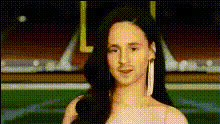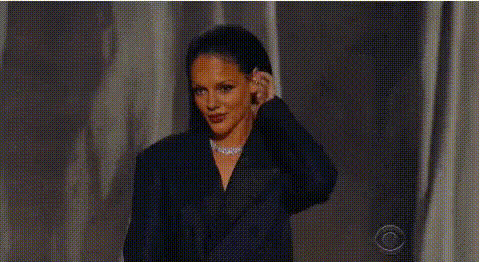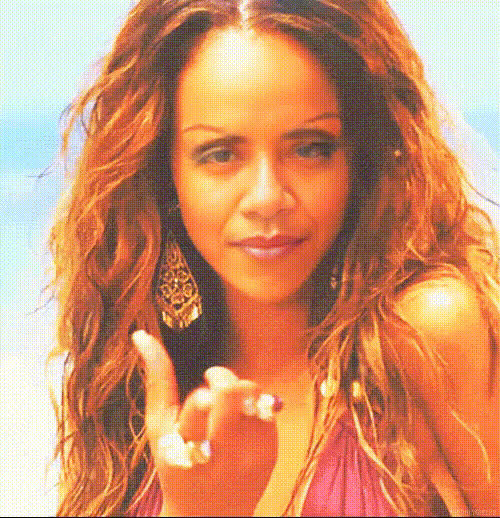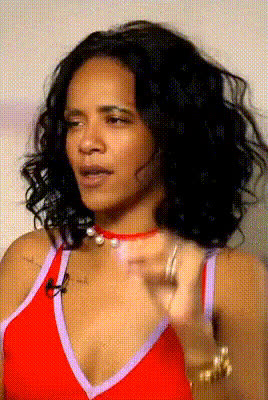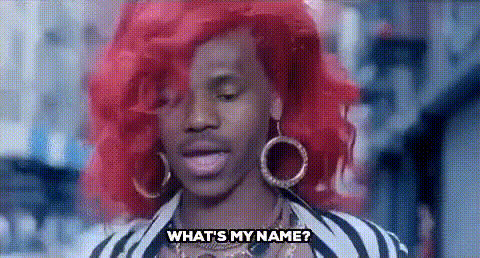
rihanna-close-up
Overview
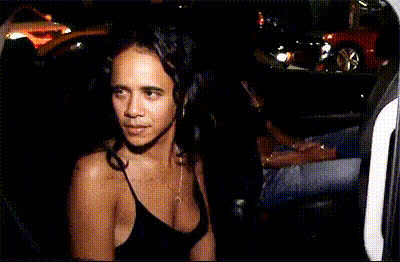
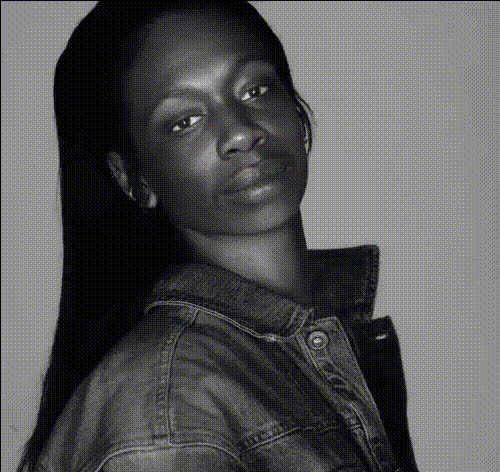
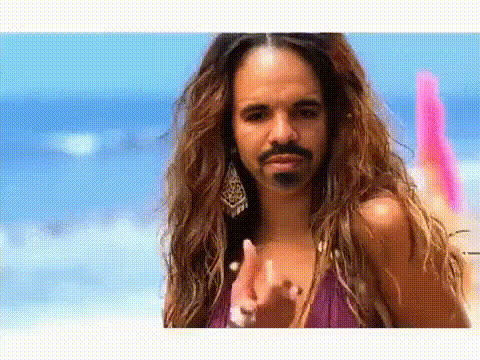
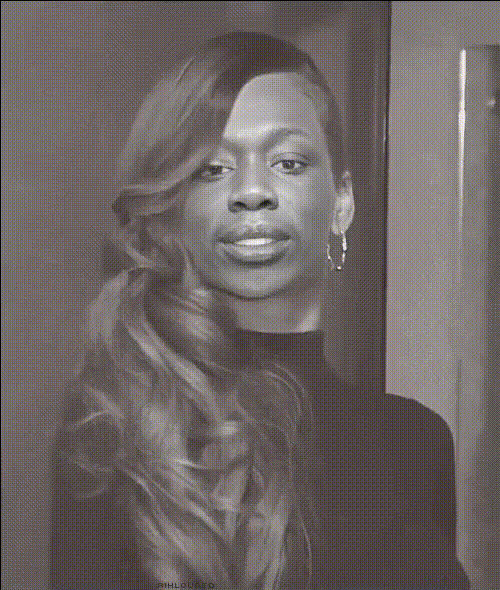
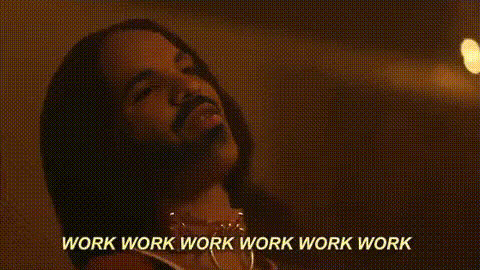
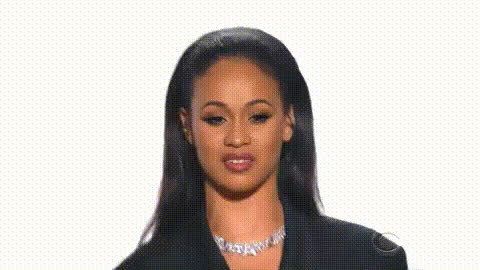
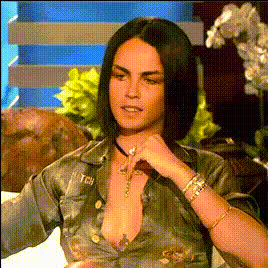
The Rihanna Close-Up template brings fun and style to your videos with an engaging Video Face Swap transformation. Reimagine your content by replacing any face in your footage with that of Rihanna. This template is perfect for creating meme videos, promotional clips, or just entertaining content.
What It Does
This template focuses on high-resolution face swapping, ensuring that the facial expressions and movements are natural and realistic. It works perfectly with close-up shots to preserve the intricate details of Rihanna's face. Dive into creative transformations with tools like our Face Swap and Image to Video products for even more options.
Who It's For
Designed for content creators, social media influencers, and marketers, this template makes it easy to add a celebrity touch to your projects. Whether you're working on personalized video ads or simply want to entertain your followers, the Rihanna Close-Up is an ideal choice.
Summary
The Rihanna Close-Up template is a powerful way to create eye-catching and entertaining videos through facial transformation. It's intuitive to use and integrates seamlessly with our suite of video enhancement tools, including the versatile AI Video Generator and Lip Sync technology.
How To
Choose the Template

Customize Your Content

Generate Your Video

Use Cases
Social Media Content
- Instagram stories
- TikTok reels
Marketing Campaigns
- Promotional videos
- Brand teasers
Personal Entertainment
- Birthday greetings
- Creative projects
Best Practices
Use High-Resolution Videos
To achieve the best results, ensure that your input video is of high quality to maintain sharpness after face swapping.Match Lighting Conditions
Align the lighting of your base video with the face you are using to create a more natural look.Leverage Editing Tools
Consider using the AI Image Editor to tweak and refine your video post-processing.