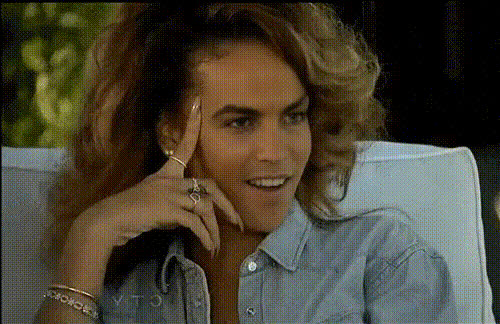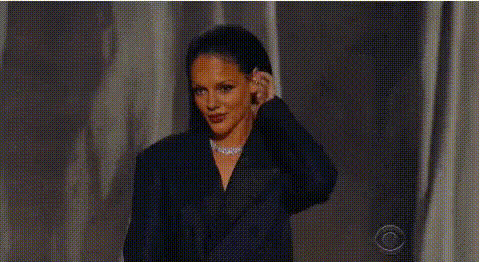
rihanna-face-closeup
Overview
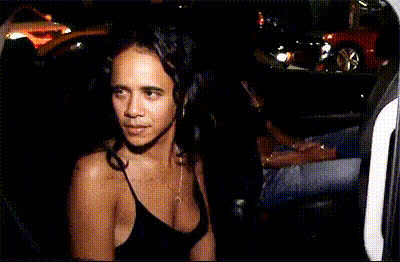
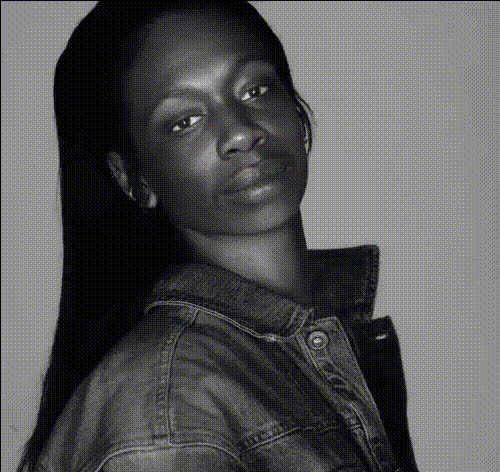
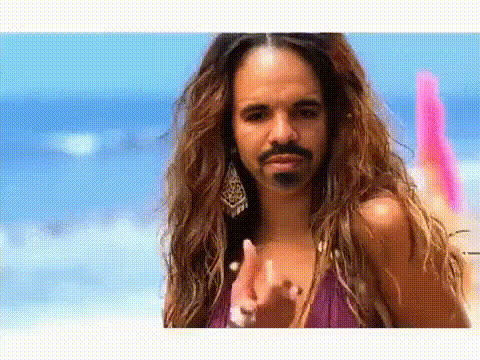
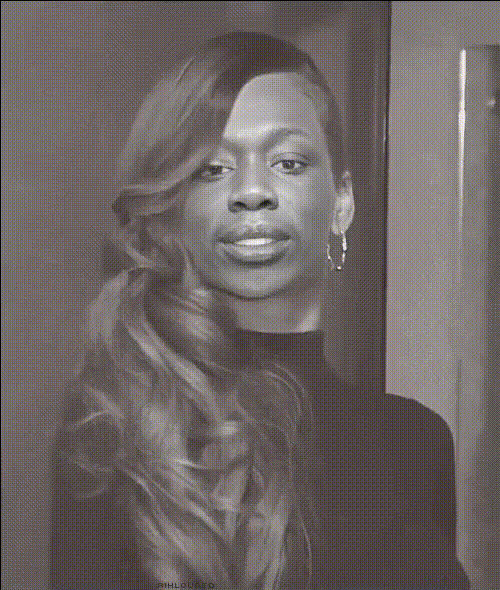
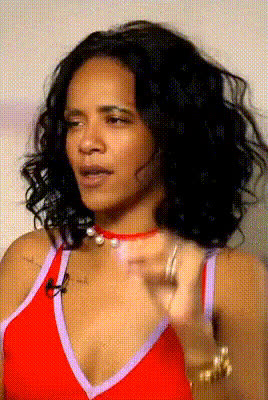
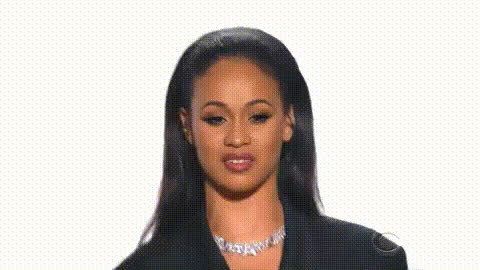
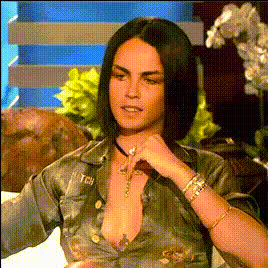
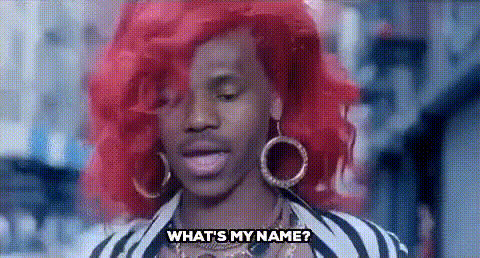
Step into the spotlight with our Rihanna Face Close-Up template, a powerful tool for adding a touch of celebrity glamour to your videos. This Video Face Swap template allows you to seamlessly incorporate Rihanna's iconic features into your projects, creating unique content that captivates and entertains.
What It Does
The Rihanna Face Close-Up template utilizes advanced video face swap technology to integrate Rihanna’s facial characteristics onto subjects in your videos. Perfect for creators seeking to produce vivid and stylish edits, this template maintains high-quality resolution to ensure your output remains impeccable. Pair it with the Face Swap tool for expanded capabilities.
Who It's For
This template is ideal for video editors, content creators, and social media marketers looking to enhance their projects with celebrity allure. Whether you're producing promotional videos, meme content, or engaging social media reels, the Rihanna Face Close-Up template offers the creative edge you need. Explore how it can complement your projects alongside the Image to Video and AI Talking Photo products.
Summary
Transform your video content with the Rihanna Face Close-Up template. Perfect for adding a celebrity twist to your output, this tool ensures engaging and standout results suitable for a wide range of uses. Leverage the powerful face swap capabilities and explore how it integrates with other tools like the Lip Sync product for layered, dynamic content creation.
How To
Choose Your Template

Customize Your Inputs

Generate Your Video

Use Cases
Social Media Content
- Instagram Reels
- TikTok Challenges
Marketing Campaigns
- Ecommerce Ads
- Product Launch Teasers
Creative Projects
- Music Video Edits
- Fan Videos
Best Practices
High-Resolution Source
Use high-resolution videos to ensure the swapped face details are clear and sharp.Good Lighting Conditions
Ensure your source video is well-lit to enhance the face matching accuracy.Combine with Other Tools
For added effects, use the AI Image Editor to adjust and enhance background settings.