rebecca-ferguson-singing-on-tonight-show
Overview
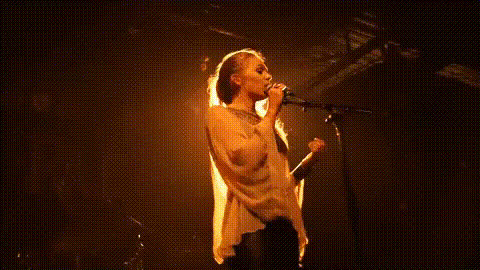
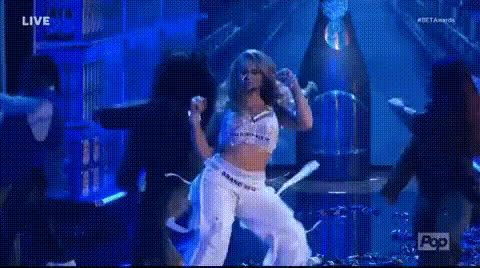
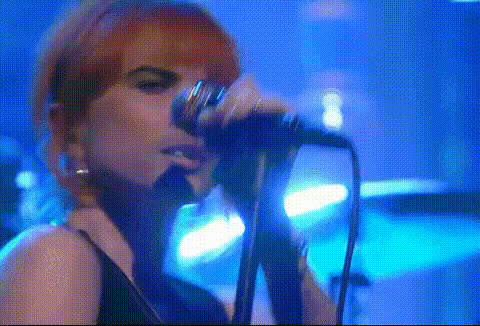
Step into the spotlight with the Rebecca Ferguson Singing on Tonight Show video face swap template. Inspired by the electrifying atmosphere of a live performance, this template lets you or anyone else take center stage, swapping faces with the popular artist during her catchy performance. Ideal for creating fun, shareable videos, this template brings the feel of a live show right to your screen.
What It Does
The template allows users to swap faces in the video with precision, emulating Rebecca Ferguson's appearance on the Tonight Show. Perfect for those looking to transform mundane moments into memorable experiences. It's compatible with popular video formats and integrates smoothly with other Magic Hour AI Video Generator products.
Pair it with the AI Voice Changer to modify audio, or combine it with the AI Talking Photo product for a truly personalized video creation experience.
Who It's For
This template is perfect for content creators, music fans, or anyone looking to inject some fun into their social media feeds. Whether you're a veteran creator or new to video editing, the intuitive design is accessible to all skill levels. Businesses can also use this template for unique promotional content in social media ads.
Summary
With this template, creating impressive face swap videos inspired by the Tonight Show is incredibly simple. It's designed for intuitive use, allowing you to customize and generate engaging content quickly. Dive into the world of video transformations and explore creative possibilities with other tools like the Image to Video feature.
How To
Choose Template

Customize Inputs

Generate Video

Use Cases
Social Media Engagement
Fan Tributes
Event Promotions
Best Practices
Use High-Quality Images
For the best results, use clear, high-resolution images that match the video's lighting conditions.Optimize for Platforms
Adjust the video format and duration to fit specific social media platform requirements for optimal viewing.Experiment with Other Tools
Blend video with complementary tools like the AI Image Upscaler for enhanced quality.