paul-rudd-high-five
Overview
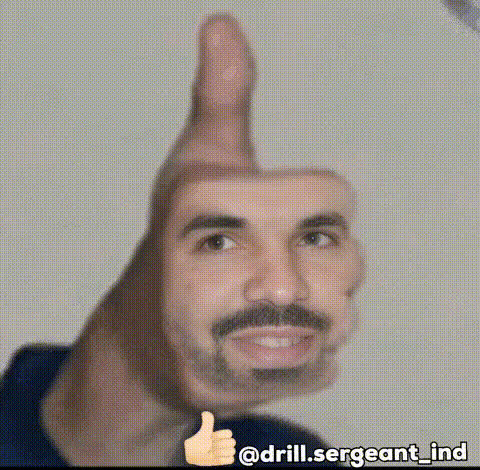
Effortlessly transform your videos with our "Paul Rudd High Five" template, a delightful Video Face Swap experience that's perfect for creating comedic and unforgettable content. With just a few clicks, you can put a fresh face on familiar scenes and upgrade your video creation toolbox. This template is designed to be user-friendly and efficient, catering to creators of all skill levels.
What It Does
The "Paul Rudd High Five" template offers an engaging way to swap faces in video content, bringing humor and surprise to the forefront. By using this template, you can superimpose different faces over the original characters, creating entirely new dynamics. Designed to integrate with the robust AI Video Generator, it ensures seamless transitions and realistic results for your video projects.
Who It's For
This template is ideal for anyone looking to add a comedic twist to their videos. Content creators, social media influencers, and marketers can use it to generate engaging, shareable content quickly. Whether you're enhancing personal projects or crafting unique social media ads, this tool is perfect for creating memorable and engaging visuals.
Summary
Incorporate the "Paul Rudd High Five" template into your projects to elevate your creative repertoire. With its intuitive AI Image Editor integration and user-friendly interface, you'll craft videos that not only entertain but also leave lasting impressions. This template makes it easy to deliver a polished final product with the charm and humor needed to capture any audience.
How To
Choose the Template

Customize Your Video

Generate Your Video

Use Cases
Social Media Engagement
- Increase follower interaction
- Boost engagement metrics
- Create memorable brand moments
Marketing Campaigns
- Enhance advertising campaigns
- Tailor content for specific audiences
- Leverage the appeal of celebrity faces
Personal Projects
- Spice up personal footage
- Create memorable gifts or keepsakes
- Share laughs with friends and family
Best Practices
Choose High-Quality Source Material
For the best results, always use high-resolution videos for face swaps. This ensures clearer swaps and a more professional look.Refine Facial Details
Utilize the AI Face Editor to adjust facial features precisely for a more natural and seamless swap.Preview Before Publishing
Always preview your video after generating to ensure everything aligns perfectly and matches your expectations before sharing.