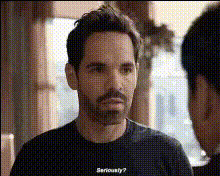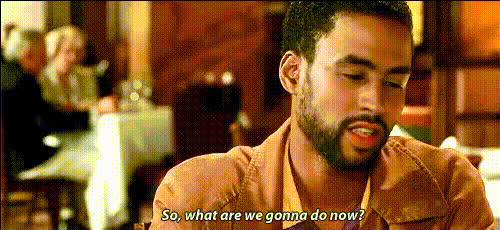
paul-giamatti-smiling-on-stage
Overview
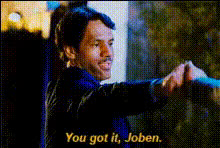
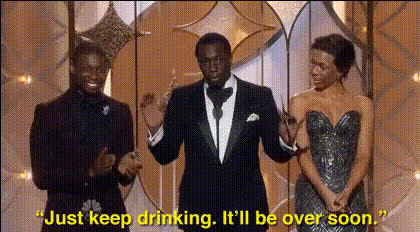
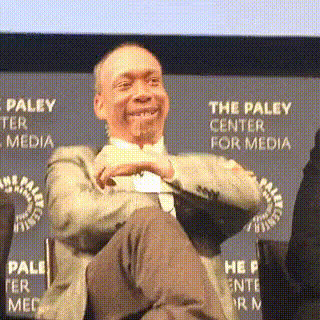
Our Video Face Swap template featuring Paul Giamatti smiling on stage lets you craft hilarious and engaging videos. Use this template to transpose faces onto the renowned actor, creating fun and viral content effortlessly. Ideal for creators looking to add a twist of humor to their projects.
What It Does
This template leverages advanced face swapping technology to replace a subject's face on video with Paul Giamatti's. Perfect for creating believable yet humorous transformations, it works well for generating content that can take center stage on platforms focusing on short and viral clips.
For more extensive video transformations, explore our Video Face Swap product. If still images are more your style, try the GIF Face Swap option for quick edits.
Who It's For
Creators involved in social media ad campaigns, video content for meme videos, and those crafting vivid UGC ads will find this template invaluable. It's designed for anyone aiming to create humorous, shareable content that captures attention on digital platforms.
Summary
Transform your videos by incorporating Paul Giamatti's iconic smile on stage. This template opens new avenues for fun and creative expression in video content creation. Check out the AI Talking Photo products for more dynamic facial transformations, or explore the Body Swap tool for full-body content ideas.
How-To
Choose Your Template

Customize Your Video

Generate Your Swap

Use Cases
Social Media Content
- Increase engagement with humorous content
- Attract more followers with shareable posts
Viral Video Campaigns
- Capitalize on trends through eye-catching content
- Boost brand visibility with memorable videos
Meme Creation
- Tap into existing meme templates with a fresh twist
- Entertain audiences with culturally relevant content
Best Practices
Ensure High-Quality Inputs
Use videos with clear faces and good lighting for the best swap results.Experiment with Angles
Try different angles and lighting in the source video to see what works best with the swap.Review and Edit
Always review the output before sharing and make adjustments as necessary to ensure the swap looks natural.