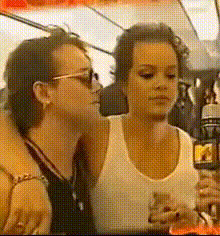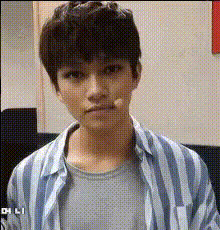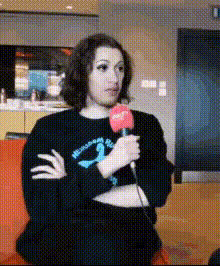
Man Talking On Microphone
Overview
The Man Talking On Microphone template offers a unique Video Face Swap experience, allowing you to replace the face of a man speaking into a microphone with ease. This is an excellent tool for content creators looking to add a humorous or surprising twist to their videos. Utilized alongside our Video Face Swap technology, it provides high-quality, entertaining results.
What It Does
This Video Face Swap template enables users to overlay a different face onto a man talking on a microphone. It synchronizes lip movements and expressions to ensure the swapped face matches the original speaker's actions. Combine this with other tools like the Lip Sync feature for even more seamless video projects.
Who It's For
Whether you're a video editor, social media content creator, or part of a marketing team, this template is designed for anyone seeking to infuse creativity into their video projects. It's especially beneficial for those producing content for meme videos or engaging social media posts.
Summary
The Man Talking On Microphone template is part of Magic Hour's robust suite of video editing tools. By leveraging our AI Image-to-Video capabilities, it ensures high-fidelity face swaps suitable for professional or entertainment-focused projects.
How to Use
Choose Template

Customize Your Content

Generate Your Video

Use Cases
Social Media Content
- Create engaging posts for platforms like TikTok and Instagram
Marketing and Promotions
- Enhance advertisements and promotional videos
Video Editing and Creativity
- Experiment with video sketches and narratives
Best Practices
Select High-Quality Images
Ensure that the face image you use for swapping is clear and well-lit for the best results.Match Expressions and Movements
Choose an image where facial expressions are similar to those in the video for natural-looking swaps.Combine with Other Tools
Use our AI Voice Changer if you want to alter the audio to match the new face.