Man At Press Conference 1
Overview
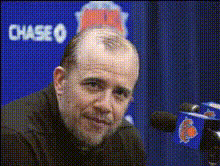
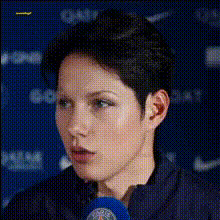
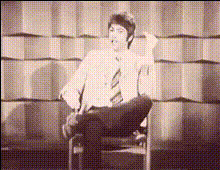
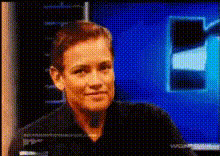
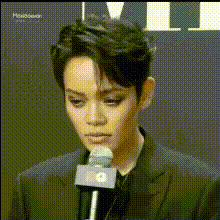
The Man At Press Conference 1 template is a dynamic tool that lets you create engaging video transformations using face swap technology. Ideal for producing entertaining content, this template allows you to superimpose any face onto a speaker at a press conference, adding a unique twist to your projects.
What It Does
This template utilizes advanced video face swap capabilities to replace the original speaker's face with a new one, maintaining natural expressions and movements. The result is a personalized video that feels both professional and amusing. Leverage this tool to create viral content or personalized messages that captivate viewers.
Who It's For
Content creators, marketers, and social media influencers will find this template particularly beneficial. Whether you are crafting social media ads, producing viral content, or developing branded messages, this tool offers a creative edge. It's also a fantastic resource for video enthusiasts looking to explore fun transformations and gimmicks.
Summary
The Man At Press Conference 1 template is your gateway to standout video content. By allowing the replacement of faces in live-action scenes, it creates room for creativity and novelty. Pair this with other transformative tools like the Face Swap and Image to Video creators to expand your video possibilities.
How to Use
Choose Your Template

Customize Your Input

Generate and Share

Use Cases
Social Media Engagement
- Increase followers with entertaining videos
- Engage your audience with creative expressions
Marketing Campaigns
- Create relatable ad campaigns
- Influence potential customers with unique content
Event Promotions
- Create buzz ahead of an event
- Add an element of surprise to promotions
Best Practices
Choose High-Quality Images
Ensure that face images are of high resolution and well-lit to improve the quality of the face swap.Maintain Consistent Lighting
For best results, match the lighting of the face image with that of the original video.Test Various Expressions
Experiment with different expressions to find the best fit for the speaker's movements.