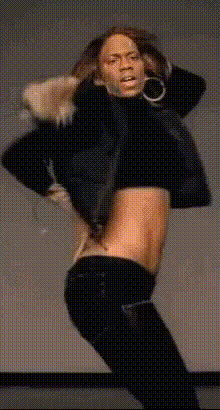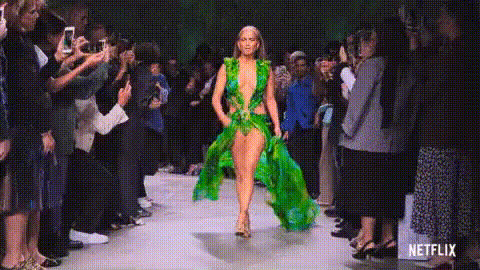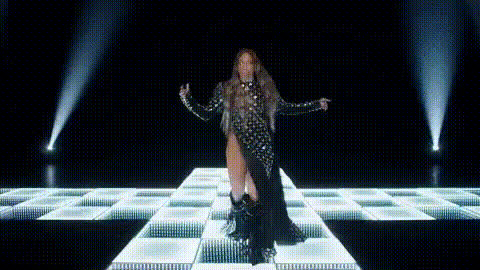
Jennifer Lopez In White Suit
Overview
Step into the world of glamour with the Jennifer Lopez In White Suit Video Face Swap template. This unique template allows you to replace a face in any video with the iconic style of Jennifer Lopez wearing a stunning white suit. Ideal for creating engaging video content, it brings celebrities into your personal or creative projects to capture attention and drive engagement.
What It Does
This Video Face Swap template enables users to swap a face in any video with that of Jennifer Lopez in a white suit. The technology integrates smoothly with video editing tasks, making it suitable for both professional content creators and hobbyists. This transformation is exemplary for creating visually dynamic content that stands out in social media feeds and other digital platforms.
Who It's For
The template is perfect for social media advertisers, aspiring filmmakers, and content creators looking to enhance their videos with a touch of celebrity appeal. It is also an excellent choice for those involved in user-generated content campaigns or anyone aiming to produce unique, viral videos with a quick turnaround.
Summary
Utilizing the Jennifer Lopez In White Suit template is a straightforward way to add star power to your videos. Combine this with tools like the Face Swap and AI Video Generator to enhance and diversify your content offerings. This template promises a professional finish that captivates audiences and elevates the standard for creative projects.
How to Use
Choose the Template

Customize Your Video

Generate the Final Video

Use Cases
Social Media Content
- Celebrity-themed challenges
- Interactive posts with followers
Marketing and Promotions
- Ad campaigns featuring celebrity likeness
- Promotional videos with a twist
Creative Video Projects
- Short films and web series
- Music videos featuring iconic appearances
Best Practices
High-Quality Source Material
Use high-resolution videos to ensure the face swap looks realistic and smooth.Ensure Proper Lighting
Good lighting in your footage will enhance the facial swap, making it more convincing.Test Different Angles
Experiment with different video angles to see which works best with the face-swapping algorithm.