Jennifer Lopez On Stage
Overview
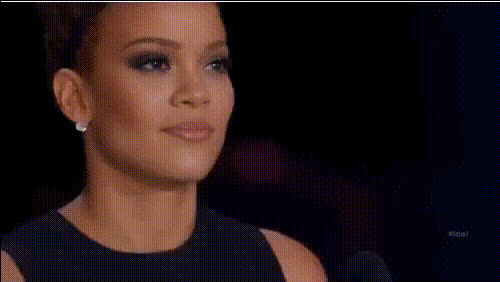
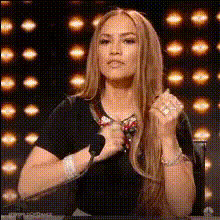
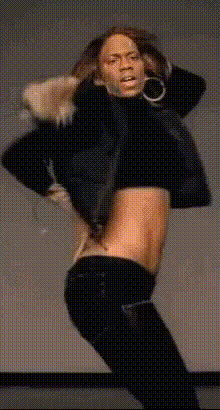
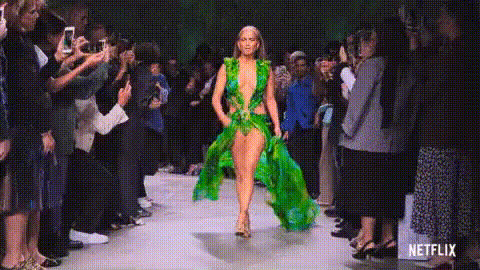
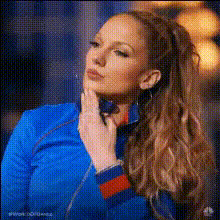
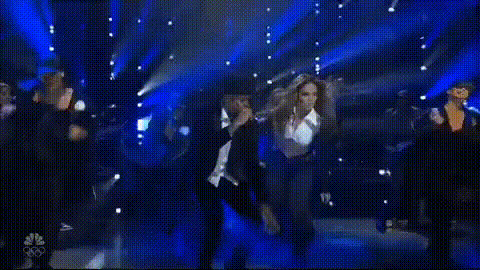
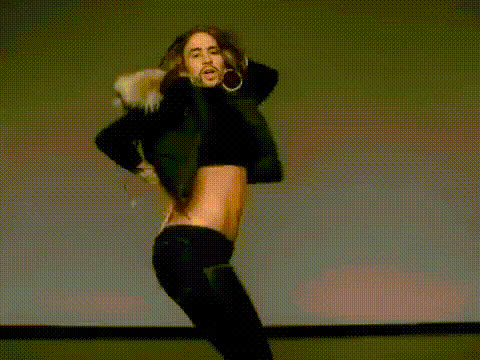
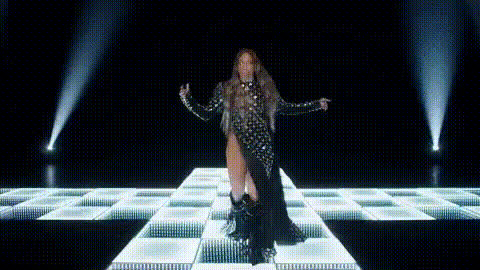
The Jennifer Lopez On Stage template offers a fun way to put yourself in the spotlight by swapping your face with the iconic Jennifer Lopez in a performance setting. Ideal for creators looking to generate buzz or add a touch of glamour to their content, this template supports popular video formats for easy integration into your projects.
What It Does
This Video Face Swap template seamlessly integrates your facial features onto Jennifer Lopez's face in a pre-existing video of a stage performance. It uses advanced AI modeling to ensure realistic and convincing transformations, maintaining natural motion and facial expressions. You can further enhance your output by integrating it with the AI Voice Changer to match your voice with your swapped persona, creating a fully immersive experience.
Who It's For
This template is crafted for social media influencers, content creators, and fans of Jennifer Lopez. If you're working on a TikTok video, promotional clip, or simply want to add a celebrity twist to a personal project, this tool makes it easy. No advanced editing skills are required, making it accessible for both beginners and seasoned creators.
Summary
With the Jennifer Lopez On Stage template, capturing the excitement and star-power of a true icon is within your reach. Combine this face swap with other tools like the AI Image Editor to further customize backgrounds or adjust visual elements. Perfect for crafting standout content quickly and effectively.
How-To
Select Template

Adjust Inputs

Create Video

Use Cases
Social Media Content
- Trend-based video clips
- Challenging dance routines
Entertainment Projects
- Parody videos
- Fan tribute compilations
Marketing and Promotions
- Launch campaigns
- Product endorsements
Best Practices
Choose High-Quality Photos
For the best results, use high-resolution photos that clearly show your facial features to enhance the accuracy of the face swap.Match Lighting Conditions
Select photos where the lighting matches the original video to ensure seamless blending.Refine with AI Editor
Utilize the AI Image Editor for any final touches, such as adjusting colors or refining edges.