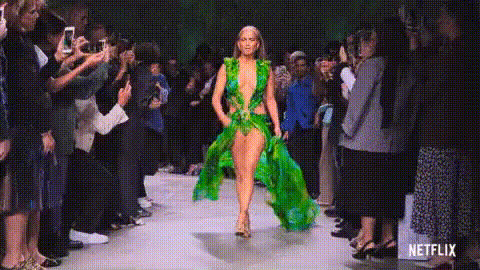
Jennifer Lopez On Catwalk
Overview
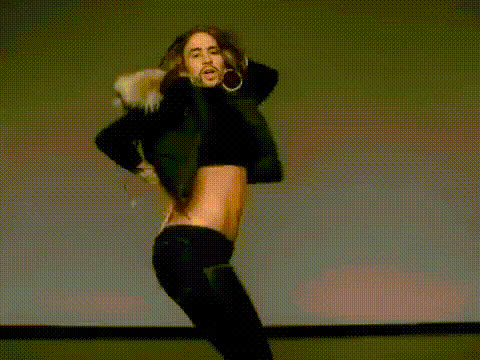
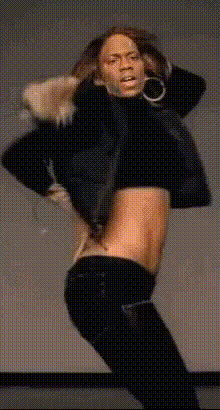
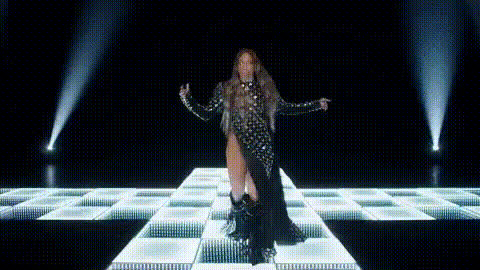
The Jennifer Lopez On Catwalk template brings the star-studded glamour of a high-profile fashion show to your videos. This Video Face Swap template seamlessly integrates Jennifer Lopez's face into your chosen video, offering a high-impact way to transform your content.
Ideal for creators looking to elevate their visual projects with the glitz of a celebrity presence, this tool is both easy to use and highly effective. Combined with other tools like the Face Swap Video and AI Video Generator, it becomes even more powerful.
What It Does
This Video Face Swap template allows you to replace faces in your video content with that of Jennifer Lopez. The process involves a simple input of your original video, enabling a transformation where Lopez's iconic look animates through your footage.
When used in conjunction with the AI Voice Changer, you can also modify voiceovers to match the new visual identity. Enhance the appeal with realistic detail and expressions, giving your audience a unique viewing experience.
Who It's For
This template is perfect for social media influencers, video content creators, and marketers aiming to produce engaging and high-quality content. Fashion brands and entertainment agencies can leverage this to produce memorable promotional videos.
By pairing this with tools like the Image to Video converter and the AI Talking Photo product, you can craft a consistent and compelling brand narrative across different media platforms.
Summary
The Jennifer Lopez On Catwalk video face swap template allows for the effortless integration of a celebrity face into your video content, delivering a polished and attention-grabbing visual appeal.
Explore more creative avenues by integrating this with other advanced features like the AI Video Extender or the Lip Sync product to maximize the impact of your video projects.
How To Use
Choose the Template

Customize Your Input

Generate Your Video

Use Cases
Social Media Engagement
Marketing Campaigns
Entertainment Content
Best Practices
Lighting and Framing
Ensure your original video has good lighting and clear framing for the best swapping results.Facial Angles
Choose video clips where the subject's face is mostly visible for accurate swapping.Combine with Other Tools
Utilize tools like the AI Image Editor to refine and enhance swapped videos.