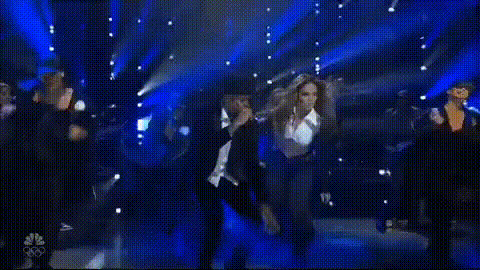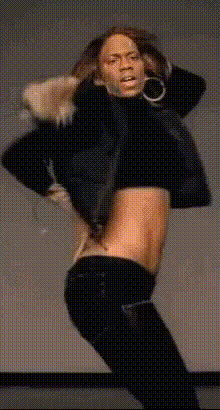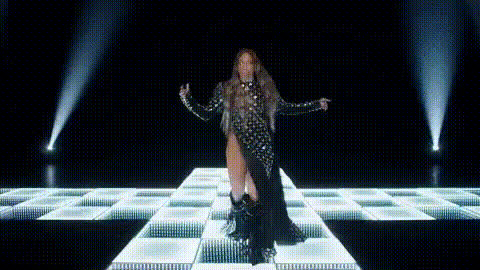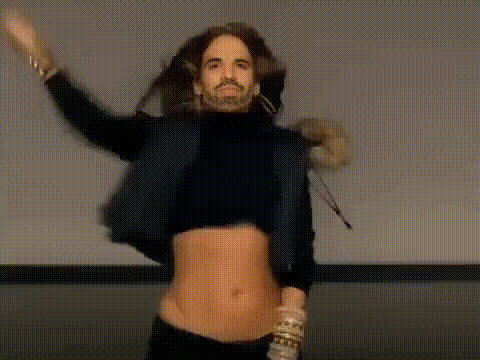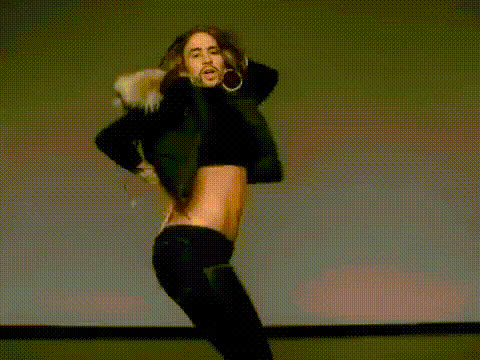
Jennifer Lopez Dancing On Stage
Overview
The Jennifer Lopez Dancing On Stage template is a dynamic Video Face Swap tool tailored for creators looking to infuse their projects with celebrity charm. By swapping Jennifer Lopez's face into your video, you open up new avenues for creative, viral content.
What It Does
This template allows you to place Jennifer Lopez's face onto any dancer in your video clips, creating an illusion of the superstar performing whatever moves you capture. Simply upload a video, apply the face swap, and let AI technology handle the rest, delivering a video that’s ready to turn heads on platforms like TikTok and Instagram.
Who It's For
Perfect for social media managers, influencers, and content creators striving to boost engagement. This tool is not just for fans of Jennifer Lopez, but for anyone looking to add a touch of celebrity to their viral content strategy. It’s also great for marketers aiming to create catchy promotional videos for brand campaigns.
Summary
Enhance your video content by adding a celebrity twist with the Jennifer Lopez Dancing On Stage template. Ideal for entertaining clips and social media engagement, it provides a fun way to transform your footage using advanced face swap technology. Check out related tools like AI GIF Generator and Image to Video for more creative possibilities.
How To
Choose Your Template

Customize Your Video

Generate and Download

Use Cases
Social Media Engagement
Entertainment
Marketing Campaigns
Best Practices
Ensure Good Lighting
Great lighting in the original video ensures the face swap looks more natural and convincing.Opt for Clear Front Shots
Choose clips where the dancer's face is clearly visible and frontal for the most effective transformation.Use Short Clips
Shorter clips render faster and maintain viewer interest, especially on social media.