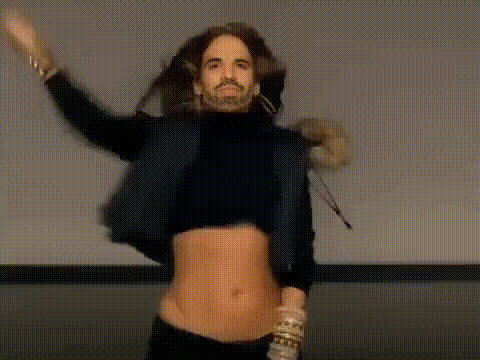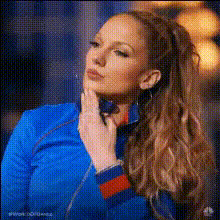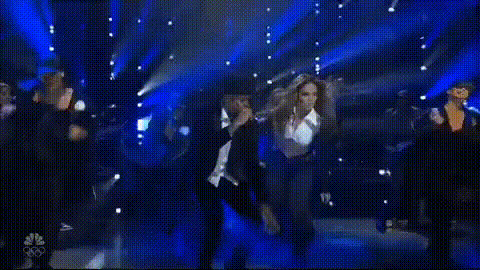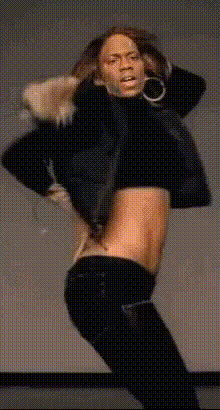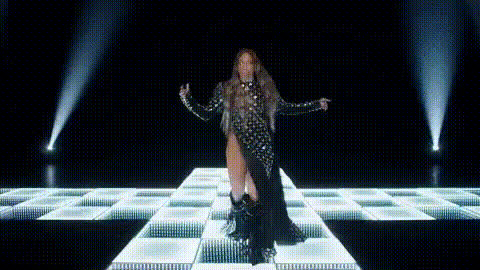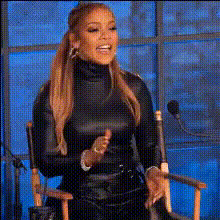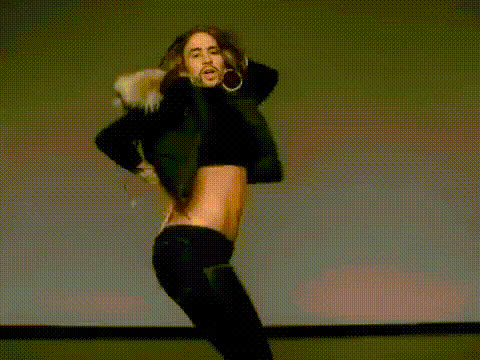
Jennifer Lopez Dancing Sexy
Overview
The Jennifer Lopez Dancing Video Face Swap template allows you to create engaging content by swapping your face with that of the pop icon during one of her iconic dance routines. This tool is perfect for generating viral-worthy videos that capture attention and boost engagement on social media.
Easily accessible and user-friendly, this template provides creatives with a fantastic opportunity to harness AI-driven transformations for creative video production. To further enhance your creations, consider exploring other related features like the AI Image Editor or AI GIF Generator for complementary options.
What It Does
By using this Video Face Swap template, you can overlay your facial expressions onto Jennifer Lopez's moves with precision. The template blends facial features seamlessly, maintaining natural movement synchronization for an authentic feel. File outputs are available in popular video formats suitable for social media sharing.
To explore more AI-driven transformations, check out the Head Swap or AI Video Generator that offer additional creative possibilities.
Who It's For
This template is ideal for content creators, influencers, and social media managers looking to produce captivating video content. It's also a great tool for fans and entertainment enthusiasts wanting to insert themselves into their favorite celebrity scenes.
Whether you're aiming to increase your following or entertain your audience with unique content, this template is designed to provide professional-grade results with minimal effort.
Summary
With the Jennifer Lopez Dancing Video Face Swap template, creating eye-catching and entertaining videos becomes straightforward. Leverage this technology to engage your audience and supplement your content strategy with fresh, innovative video transformations.
Consider integrating other tools like the AI Voice Changer to add a unique audio touch to your videos, complementing the visual effects created with this template.
How To
Choose Your Template

Customize Your Face Swap

Generate and Download

Use Cases
Social Media Content
- Instagram reels
- TikTok videos
- Facebook stories
Entertainment
- Fan edits
- Personal tribute videos
Marketing Campaigns
- Brand collaborations
- Viral marketing
Best Practices
Use High-Quality Images
Ensure your face image is high-resolution for the best results. Low-quality images might not align seamlessly with the video.Positioning is Key
Carefully adjust the face position so that it aligns with the angles and motions of the dancing sequence.Optimize for Social Media
Select a video format most suitable for the platform you are targeting, ensuring it meets the platform’s requirements.