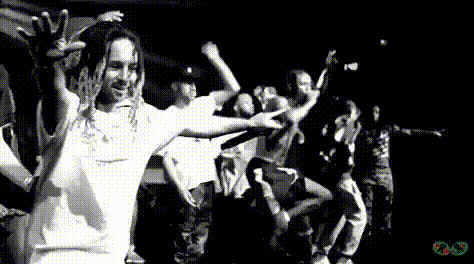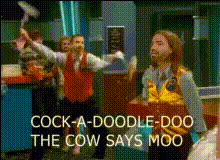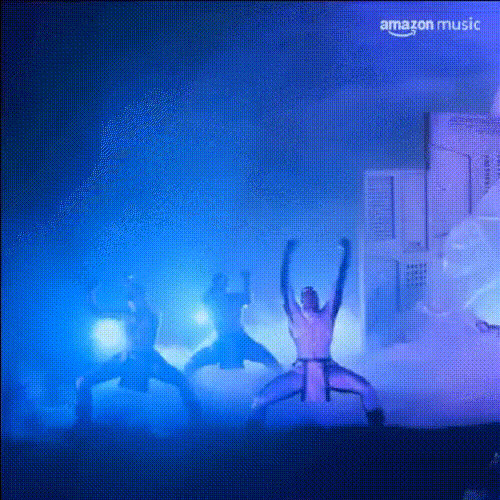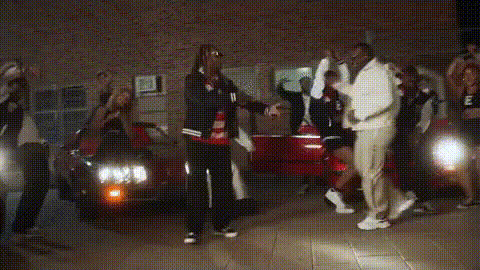
Hannah Montana Concert Scene
Overview
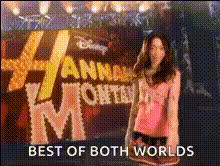
Step into the spotlight with the Hannah Montana Concert Scene template, a unique Video Face Swap experience that lets you embody the pop star life. Ideal for creators looking to add a fun twist to their videos, this template switches your face with Hannah Montana during a dynamic concert performance.
What It Does
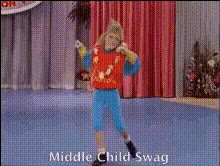
This Video Face Swap template expertly replaces faces in a concert scene, putting you in the place of Hannah Montana herself. The template uses advanced AI technology to ensure a lifelike swap, keeping the original video's dynamic concert hall setting and lighting intact for added realism.
Whether you're using it to amuse friends or create unique social media content, this tool simplifies complex video edits into just a few clicks.
Who It's For
The Hannah Montana Concert Scene is perfect for fans of the star looking to fulfill their performance dreams, as well as for social media influencers aiming to capture attention with engaging content. It's also an exciting tool for content creators producing parody videos or testing visual effects techniques.
Summary
Transforming yourself into a pop star has never been easier with the Hannah Montana Concert Scene template. Perfect for fun, creative projects, this Video Face Swap tool offers users the chance to star in their own concert experience, efficiently achieving professional-looking transformations.
Explore more features like this on our Video Face Swap product page or discover similar transformations with the Face Swap and Body Swap tools.
How To
Choose the Template

Customize Your Swap

Generate Your Video

Use Cases
Social Media Entertainment
- Instagram reels
- TikTok challenges
- Facebook stories
Fan Parodies
- YouTube parodies
- Fan tribute content
Personalized Greetings
- Birthday messages
- Special announcements
Best Practices
Choose High-Quality Photos
For the most accurate and realistic swaps, ensure the uploaded photo is of high resolution and evenly lit.Experiment with Angles
Try different head angles in your input photo to match the video subject closely for better swaps.Preview Before Finalizing
Utilize the preview feature to adjust any small details before finalizing your video to ensure satisfaction with the end product.