tv-show-scene-1
Overview
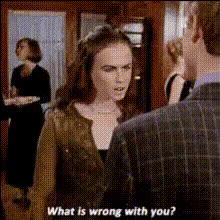
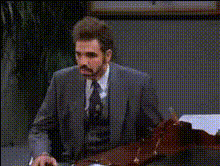
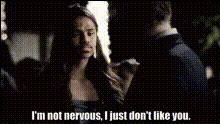
With the TV Show Scene 1 Face Swap template, you can revolutionize your video content by swapping faces in classic TV scenes. This tool is perfect for injecting humor or creating personalized versions of your favorite shows. Combine it with the Face Swap capabilities to generate entertaining content that grabs attention.
What It Does
This template allows you to insert different faces into TV show scenes, producing videos that can range from funny to surreal. Leveraging advanced algorithms, it ensures the new face integrates naturally with the scene's lighting and movement. For refined transformations, explore related tools like the AI Face Editor.
Who It's For
Content creators, video editors, and marketers who want to add a creative twist to their videos will find this template indispensable. It's also ideal for social media influencers looking to create engaging content that stands out. Enhance your video storytelling by pairing it with the Image to Video products for a complete production suite.
Summary
The TV Show Scene 1 Face Swap template is your go-to tool for creating unique, engaging videos. Whether you're crafting a meme or a personalized clip for a campaign, this tool integrates smoothly with other products like the AI GIF Generator, offering diverse possibilities for your projects.
How To
Choose the Template

Customize Your Inputs

Generate and Download

Use Cases
Social Media Content
- Personalized TV clips for TikTok
- Instagram stories with unexpected twists
- Funny memes for Facebook
Marketing Campaigns
- Unique ad creatives for product launches
- Personalized influencer content partnerships
Entertainment Production
- TV show parodies
- Fan remakes with actors' faces
Best Practices
Choose High-Quality Images
For the best results, use clear, high-resolution images to ensure natural-looking integrations.Mind the Lighting
Try to match the lighting and angle of the face image you upload with the scene to achieve a seamless appearance.Experiment with Different Faces
Test various expressions and angles to find the perfect match for your video context.