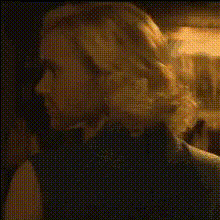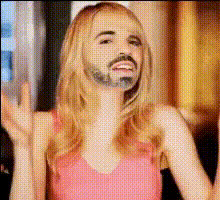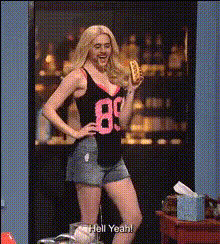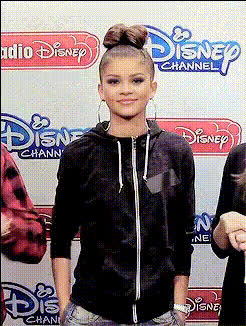
Emma Stone As Gwen Stacy
Overview
Transform your video projects with the "Emma Stone As Gwen Stacy" video face swap template. This tool lets you swap a subject's face with Emma Stone's portrayal of Gwen Stacy, offering a unique twist on your video content. Ideal for creators aiming to add a cinematic flair to their projects, this template gives you the flexibility to create high-quality, engaging videos.
What It Does
The "Emma Stone As Gwen Stacy" template uses advanced face swap technology to replace faces in your video footage with Emma Stone's version of Gwen Stacy. The template supports various video formats and utilizes sophisticated AI to ensure seamless integration of the new face, preserving expressions and movements. Pair this with tools like the Video Face Swap for extensive video customization options.
Who It's For
This template is perfect for filmmakers, video content creators, and marketers looking to add star power to their projects. Whether you're working on fan videos, parody content, or promotional material, integrating a character like Gwen Stacy can elevate the storytelling and engage viewers. Similarly, educators in film studies can leverage the template to demonstrate modern digital effects.
Summary
By choosing the "Emma Stone As Gwen Stacy" template, you can effortlessly incorporate a Hollywood touch into your videos. After customizing the template according to your project's needs, you'll generate professional-grade content ready for download. Amplify your creative work by exploring complementary products such as the AI Video Generator and AI Face Editor to suit different aspects of your video production journey.
How To
Choose Your Template

Customize Your Inputs

Generate and Download

Use Cases
Fan-Made Content
- Create alternative movie endings
- Make humorous parodies
- Develop character backstories
Marketing Campaigns
- Personify brand mascots
- Feature celebrity endorsements
- Design themed promotions
Educational Videos
- Demonstrate AI technology
- Present cinematic studies
- Analyze character development
Best Practices
Select High-Quality Footage
Ensure the original video footage is clear with well-lit subjects for optimal swapping results.Match Face Angles
Choose videos where the subject's face angle matches Gwen Stacy's reference images for better alignment.Use Complementary Tools
Enhance your project by combining with the AI Image Editor for additional tweaks post-swap.