woman-making-a-face-1
Overview
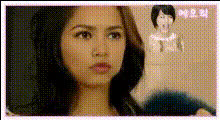
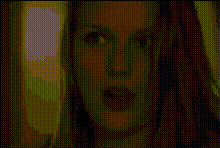
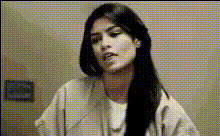
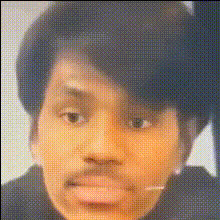
The Woman Face Swap template offers a straightforward way to transform your videos. Ideal for content creators, this tool lets you switch a woman's face into your video clips with precision. Elevate your video projects by integrating unique and engaging visual elements effortlessly.
What It Does
This template enables you to swap faces in any video, focusing specifically on incorporating a woman's face into new contexts. You can apply this in various scenarios, from creating humorous clips to simulating different personas in a single project. Supported formats include popular video types, facilitating easy integration into your editing workflow. Explore similar functionalities in our Video Face Swap and Body Swap products.
Who It's For
This template is designed for video content creators, marketers, and social media influencers looking to enhance their video productions. With the ability to create engaging content quickly, it's a powerful tool for those in the entertainment, marketing, and advertising industries. Creators using AI Video Generator or AI Image Editor can find this particularly beneficial for diversifying their content.
Summary
Opt for the Woman Face Swap template to rejuvenate your video content with dynamic and entertaining transformations. Whether for comedy, storytelling, or unique creative expressions, this tool is designed to deliver impressive results with minimal effort. Pair it with our Lip Sync and AI Talking Photo tools for expanded creative capabilities.
How To
Choose Your Template

Customize Your Video

Generate and Download

Use Cases
Comedic Entertainment
- Engage your audience with unexpected transformations.
- Add a personal touch to viral memes.
Promotional Material
- Boost engagement on social media platforms.
- Create standout visuals for advertising campaigns.
Creative Storytelling
- Craft unique narratives with face swaps as plot devices.
- Enhance storytelling in video projects.
Best Practices
Select High-Quality Videos
For the best results, use high-resolution videos as your starting point. This ensures smooth and realistic face swaps.Pre-Edit Your Videos
Cut and arrange your video clips prior to swapping to focus on key scenes that benefit most from the transformation.Experiment with Different Angles
Try swapping faces in videos with various angles to test the flexibility and create varied visual effects.