zendaya-as-rue-bennett
Overview
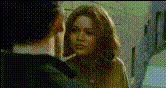
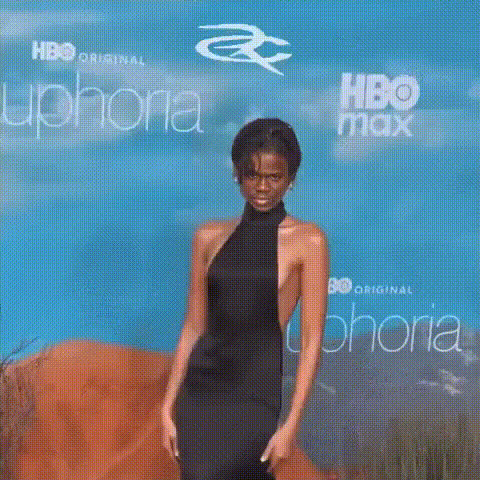
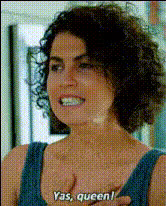
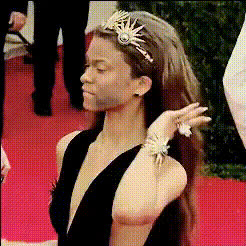
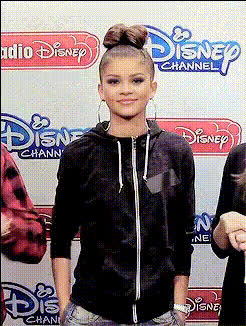
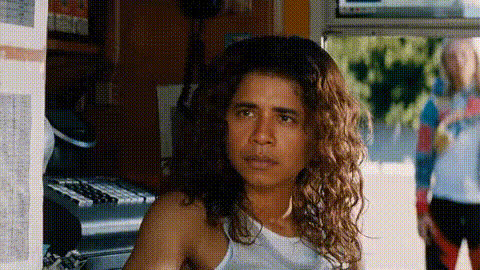
Transform into Rue Bennett from the hit show with our Zendaya-as-Rue-Bennett video face swap template. Your audience will marvel at the stunning realism that this template offers, allowing for creative and engaging content that stands out. Make your presence known with tools that bring imagination to life.
What It Does
This Video Face Swap template allows you to replace faces in your videos with the likeness of Zendaya portraying Rue Bennett. It's perfect for users who want to add a touch of cinematic flair to their social media or professional videos. The template is compatible with multiple file formats and provides a user-friendly interface for rapid customization.
Who It's For
Ideal for content creators, marketers, and fans of the show, this template is a great way to produce high-quality, engaging video content without the need for advanced editing skills. Whether you're creating meme videos or enhancing your social media presence, this template is designed to make transformations memorable.
Summary
Experience the ease of video transformation with the Zendaya-as-Rue-Bennett Video Face Swap template. Combine this with other offerings like the AI GIF Generator or the AI Image Editor to expand your creative toolkit. Versatile and intuitive, this tool maximizes creativity while minimizing effort.
How to Use
Choose Your Template

Customize Your Inputs

Generate and Download

Use Cases
Social Media Engagement
- Create compelling content for TikTok and Instagram.
- Dazzle viewers with swift character transformations.
Promotional Content
- Engage audiences with trending show content.
- Boost click-through rates with creative visuals.
Entertainment and Memes
- Craft gifs or short clips for social sharing.
- Engage your community with personalized meme videos.
Best Practices
Ensure High-Quality Inputs
For the best results, use high-resolution video files. This helps in achieving a more realistic swap effect.Fine-Tune Alignment
Pay attention to the alignment settings, especially if facial expressions are a key part of your video.Experiment with Lighting
Consider using the AI Photo Relighting tool to adjust lighting and ensure consistency across clips.