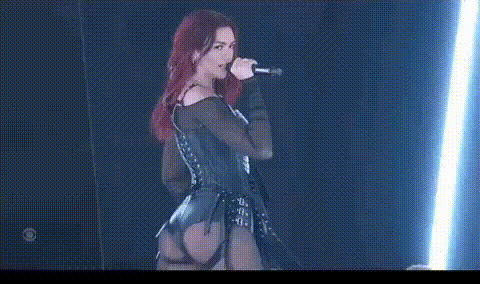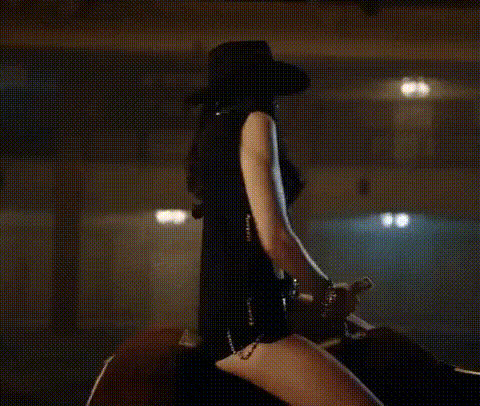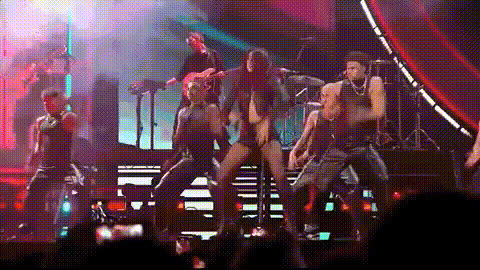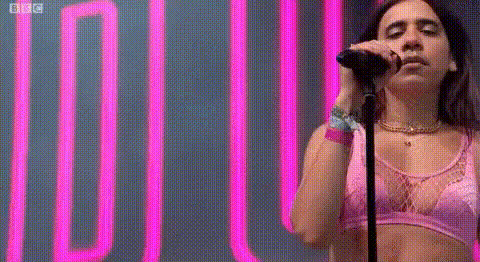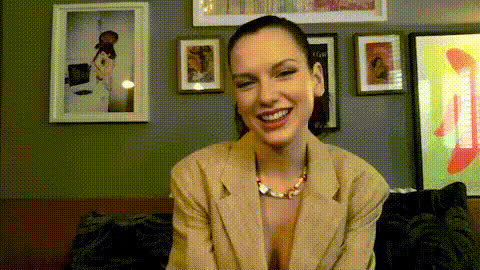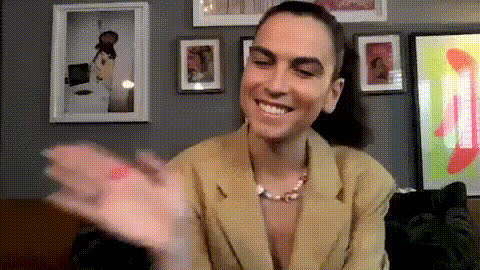
Dua Lipa Wearing A Hat
Overview
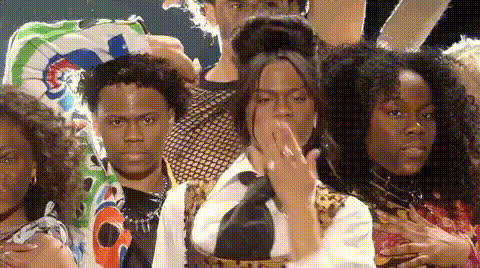
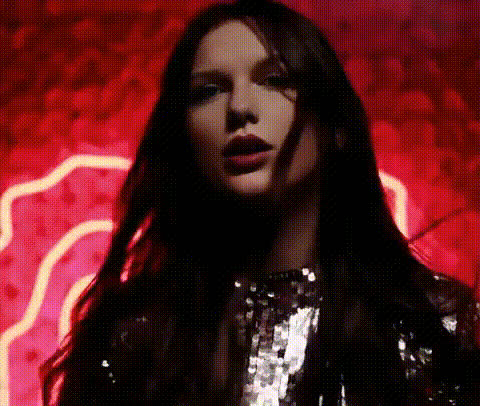
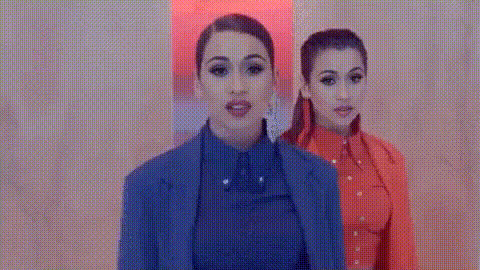
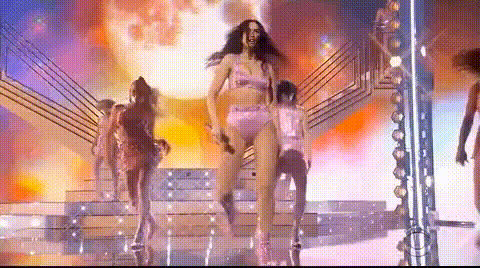
Get creative with the Dua Lipa Wearing A Hat video face swap template. This tool allows you to easily swap faces in a video featuring Dua Lipa, adding a customized twist to any project. Whether for fun or professional use, this template enables unique video transformations.
What It Does
Using advanced face swapping technology, this template lets you replace the face of Dua Lipa with another, all while maintaining the video's natural movements and expressions. It integrates seamlessly with our AI Video Generator to ensure high-quality output in common formats, perfect for a variety of projects.
Who It's For
This template is ideal for content creators, marketers, and social media enthusiasts seeking a dynamic way to enhance their videos. It's also a great tool for anyone exploring face swap technology, offering a fun way to experiment with video editing.
Summary
Transform your video projects with the Dua Lipa Wearing A Hat face swap template. Enhance your visuals with ease, making content creation both innovative and engaging.
How To
Choose Your Template

Customize Your Inputs

Generate and Download

Use Cases
Social Media Content
- Engage your audience with personalized videos
- Use for fun challenges and viral trends
Marketing Campaigns
- Swap faces in promotional videos
Content Creator Projects
- Add surprise elements to your storylines
- Experiment with different personas
Best Practices
Ensure High-Quality Input
For the best results, use high-resolution videos when swapping faces to maintain quality in the final output.Match Lighting and Angles
Try to choose face inputs that match the lighting and angle of the original video to keep swaps realistic.Utilize AI Tools
Experiment with other tools like the AI GIF Generator to further enhance and share your creations.