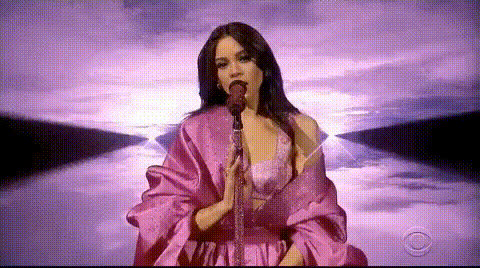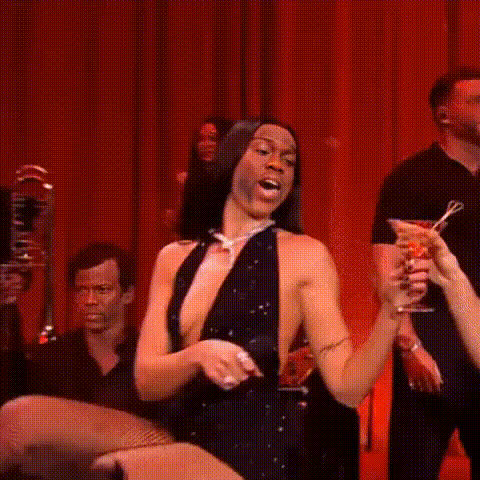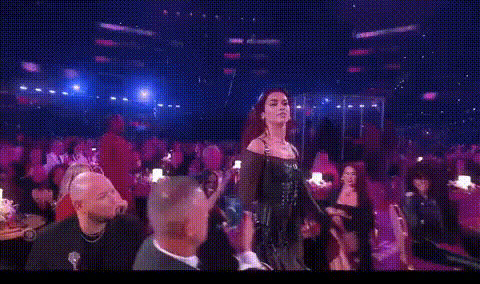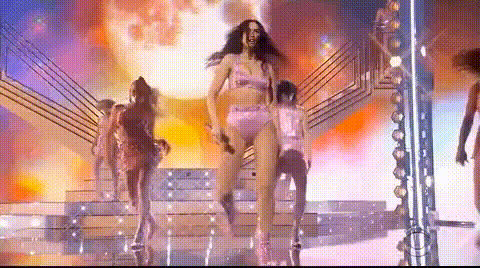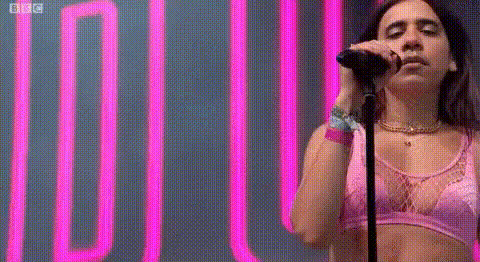
Dua Lipa Singing Live 1
Overview
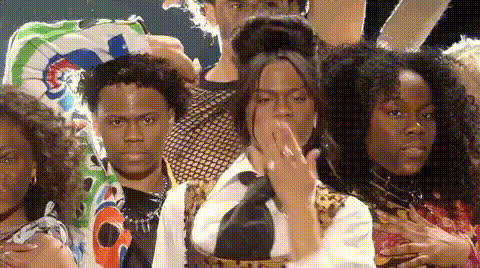
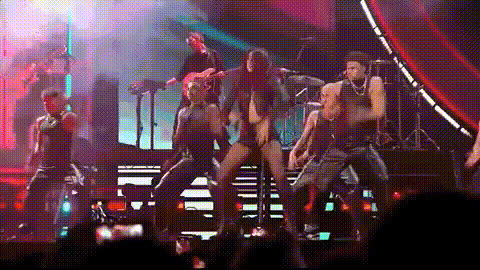
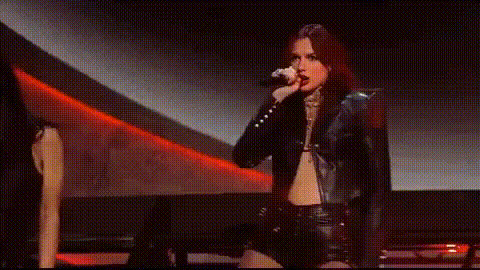
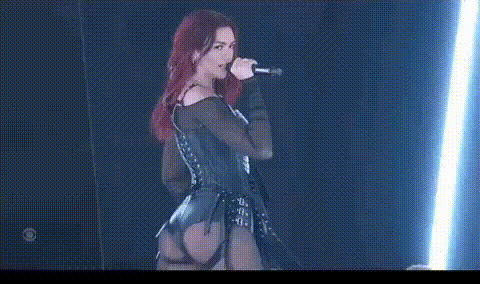
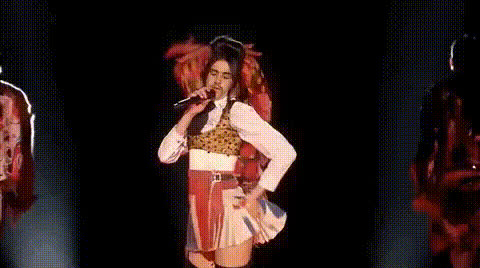
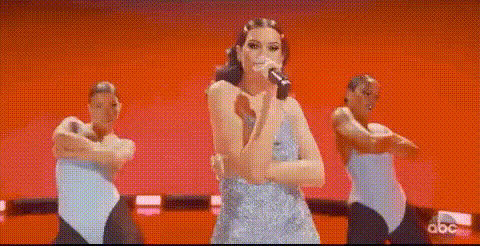
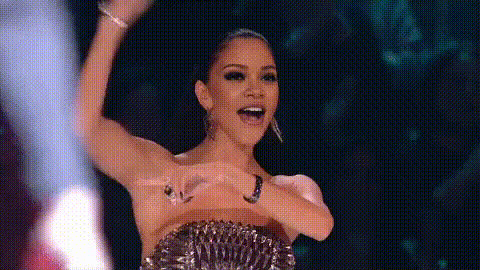
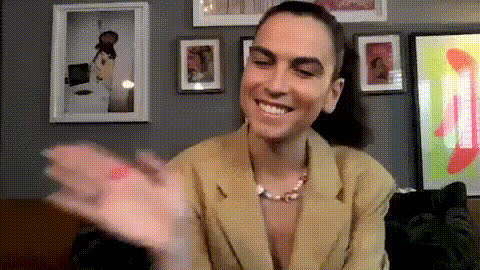
Step into the spotlight with the Dua Lipa Singing Live 1 template, a Video Face Swap tool. Transform any video into a star-studded performance featuring your face on Dua Lipa during her live shows. Ideal for social media ads or personal projects.
What It Does
This template swaps faces in video recordings of Dua Lipa's live performances. Use it to overlay your own face or other faces onto Dua's, creating a professional-looking music video with access to a range of formats compatible with AI Video Generator workflows.
Who It's For
This tool is perfect for content creators, music enthusiasts, and marketers looking to engage audiences with eye-catching content. It's also beneficial for influencers aiming to boost their content's entertainment value and expand their reach on various platforms including TikTok videos.
Summary
The Dua Lipa Singing Live 1 template offers an innovative way to create unique music-inspired videos. By leveraging the power of AI Voice Changer and visual transformations, your projects can reach new creative heights.
How To
Choose Your Template

Customize Inputs

Generate Your Video

Use Cases
Entertainment Videos
- Boosting fan engagement
- Innovative social media content
Marketing Campaigns
- Capture viewer attention
- Enhanced ad campaigns
Content Creation
- Increase audience reach
- Diversify video portfolio
Best Practices
Choose High-Quality Source Videos
For best results, use clear, high-resolution videos as input to ensure that the face swap looks seamless.Utilize Lighting Effects
Consider using additional tools like the AI Photo Relighting to match lighting conditions between the faces.Mind the Angles
Ensure the face orientation in your input video matches the target for optimal results.