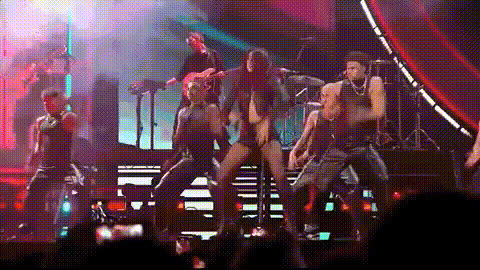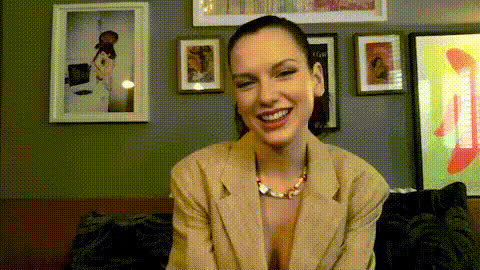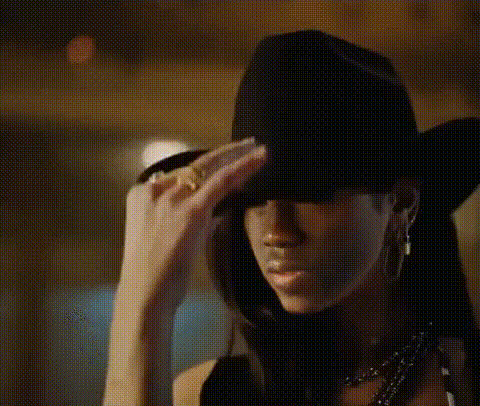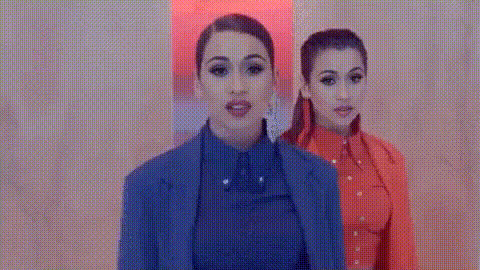
Dua Lipa In Red Outfit
Overview
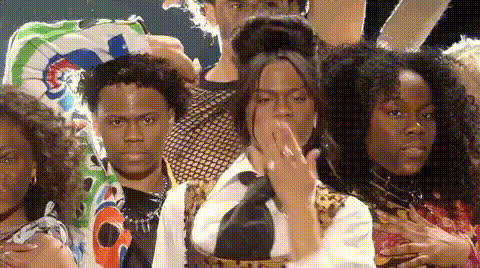
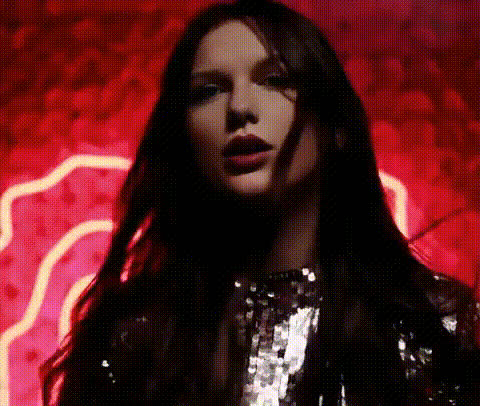
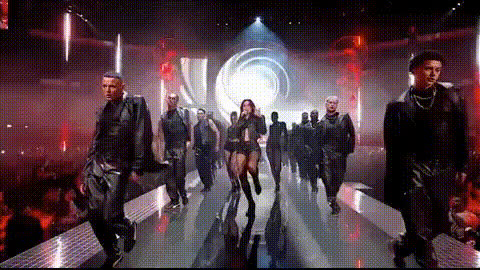
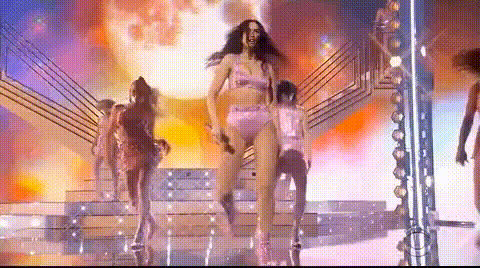
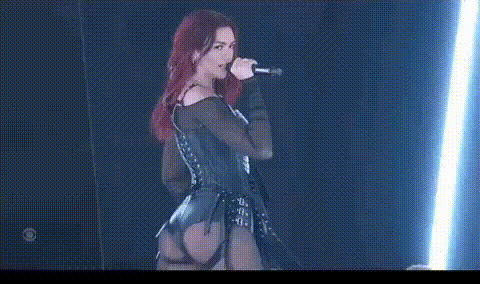
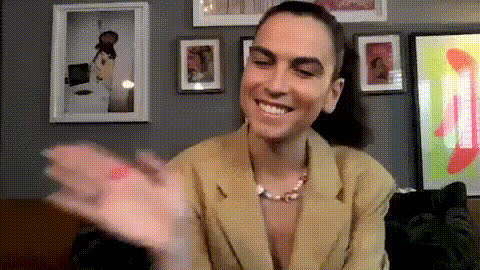
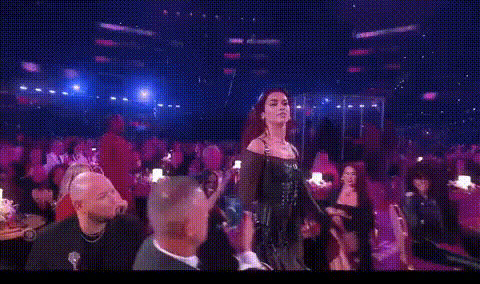
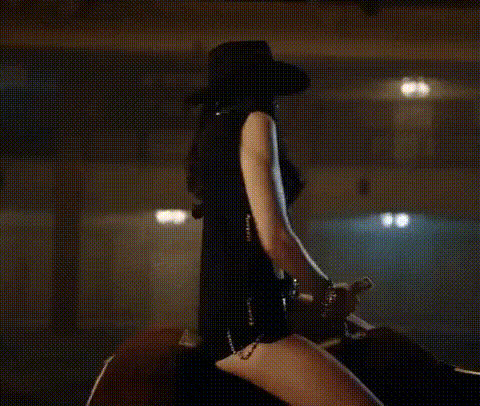
The Dua Lipa In Red Outfit template enables you to perform a Video Face Swap with a high-quality model wearing a striking red outfit reminiscent of Dua Lipa. This tool is ideal for transforming videos by overlaying a new face onto an existing video, adding a personalized touch to your content.
What It Does
This template provides a base video where you can swap the face with any image you choose. As part of the Video Face Swap family, it maintains high fidelity and offers realistic results. The integrated AI ensures facial movements and expressions stay lifelike, making your transformation seamless and visually appealing.
Who It's For
Designed for content creators, marketers, and social media enthusiasts, this template is perfect for anyone looking to enhance their videos with unique, shareable content. If you're aiming to create engaging social media stories or marketing videos that capture attention, this template suits your needs perfectly.
Summary
With the Dua Lipa In Red Outfit template, effortlessly incorporate a face swap into your video projects. This tool helps you craft customized visual content with ease, ensuring that your productions stand out. Explore additional features such as the AI Image Generator for creating source images, which complement this video template perfectly.
How To
Choose Your Template

Customize Your Video

Generate Your Video

Use Cases
Social Media Engagement
- Instagram posts
- TikTok videos
- Facebook stories
Marketing Campaigns
- Brand promotional videos
- Product launch teasers
Event Promotions
- Virtual events
- Concert promotions
Best Practices
Choose High-Quality Images
For best results, use high-resolution images that are well-lit and clear to ensure a realistic face swap in your video.Align Faces Correctly
Pay attention to the alignment tools to match facial features, ensuring a more natural look in the final video.Test Different Angles
Experiment with various face angles, especially if using images for dynamic video content requiring diverse expressions.