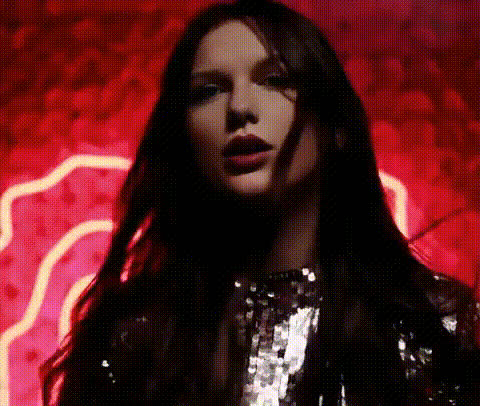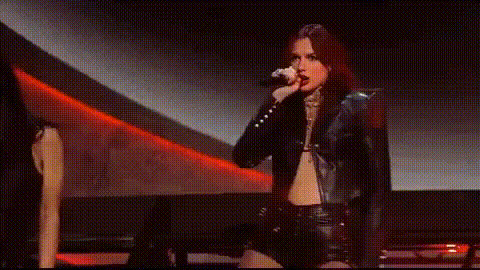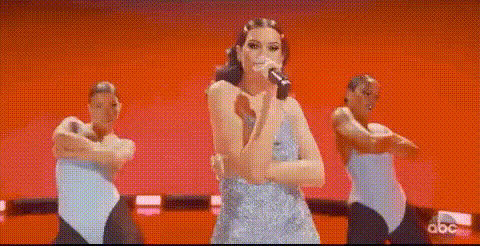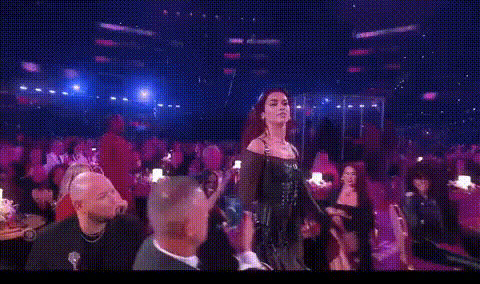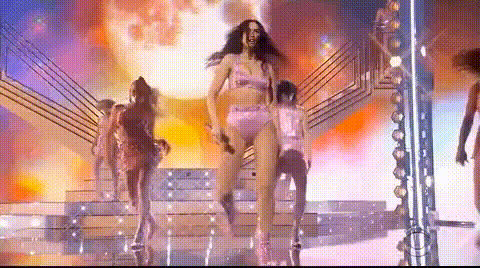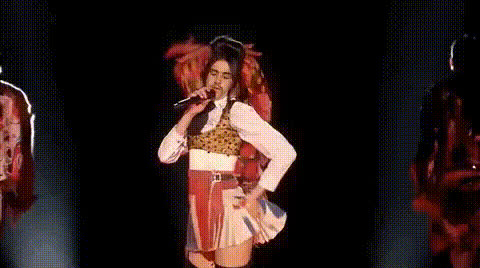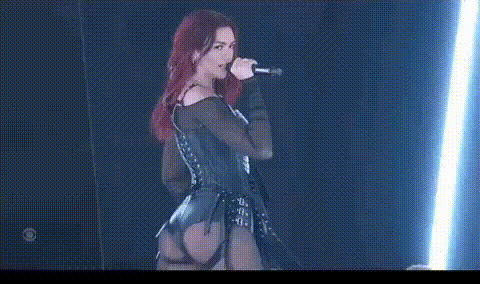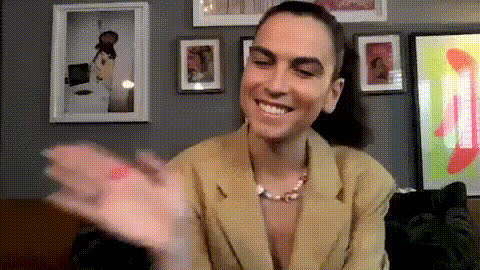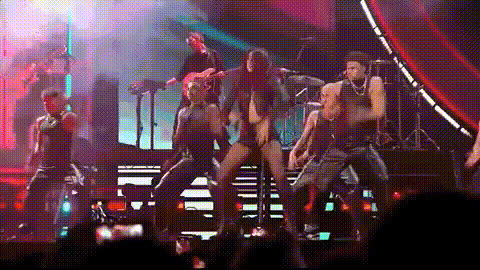
Dua Lipa Performance 1
Overview
The Dua Lipa Performance 1 template offers an exciting Video Face Swap opportunity to transform yourself or others into a virtual Dua Lipa. Perfect for fans and creators, this template provides a unique platform to create personalized music videos.
What It Does
This template allows you to insert a face of your choice into a performance video, replacing Dua Lipa's face while maintaining her body movements and settings. Utilize the power of the Video Face Swap to create authentic and entertaining transformations.
Export the final result as a ready-to-share video file, making it easy to distribute your creation across social media or personal platforms.
Who It's For
This is perfect for content creators, social media enthusiasts, and Dua Lipa fans who want to add a creative twist to their content. Whether you're making shareable content or personalized videos, use this template to generate high-engagement posts.
Additionally, video editors looking to expand their repertoire of creative transformations in music videos will find this tool exceptionally useful.
Summary
In summary, the Dua Lipa Performance 1 template is a versatile tool for creating customized Video Face Swap performances. It's perfect for engaging content creation, using advanced face-swapping techniques integrated with realistic motion and settings. Explore more transformation possibilities with our Face Swap and Audio-to-Video tools to see your creative vision come to life.
How-To
Choose Your Template

Customize Your Input

Generate Your Video

Use Cases
Social Media Content
- Personalized music video clips
- Entertaining duets and tributes
Fan Creations
- Fan tribute videos
- Customized performer experiences
Viral Challenges
- Fun face swap challenges
- Shareable content for increased reach
Best Practices
Use High-Quality Photos
Utilize high-resolution images for the best result in the face swap, ensuring facial features align accurately.Adjust the Lighting
Match the lighting of your input photo with the video for seamless integration and natural-looking results.Experiment with Angles
Try different facial angles to find the most convincing swaps. Each angle can change the overall appearance and effectiveness of the swap.