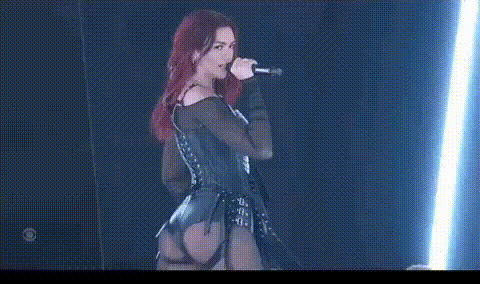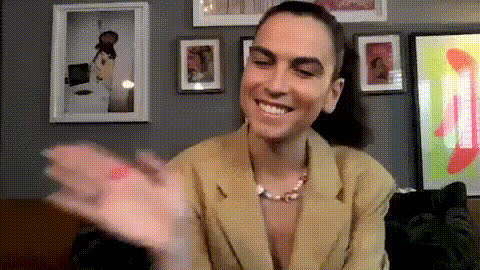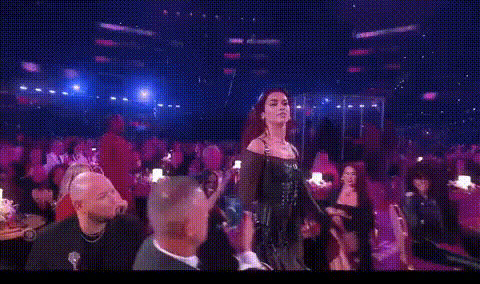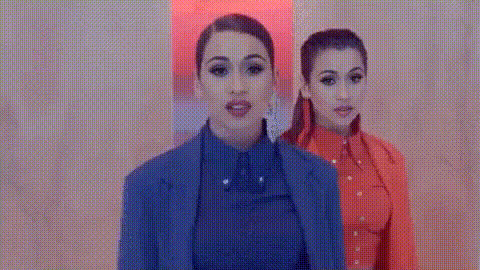
Dua Lipa In Cowboy Outfit
Overview
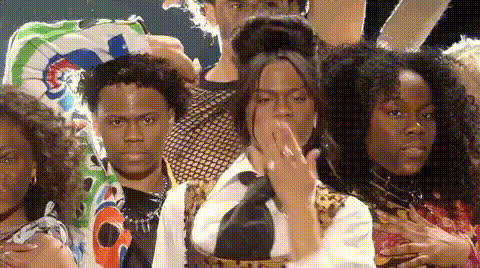
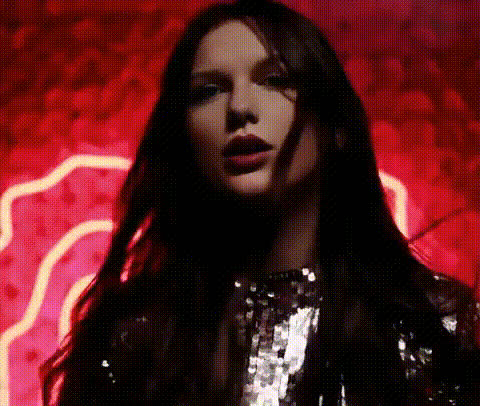
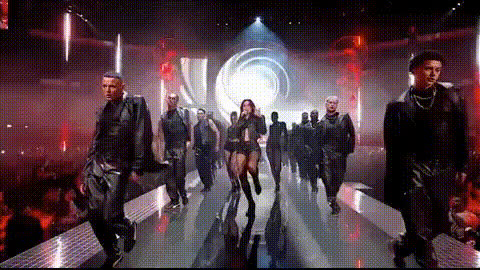
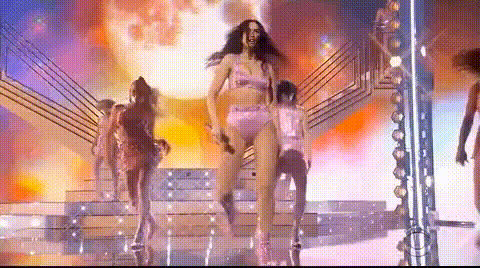
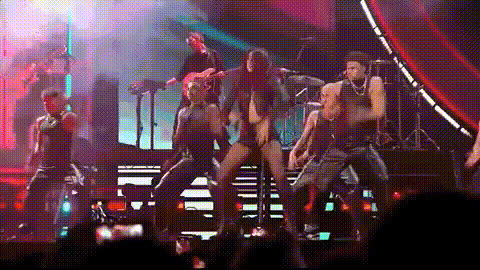
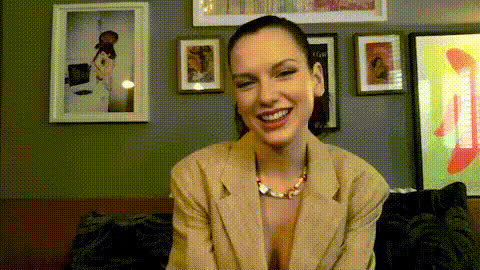
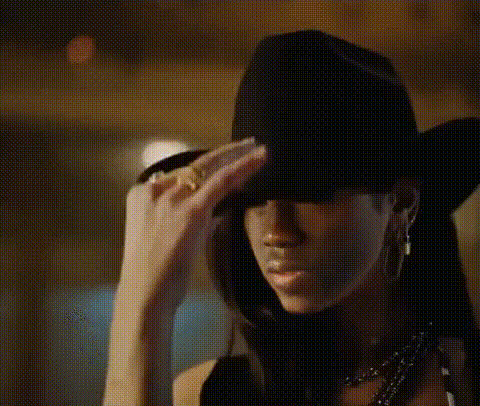
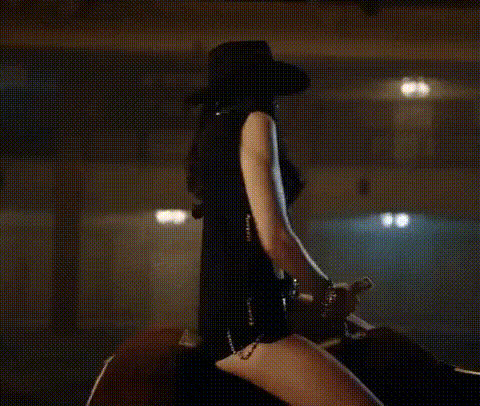
Transform your videos with the "Dua Lipa In Cowboy Outfit" template, designed to give your content a fresh and exciting twist. This Video Face Swap template allows you to superimpose Dua Lipa's face in a cowboy-themed outfit onto your own footage. This playful template is perfect for creating memorable moments that resonate with audiences on social media.
What It Does
The template uses advanced Video Face Swap technology to overlay Dua Lipa's face onto your own video content. It replaces the facial features in the video while maintaining the original expressions and movements. This creates a seamless and engaging transformation, allowing you to become the star in a unique and entertaining scene.
For those interested in exploring further, our Face Swap product offers similar creative capabilities, while the Body Swap tool can help expand your editing ventures to full-body transformations.
Who It's For
This template is perfect for content creators, social media influencers, and anyone looking to add a unique flair to their videos. Whether you're producing content for TikTok, Instagram Reels, or any other platform, this template provides an engaging way to stand out. It's also an excellent tool for those in the entertainment industry seeking creative ways to captivate their audience.
Summary
The "Dua Lipa In Cowboy Outfit" face swap template is a fun and engaging way to breathe new life into your video content. Alongside similar tools like AI Video Generator, you can experiment with various effects and keep your audience entertained and anticipating more unique releases from your channel.
How To
Choose Template

Customize Input

Generate Output

Use Cases
Social Media Content
- Engage followers on TikTok and Instagram
- Create viral content with a humorous twist
- Showcase creative video transformations
Video Marketing Campaigns
- Draw attention to new products or services
- Infuse humor into ad campaigns
- Engage audiences with innovative content
Personal Fun
- Create hilarious clips for friends
- Celebrate special occasions with themed videos
Best Practices
Ensure High-Quality Footage
Use well-lit and high-resolution videos for best results in the face swap process.Focus on Facial Clarity
Make sure the video features a clear and unobstructed view of the face to maximize swap accuracy.Experiment with Angles
Try different angles or expressions to see what gives the most entertaining results.