Danni King Tv Show Moment
Overview
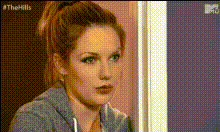
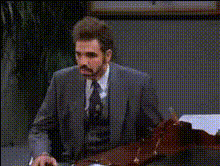
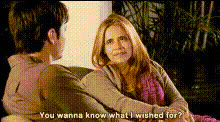
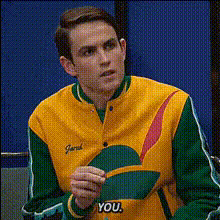
Transform your favorite TV show moments with the Danni King TV Show Moment template. This Video Face Swap tool allows you to creatively insert your or someone else's face into popular TV scenes. Perfect for creators looking to craft unique, humorous content in a matter of minutes.
What It Does
The Danni King TV Show Moment template enables you to replace characters' faces in TV scenes with any face you choose. By utilizing our advanced face-swapping technology, this tool maintains the original expressions and movements, delivering a seamless video integration. This template is compatible with various formats, ensuring easy sharing on platforms like social media.
Explore the capabilities of our Video Face Swap technology that powers this engaging experience.
Who It's For
This template is ideal for social media influencers, content creators, and anyone eager to create entertaining videos quickly. It's also great for marketers looking to engage audiences through dynamic, personalized content.
If you're in advertising, consider pairing this tool with the AI Ad Creative Generator for attention-grabbing campaigns.
Summary
Ready to step into your favorite TV show scene? The Danni King TV Show Moment template offers an intuitive way to swap faces in any TV moment, making it easy to produce amusing skits or shareable personal content. Accessing this tool can add a creative flair to your projects.
Make sure to check out our AI Talking Photo for more innovative video transformations.
How-To
Choose Your Template

Customize Your Video

Generate and Share

Use Cases
Social Media Content
- Create entertaining stories and reels
- Boost engagement with interactive content
Marketing Campaigns
- Design catchy ad spots
- Drive higher conversion rates through personalization
Family Entertainment
- Recreate iconic scenes with a personal twist
- Share laughs with family and friends
Best Practices
Select High-Quality Images
Use clear, well-lit photos to ensure accurate face swapping with detailed features.Adjust Face Size and Position
Before generating, ensure the face fits naturally within the TV scene for a seamless look.Consider Lighting and Angles
Match the lighting and angle of your photo with the scene for more realistic results.