tv-show-romantic-moment
Overview
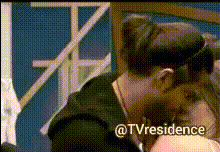
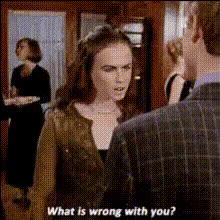
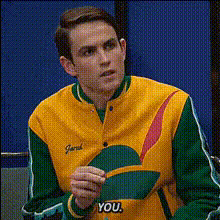
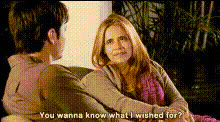
Bring the charm and passion of your favorite TV show romantic moments into your own stories with our Video Face Swap template. This tool gives you the power to recreate classic scenes using your photos, turning them into personalized video clips. Elevate personal projects or create unique content that captures the essence of love and romance.
What It Does
This Video Face Swap template allows you to insert your face into famous romantic TV show scenes. By swapping faces in a video format, it preserves the original scene's ambiance while adding your personal touch. The result is a compelling and intimate video that's sure to delight anyone watching.
For those interested in other transformation tools, the Video Face Swap product offers a comprehensive suite of features, while the AI Image Editor lets you fine-tune visuals to perfection.
Who It's For
This tool is perfect for anyone looking to add a personal twist to romantic scenes, whether for gifting, sharing on social media, or simply enjoying a playful experience. It's particularly beneficial for content creators, social media influencers, and fans of romance looking to blend personal elements into beloved narratives.
Creators aiming to diversify their multimedia projects will also benefit from exploring the capabilities of the AI GIF Generator.
Summary
Personalize your favorite romantic moments from TV shows using the Video Face Swap template. This tool revolutionizes content creation by enabling users to embed themselves into iconic scenes, maintaining the original feel while highlighting personal elements. Enhance your creative projects by merging tradition with innovation.
Consider integrating with the Image to Video tool to expand on your video creations and explore further personalization with the AI Talking Photo product.
How-To
Choose Your Template

Customize Your Scene

Generate Your Video

Use Cases
Personalized Romantic Clips
Social Media Engagement
Unique Gifting
Best Practices
Select High-Quality Photos
Use high-resolution images for best results. Clear, well-lit photos enhance the face swapping process.Match Expressions
Choose photos that have expressions similar to those in the scene to ensure a natural fit and enhance the realism of the swap.Refine with AI Image Editor
After generating your video, use the AI Image Editor to perfect any remaining visual details, ensuring your final video is polished.