tv-show-host-and-guest
Overview
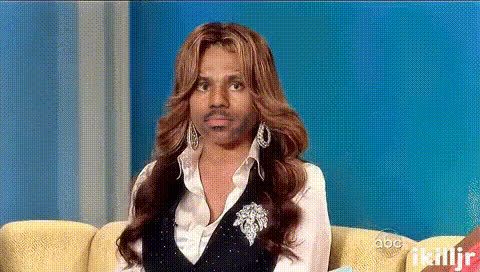
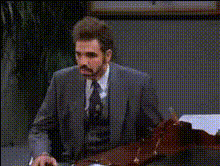
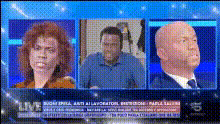
Transform any video into a TV show host and guest scenario using Magic Hour's Video Face Swap template. This template allows you to swap faces, creating hilarious or creative content perfect for social media sharing or entertainment purposes.
What It Does
This Video Face Swap template is designed to superimpose faces into a TV show host and guest format seamlessly. Utilizing cutting-edge AI models, your input videos can be manipulated to swap faces convincingly. It's ideal for both comedic sketches and unique video content creation. Check out the Face Swap product to explore more possibilities.
Who It's For
This template is perfect for video creators, social media influencers, and anyone looking to spice up their video content. Whether you're a professional editor or just looking for a fun project, this tool makes face swapping accessible to everyone. Dive deeper into creative possibilities with our AI Video Generator.
Summary
The Video Face Swap template in a TV show host and guest format brings a touch of humor and creativity to your videos. It's a great tool for generating engaging and shareable content. Those looking for more editing capabilities might find the AI Image Editor to be an excellent complement.
How-To
Choose Your Template

Customize Inputs

Generate Your Video

Use Cases
Social Media Content
- Fun and engaging Instagram stories
- Comedy sketches for YouTube
- Unique TikTok videos
Entertainment and Satire
- Parody clips
- Spoof TV segments
Best Practices
Select High-Quality Videos
Ensure that the videos you upload are high quality to achieve the best face swap results.Match Lighting and Angles
For a natural look, try to match the lighting and angles of the source and target faces.Use Clear Face Shots
Select videos that have clear shots of the faces to be swapped for more accurate swaps.