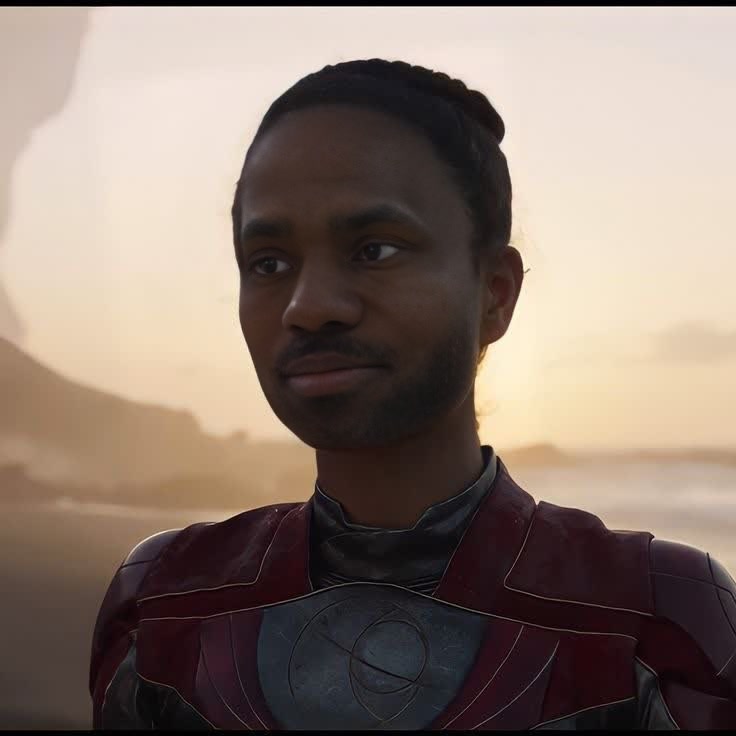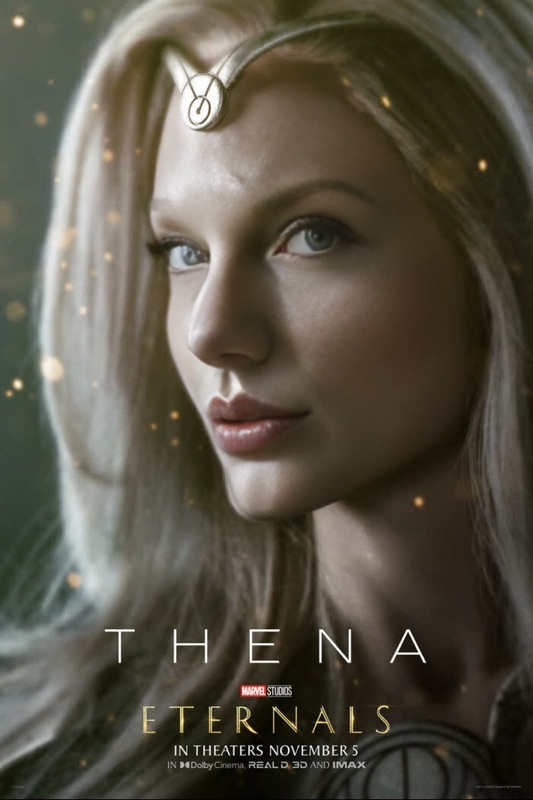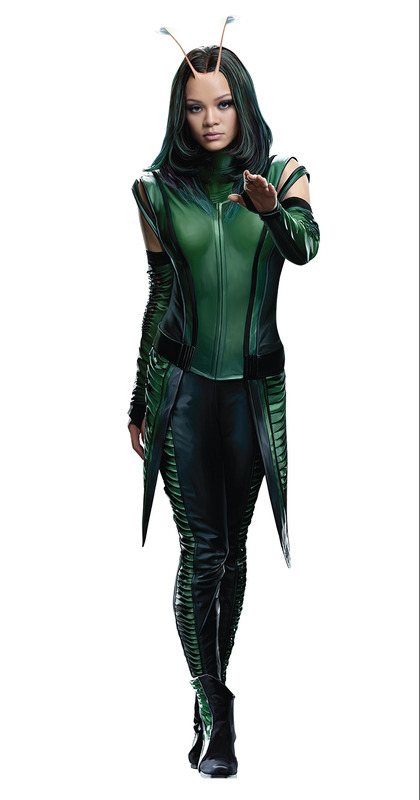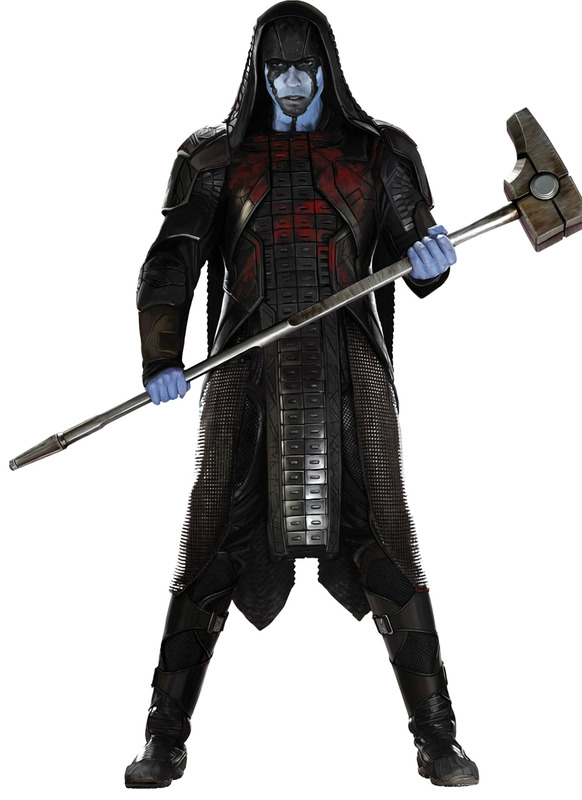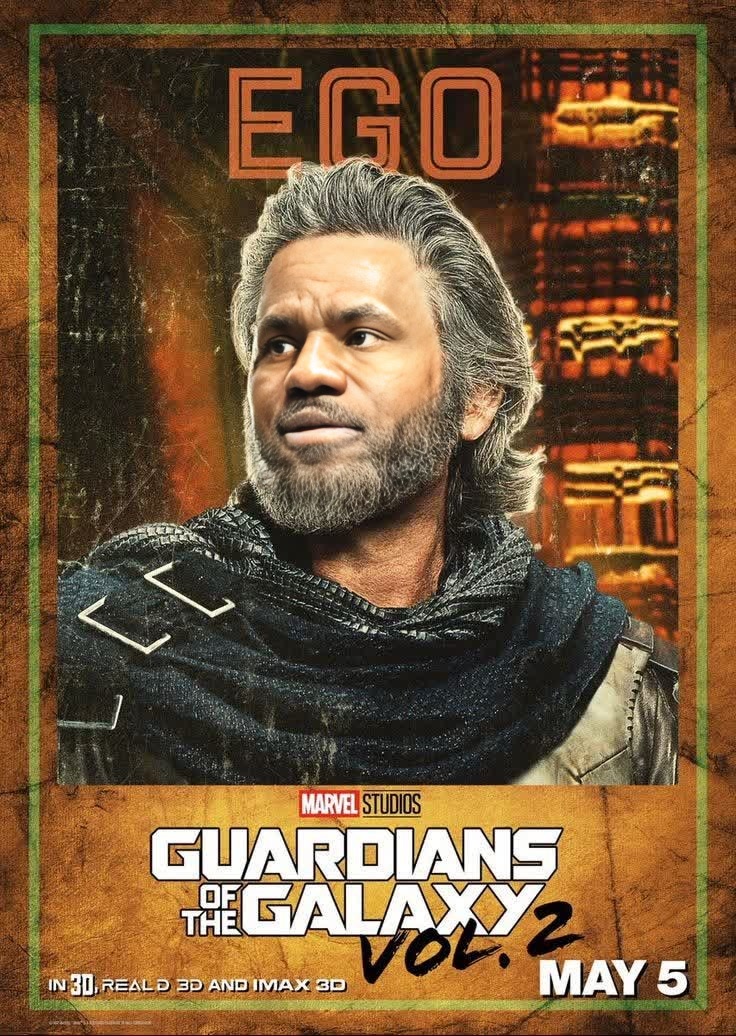
Ego Guardians Of The Galaxy Vol 2 Marvel Cinematic Universe
- Image
- 736 × 1036 px
Any aspect ratio
Overview
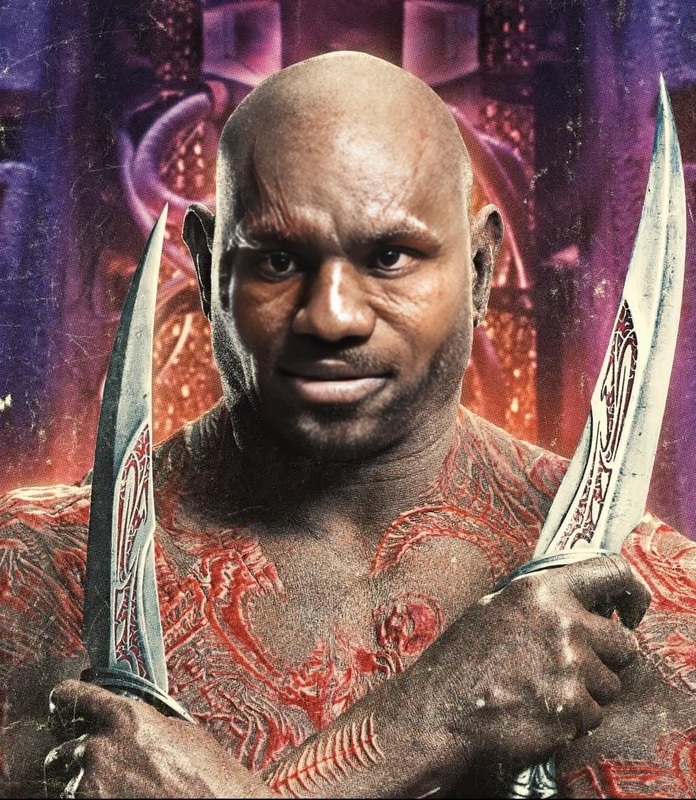
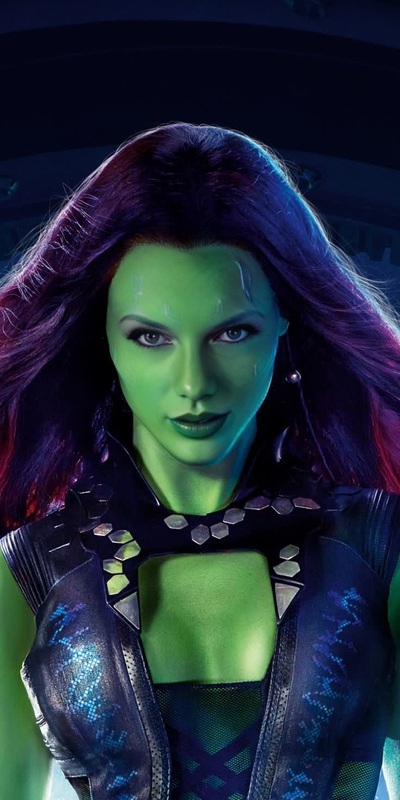
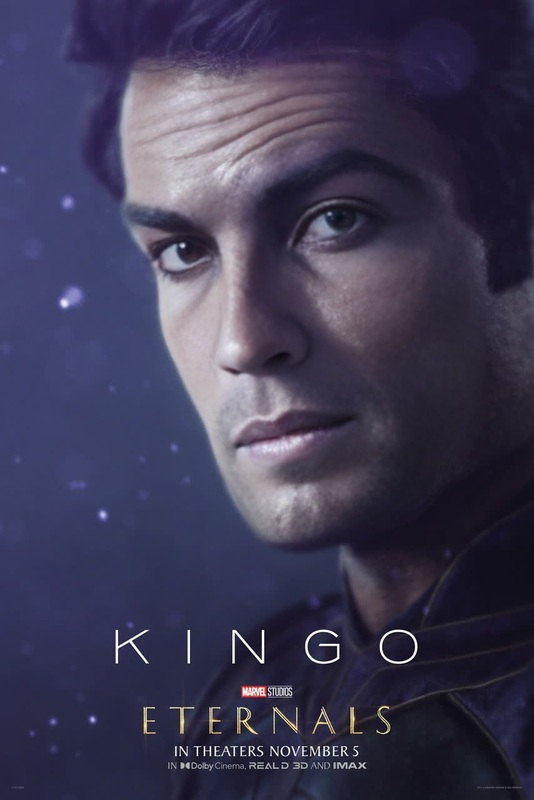
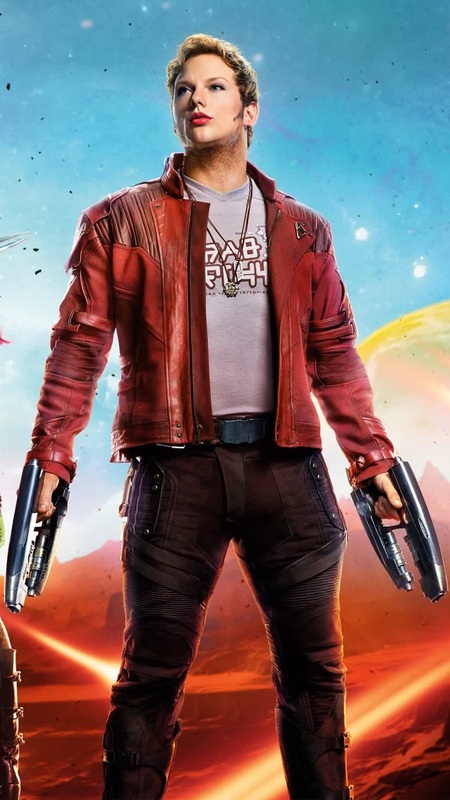
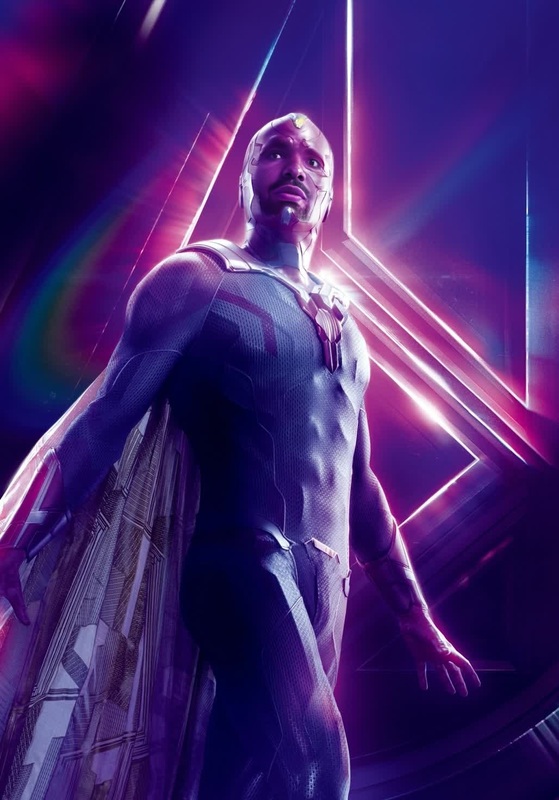
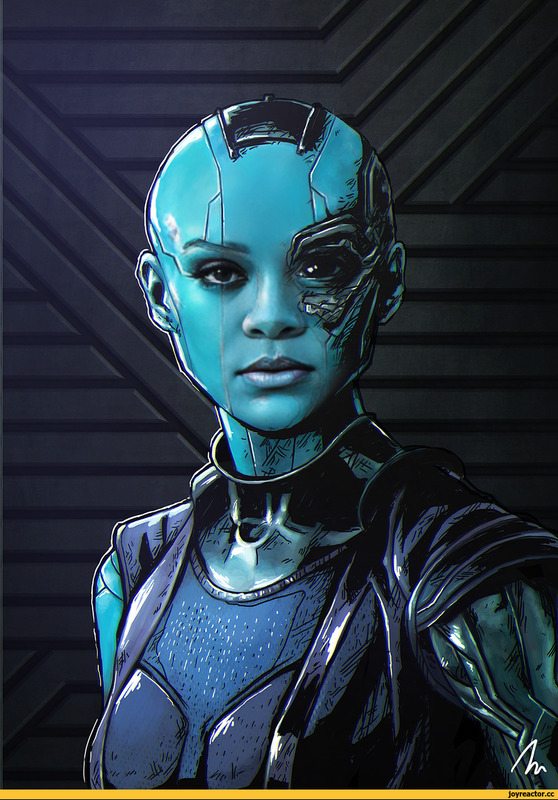
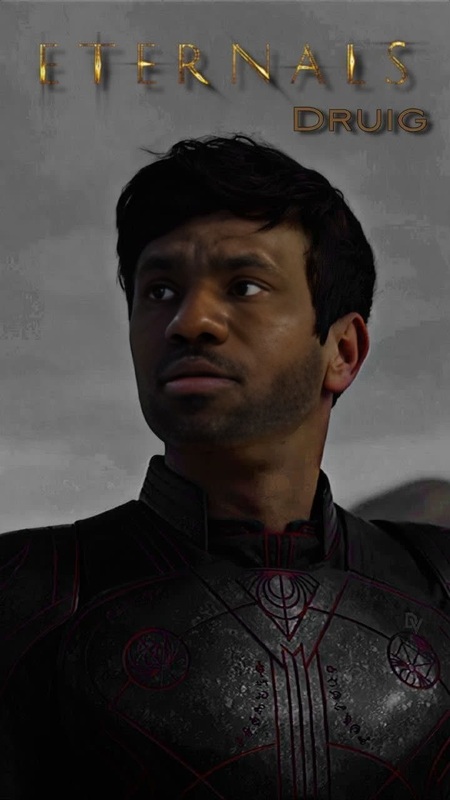
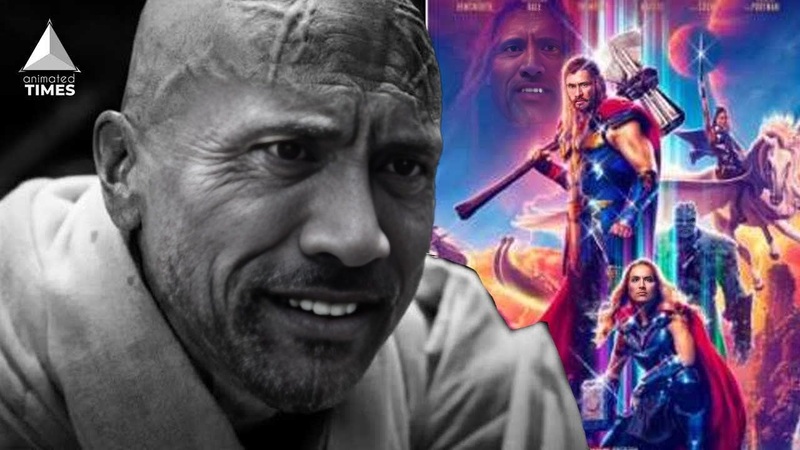
Transform your videos into a captivating Marvel Cinematic Universe experience with our Video Face Swap template featuring "Guardians of the Galaxy Vol 2". This template allows you to place yourself or others directly into iconic scenes, giving you a chance to become part of the intergalactic adventure.
What It Does
The "Ego Guardians Of The Galaxy Vol 2" template performs advanced face swapping that integrates your chosen face onto characters in the existing footage from the beloved Marvel film. It uses state-of-the-art AI technology to ensure facial movements and expressions match perfectly, delivering a seamless integration.
For further creative editing, explore our AI Image Editor to refine your images before swapping.
Who It's For
This template is designed for fans of the Marvel Cinematic Universe who wish to see themselves within the action-packed world of the Guardians. It's ideal for creating engaging content for social media, fan films, or part of a meme video. Video creators looking to add a fun twist to their existing footage will enjoy the versatility this provides.
Summary
Our "Ego Guardians Of The Galaxy Vol 2" Video Face Swap template enables you to experience extraordinary transformations by morphing your face into iconic character moments. With cutting-edge AI enhancements, your videos will capture the magic and excitement of the Marvel universe.
Expand your creative potential with complementary tools like the AI Video Generator for more dynamic video compositions.
How To
Choose

Customize

Generate

Use Cases
Social Media Content
- Create fun videos for Instagram reels
- Engage followers with humorous swaps
Fan Creations
- Participate in fan contests
- Create unique fan art videos
Personalizing Video Messages
- Surprise friends with creative birthday wishes
- Share funny updates in group chats
Best Practices
High-Quality Inputs
Ensure your photo or video input is high resolution for the best results in face swapping. Low-quality images may result in mismatched swaps.Facial Alignment
Properly align your input face's eyes and mouth with the target to achieve the most realistic look. Utilize the preview option to adjust the swap before generating.Post-Processing Edits
Use the AI Image Editor to fine-tune any elements like lighting or shadows for a cohesive final product.
Frequently asked questions
More Like This