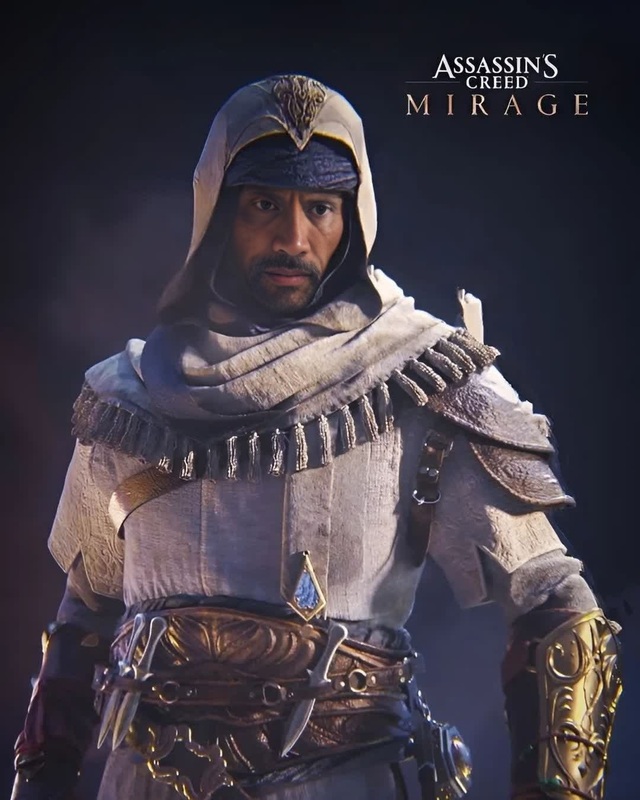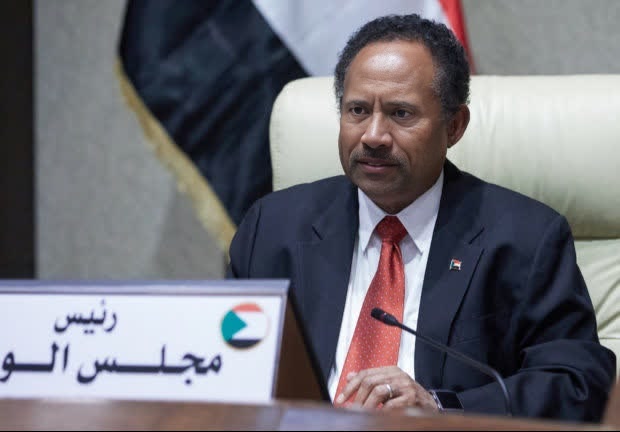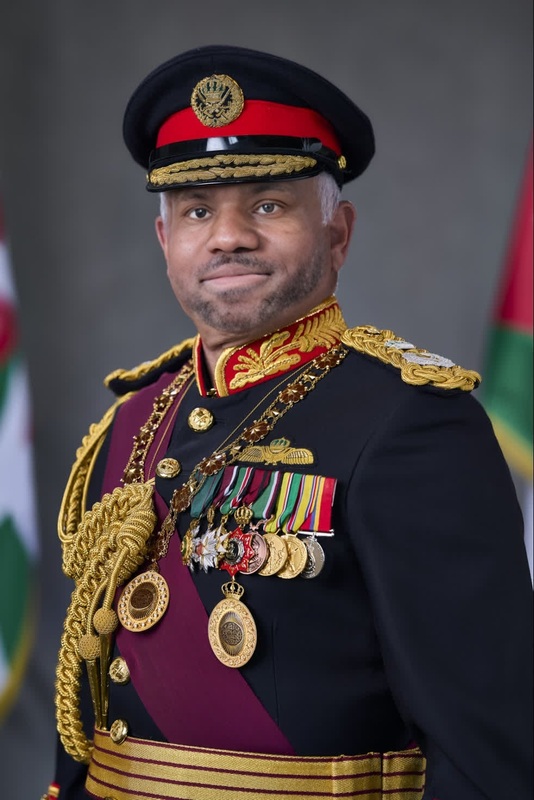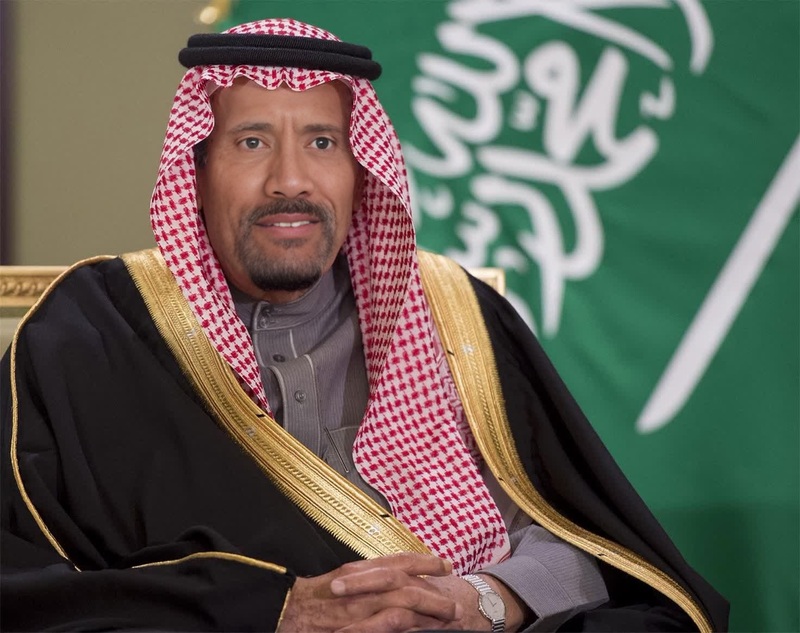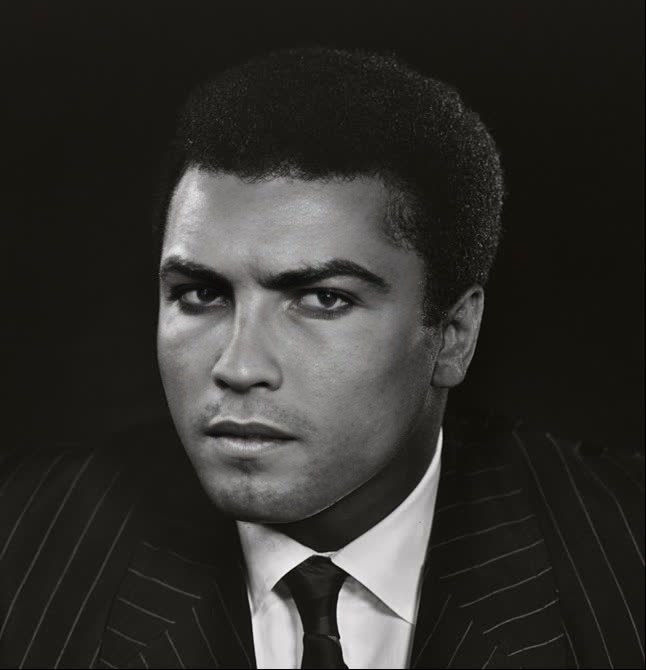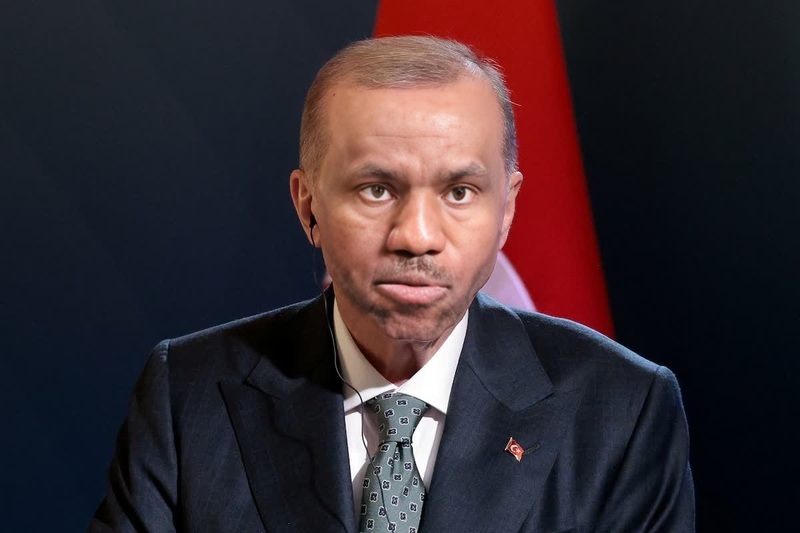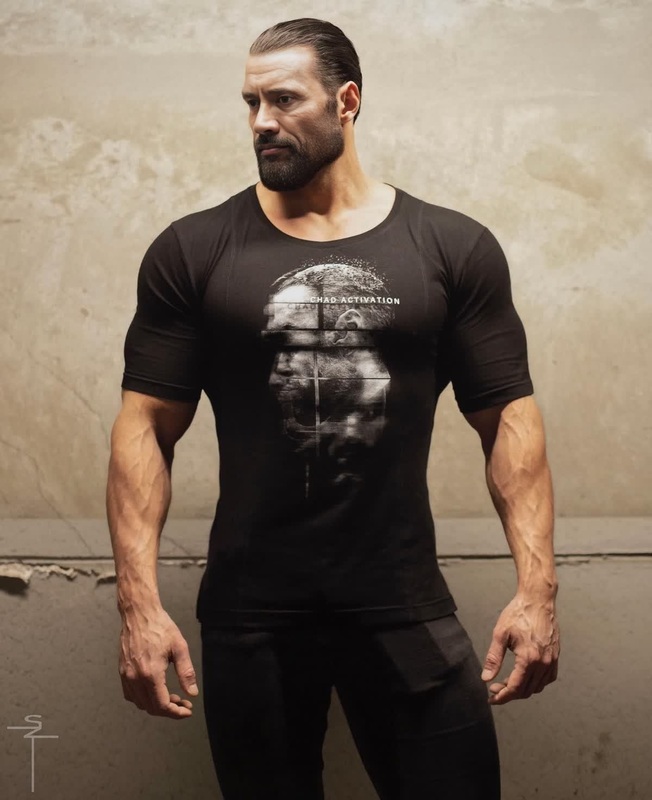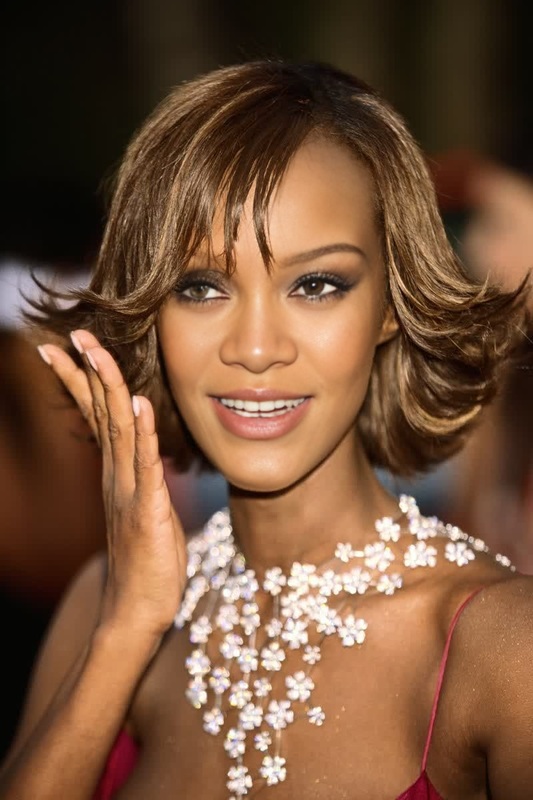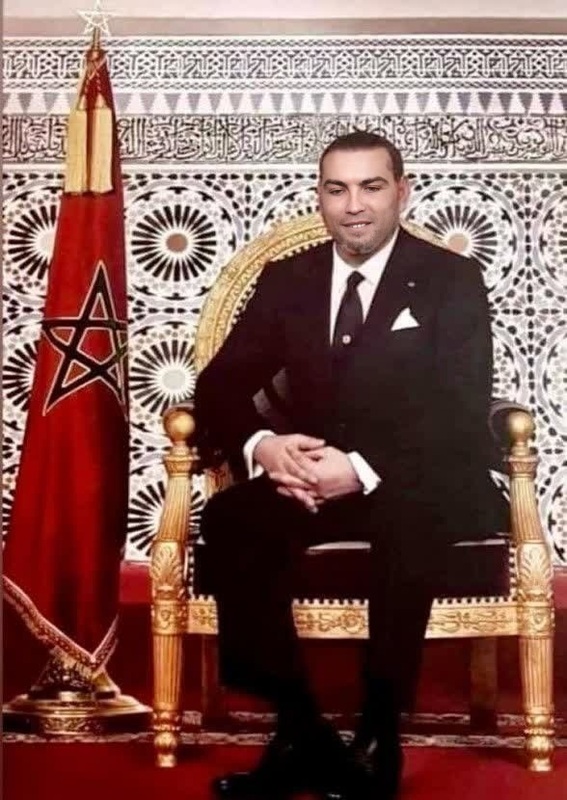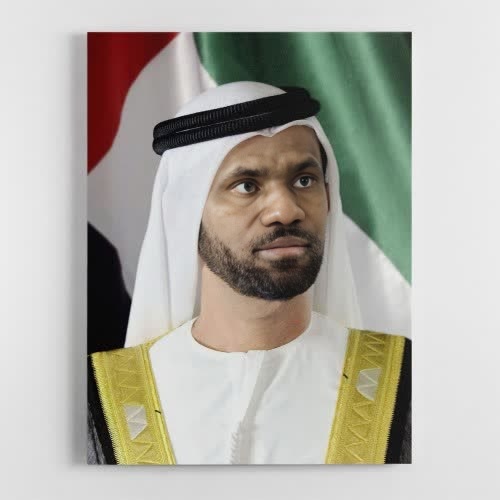
Sheikh Mohammed Bin Rashid Dubai Ruler Portrait
- Image
- 500 × 500 px
Any aspect ratio
Overview
Experience a new level of creative transformation with the Sheikh Mohammed Bin Rashid Dubai Ruler Portrait template. This Video Face Swap template allows you to integrate faces seamlessly into a royal setting, ideal for captivating video content. Explore the potential of AI-driven Face Swap technologies today.
What It Does
The template incorporates advanced AI to facilitate realistic face-swapping into a video of Dubai's Ruler, Sheikh Mohammed Bin Rashid. By leveraging the power of our AI Video Generator, you can create engaging narratives and produce eye-catching visuals that grab attention and convey messages effectively.
Who It's For
This template is perfect for content creators, marketers, and agencies looking to innovate their video projects. Whether you're crafting promotional content, storytelling, or social media posts, this template offers the versatility needed to stand out. Pair it with tools like the AI Image Editor for comprehensive project enhancement.
Summary
Utilize the Sheikh Mohammed Bin Rashid Dubai Ruler Portrait template to effortlessly swap faces in videos and stimulate your audience's curiosity. This tool is part of our suite of video transformation services, ideal for vibrant marketing materials or creative storytelling. Discover more about our range of offerings, including the AI Clothes Changer for even more creative possibilities.
How-To
Choose Your Template

Customize Your Inputs

Generate Your Video

Use Cases
Content Creation
- Personalized greetings
- Interactive stories
- Engaging posts
Marketing and Promotions
- Ad campaigns
- Viral videos
- Product launches
Educational and Awareness Campaigns
- Interactive learning modules
- Awareness videos
- Historical reenactments
Best Practices
Choose High-Quality Images
Ensure the face image you are using is of high resolution for better results.Consider Lighting and Angles
The more similar the lighting and angle of the face image to the video, the more seamless the swap will look.Utilize Supplementary Tools
Combine your video with other Magic Hour products like the AI Meme Generator for a broader range of creative outcomes.
FAQs
More Like This