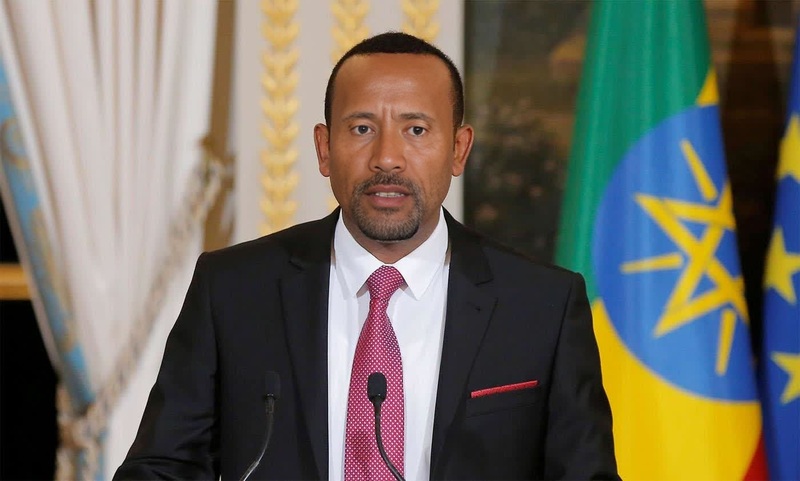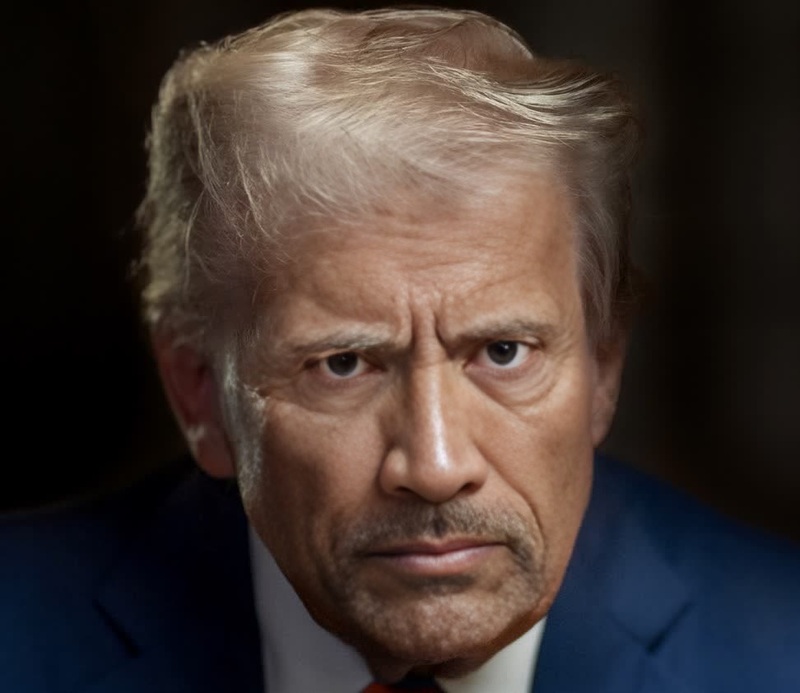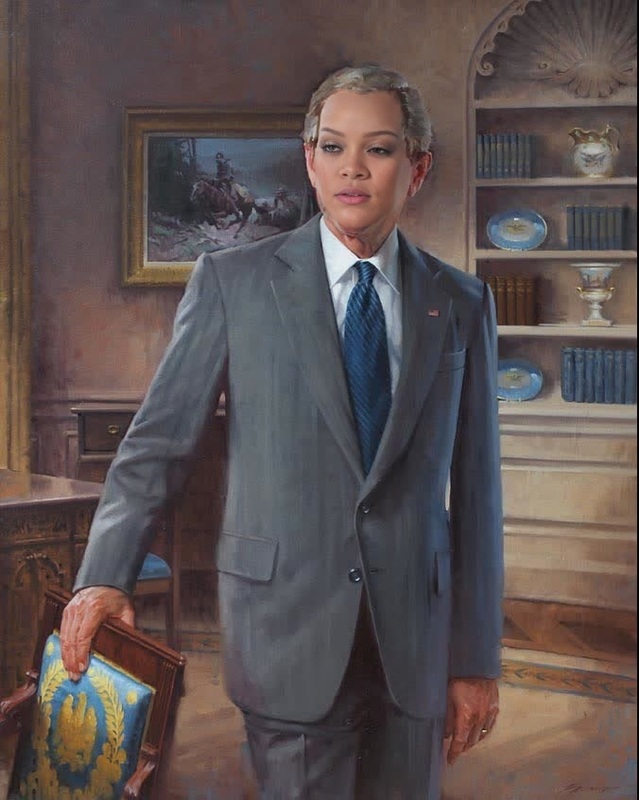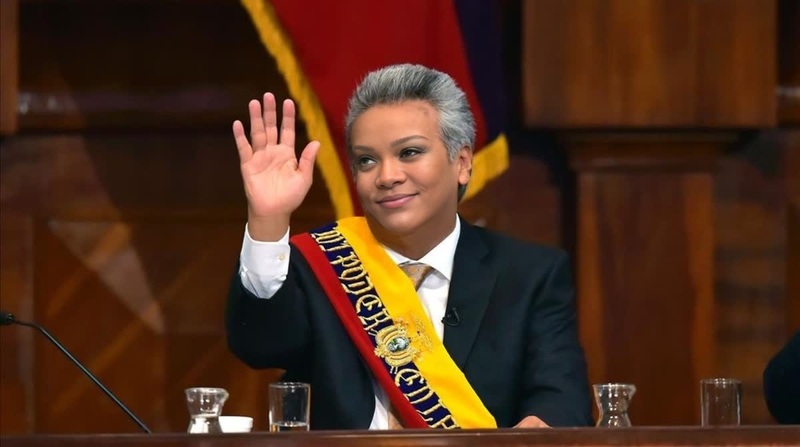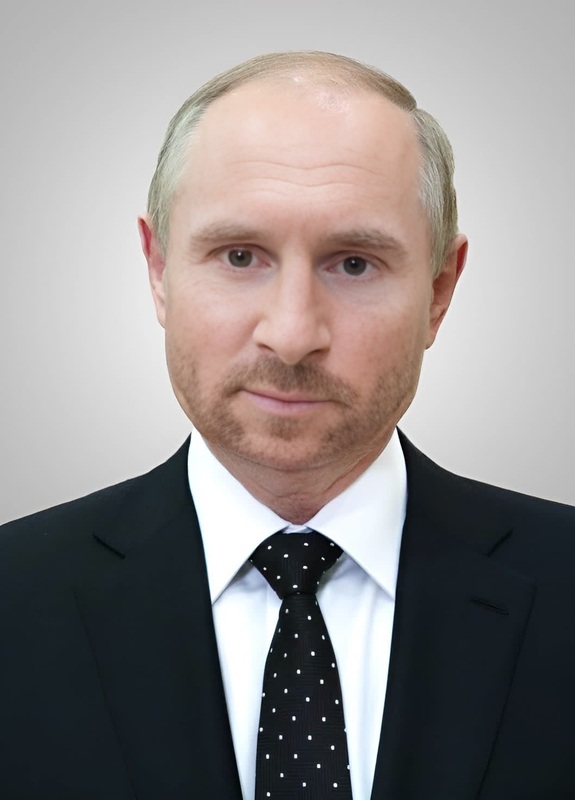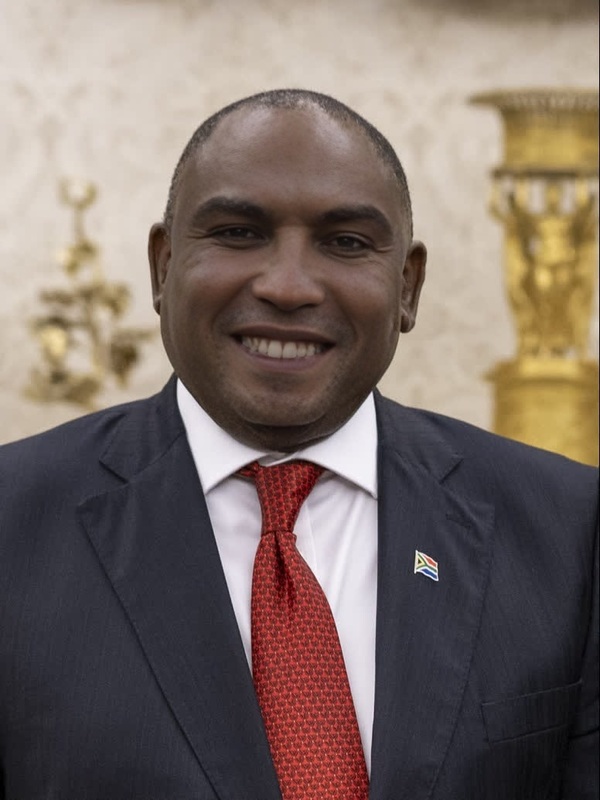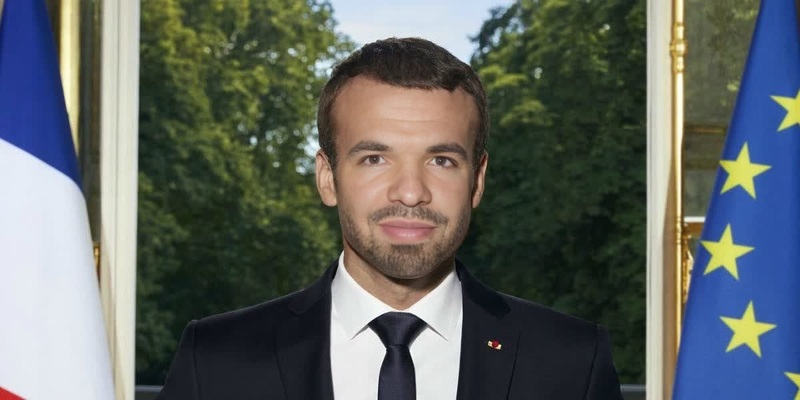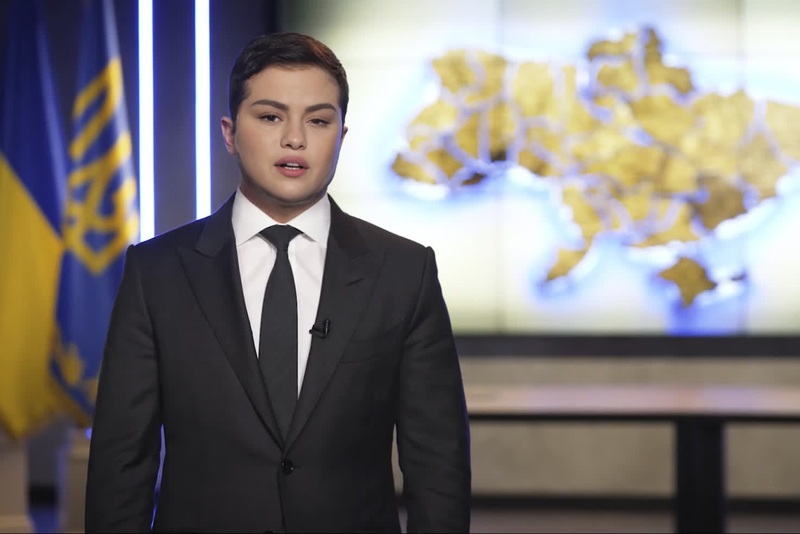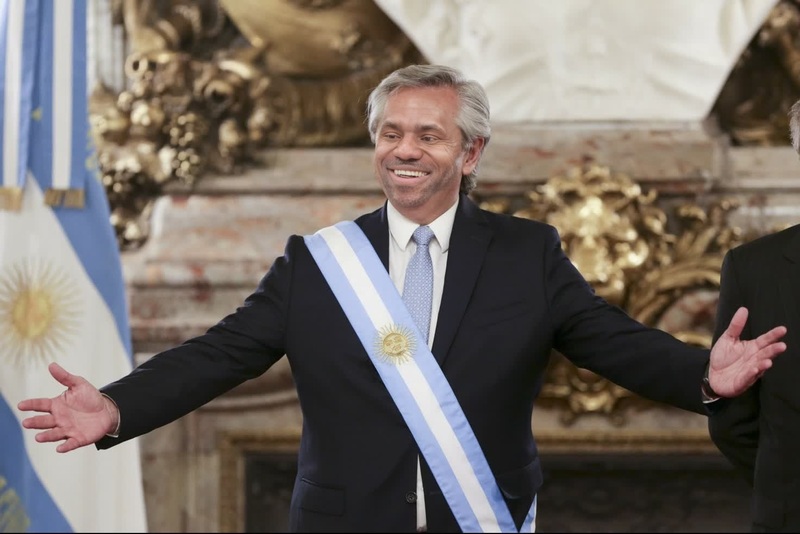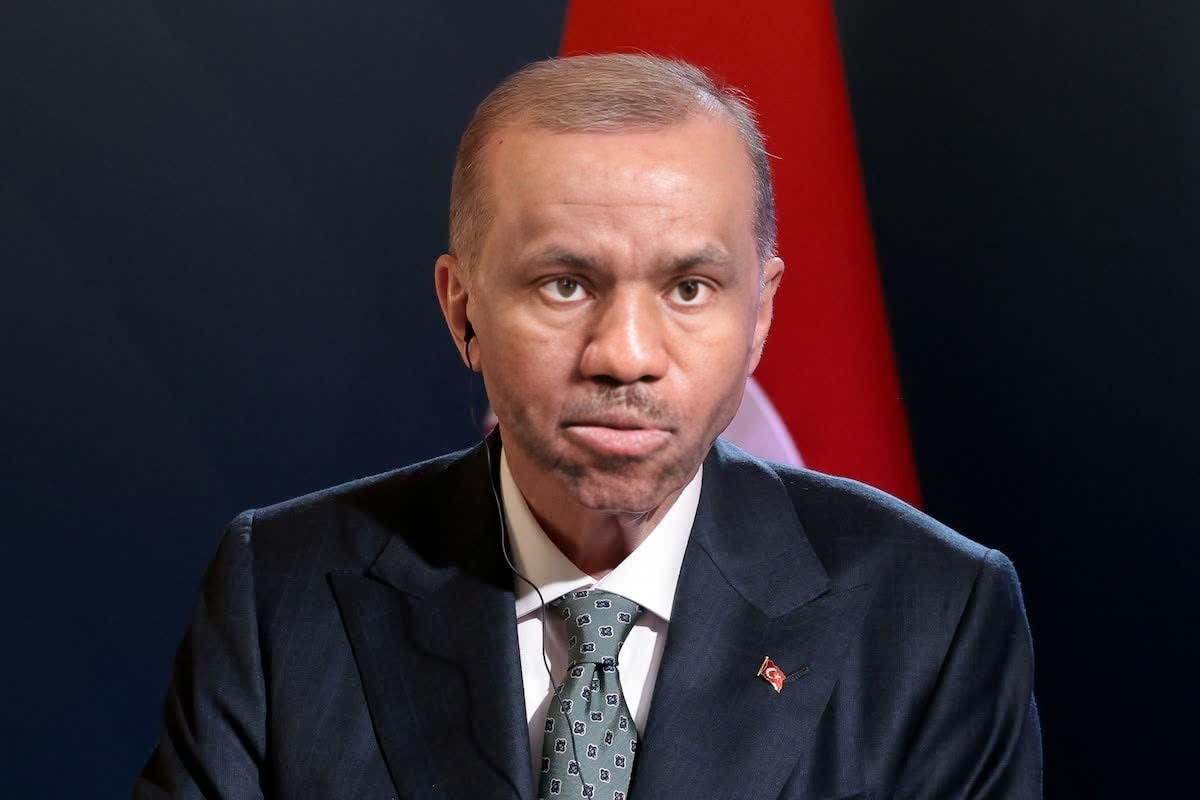
Recep Tayyip Erdogan Turkey President Press Portrait
face-swap
Any aspect ratio
Tags
transformationsLevel-Up Your Video With High-Quality AI Face Swap
Use this template to instantly replace the face in any clip with your own, a character, or a client’s likeness—perfect for UGC ads, social content, product explainers, and creative experiments.
This template is powered by Magic Hour’s Face Swap Video workflow and can be fully remixed to match your brand, script, and visual style.
What This Template Does
This template lets you:
- Swap the original subject’s face with:
- Your own selfie or headshot
- A client, actor, influencer, or team member
- A stylized face created with AI
- Keep:
- Original body, motion, framing, and camera movement
- Natural expressions and lighting
- Overall timing and sound from the base video
Under the hood, AI face-swapping models learn facial landmarks, expression patterns, and lighting from a source face and then reproject them onto the target video. Modern systems (like those used in Magic Hour) track the face frame-by-frame to preserve realism and minimize artifacts.
For a technical overview of face swapping and deepfakes, see:
- “A Survey on Deepfake Detection” – IEEE Access (for context on how these models are studied in research)
- “Deepfakes and Beyond: A Survey of Face Manipulation and Fake Detection” – ACM Computing Surveys
How to Remix This Template in Magic Hour
You can create your own version of this template in minutes by starting from Magic Hour’s Face Swap Video flow:
Open Face Swap Video
Go to Face Swap Video. This is the product flow this template is built on.Upload or Paste Your Base Video
- Use any short clip with a clearly visible face (talking, reacting, walking, etc.).
- For best results, choose footage with consistent lighting and a front or 3/4 view of the face.
Add Your Source Face
- Upload a selfie, portrait, headshot, or brand character.
- Use a sharp, well-lit face image with eyes visible and minimal obstructions (no heavy sunglasses, etc.).
- If you don’t have a face image yet, you can generate one using:
- AI Face Generator
- Avatar Generator
- AI Headshot Generator for professional looks
Run the Face Swap
- Start generation and let Magic Hour apply your source face across the video.
- The system will track expression, pose, and lighting automatically.
Review and Iterate
- Re-run with a different base video, face image, or style direction.
- Create multiple variants for A/B testing (different faces, outfits, characters).
You’ve now effectively cloned this template’s workflow, tailored to your own assets.
Use Cases for Creators, Marketers & Builders
This template is designed for practical, production-quality scenarios:
1. UGC Ads & Performance Creative
- Quickly test multiple “creators” reading the same script by swapping faces on a single well-shot video.
- Localize campaigns with region-specific presenters using the same core asset.
- Combine with Lip Sync to adapt spoken language while keeping the same base performance.
2. Founder & Team Content
- Put your founder or spokesperson into polished, pre-shot explainer videos.
- Create consistent “host” content without reshooting every time.
- Use AI-generated faces for privacy-safe internal demos and concept testing.
3. Character-Driven Campaigns
- Create recurring brand characters (humans or stylized characters) and drop them into new scenes using the same workflow.
- Design the character with:
- Then face-swap that character into live-action or semi-stylized video.
4. Prototyping Concepts Before Filming
- Validate storyboard ideas by swapping faces into stock footage or placeholder shoots.
- Show clients or teams realistic previews of cast, talent, or characters.
- Combine with AI Image Editor and AI Image Generator to refine look-and-feel before a real shoot.
5. Social, Memes & Entertainment
- Turn reaction videos into memes with your own face or your brand character.
- Accelerate content for TikTok, Reels, Shorts, and YouTube community posts.
- Combine with:
- AI Meme Generator for text & layouts
- Face Swap GIF for short looping formats
Best Practices for Realistic Face Swaps
To get results suitable for clients and campaigns:
Use high-quality source images
- Sharp, well-lit, neutral expression images work best.
- Ideally, use several similar photos from different angles if the workflow allows multiple inputs.
Choose the right base footage
- Stable, non-blurry shots with clear facial visibility.
- Avoid extreme motion blur or heavy occlusions (hands fully covering the face, etc.).
Match lighting and style
- If your base video is high-contrast or stylized, use a source face image with similar lighting.
- Pre-adjust your face image with the AI Face Editor, AI Image Editor, or AI Image Upscaler to clean, sharpen, or recolor.
Respect ethics and consent
- Always have rights and consent to use the faces you upload.
- Avoid deceptive or harmful deepfakes, especially involving public figures or private individuals.
- Many jurisdictions are updating regulations around synthetic media—review local guidelines and platform policies.
Useful background reading:
- Partnership on AI: “Responsible Practices for Synthetic Media”
- MIT Technology Review and Brookings reports on deepfakes and policy trends
Extending This Template With Other Magic Hour Tools
You can chain this face-swap template into more advanced AI-first workflows:
Make the swapped face talk or sing
- Use Lip Sync to align mouth movements with new audio.
- Combine with AI Voice Generator or AI Voice Cloner to generate on-brand voiceovers.
Transform the entire video look
- After face swapping, stylize the full clip using Video to Video.
- Or generate animated versions of your character with Animation or Image to Video.
Create thumbnails and promo assets
- Extract key frames and refine them with:
- Thumbnail Maker
- AI Background Generator
- AI Logo Generator for overlays
- Extract key frames and refine them with:
Polish and repurpose outputs
- Improve video quality with Video Upscaler.
- Generate matching campaign stills with AI Photo Generator or AI Selfie Generator.
- Add captions with Auto Subtitle Generator.
How to Build Your Own “Face Swap Template” Library
If you’re a team or agency, you can treat this as a reusable building block:
Standardize your base shots
- Shoot a small library of generic actions:
- Talking to camera, walking, gesturing, unboxing, pointing at text, etc.
- Use these as base videos in Face Swap Video.
- Shoot a small library of generic actions:
Maintain a face asset library
- Store reference faces for founders, internal spokespeople, or recurring characters.
- Generate variants and stylized versions with:
Create reusable prompts and briefs
- Document which kinds of source photos and base shots work best for your brand.
- Define internal rules for consent, disclosures, and acceptable use.
Test, measure, and iterate
- A/B test different faces, tones (serious vs playful), or styles for performance campaigns.
- Log what performs best by market, channel, or audience segment.
FAQ
Can I use this template with stock footage?
Yes. As long as the footage allows clear facial tracking, you can upload stock clips as your base video. Always respect the license terms.
Do I need technical experience?
No. The template is built on the Face Swap Video interface, which is designed to be usable by marketers, creators, and non-technical teams.
Can I combine this with talking-photo or static-image workflows?
Yes. For still images, use AI Talking Photo, AI GIF Generator, or Face Swap GIF if you want short, looping content instead of full video.
Is there a way to protect or anonymize identities?
You can:
- Swap real faces with AI-generated ones via AI Face Generator or Avatar Generator.
- Use Gender Swap and stylized tools like Disney AI Generator, AI Anime Generator, or Dark Fantasy AI to shift away from real-person likenesses.
Start Remixing This Face Swap Template
To create your own version of this template:
- Open Face Swap Video.
- Upload your base clip and your source face.
- Generate, review, and iterate as needed.
- Optionally chain with Lip Sync, Video to Video, or Animation for advanced workflows.
In a few minutes, you’ll have a production-ready, reusable face-swap asset tailored to your brand, your product, and your audience.