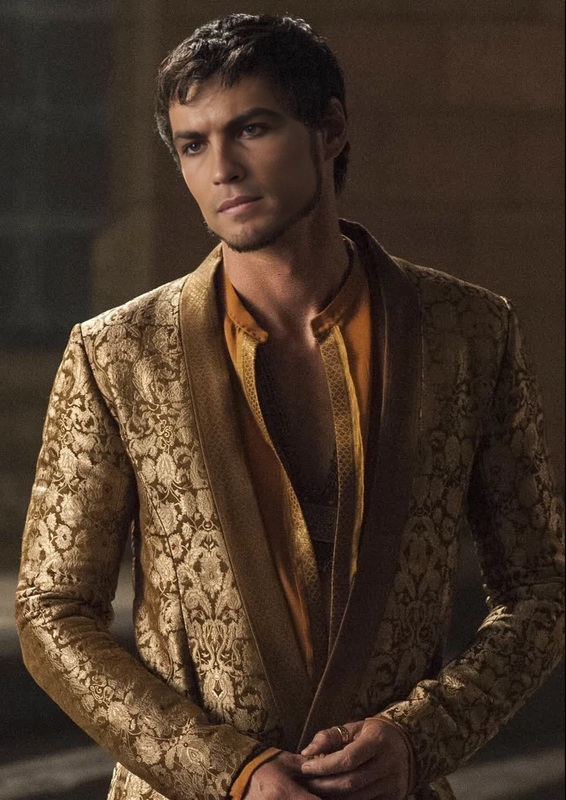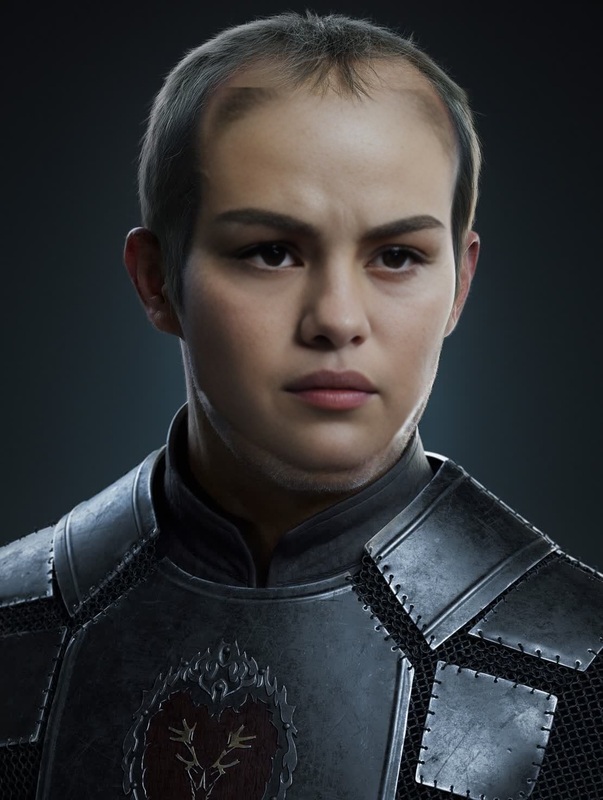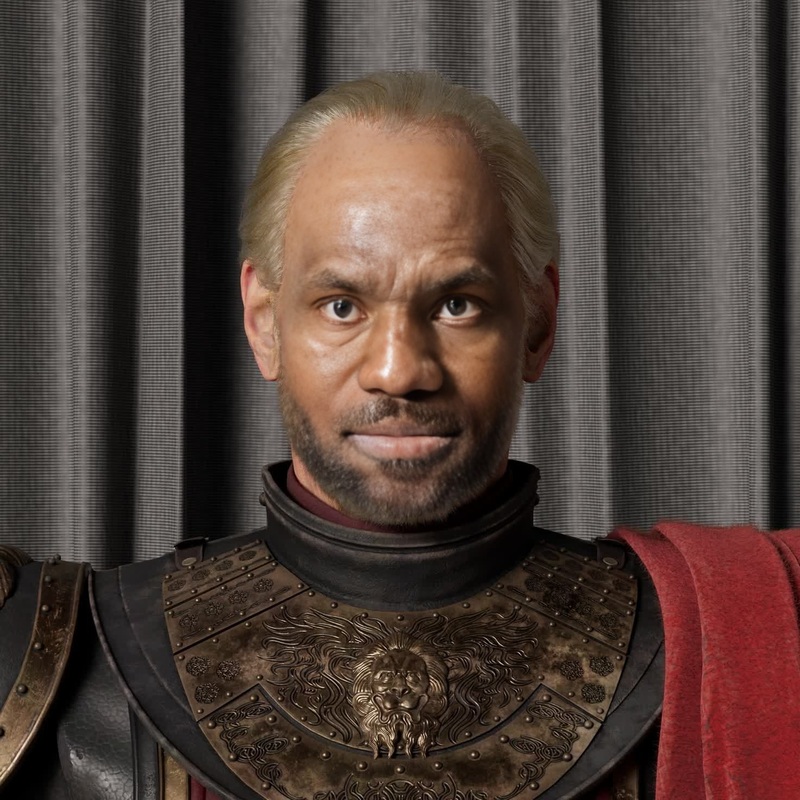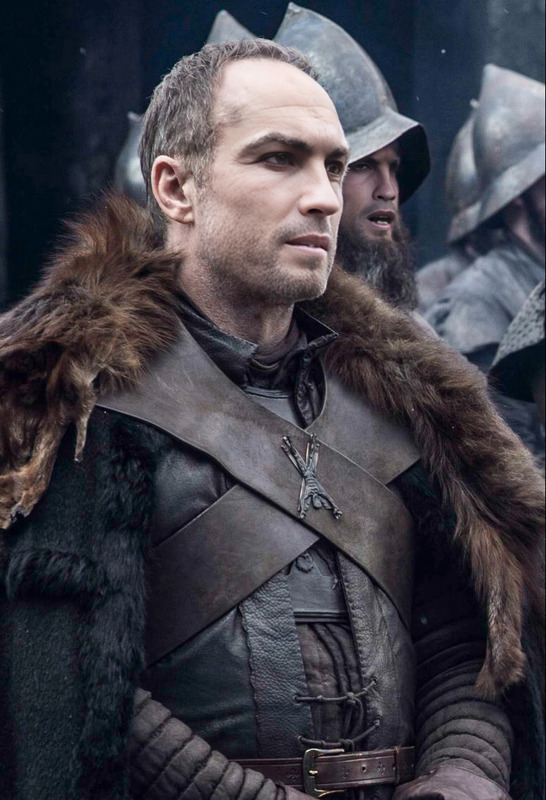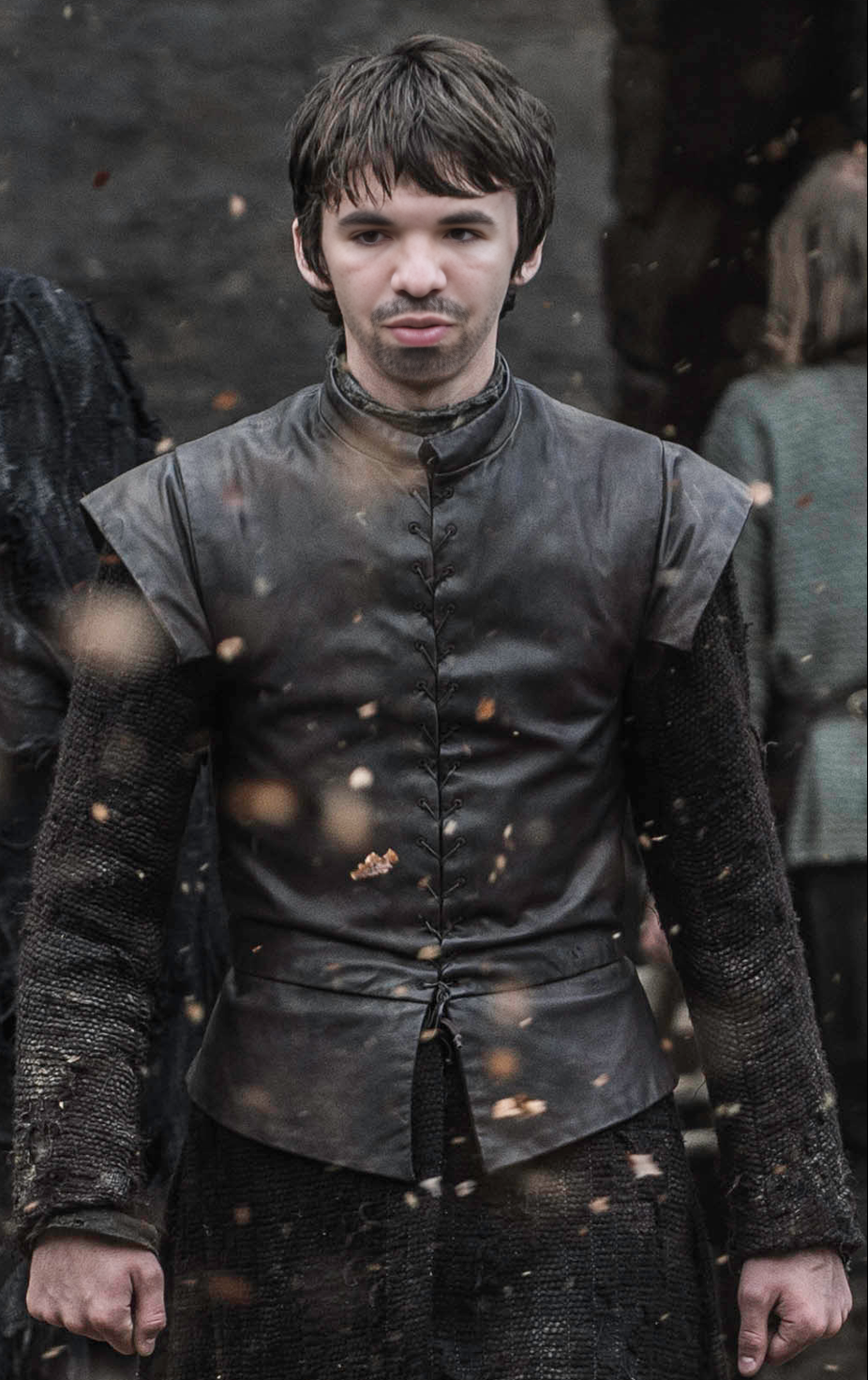
Bran Stark Game Of Thrones
- Image
- 926 × 1472 px
Any aspect ratio
Overview
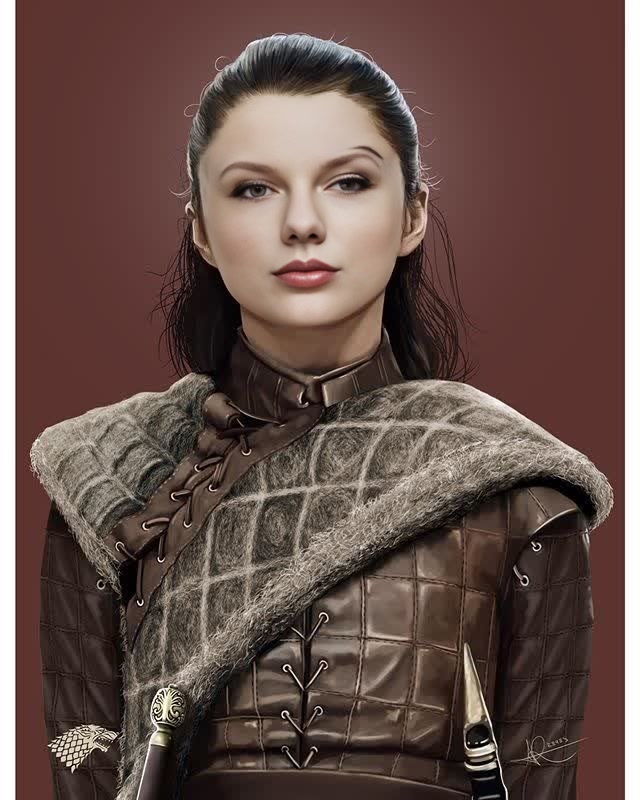
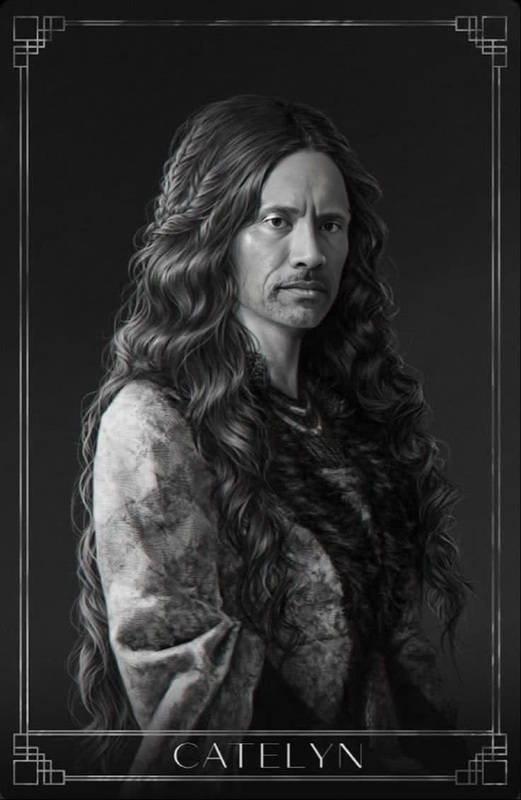
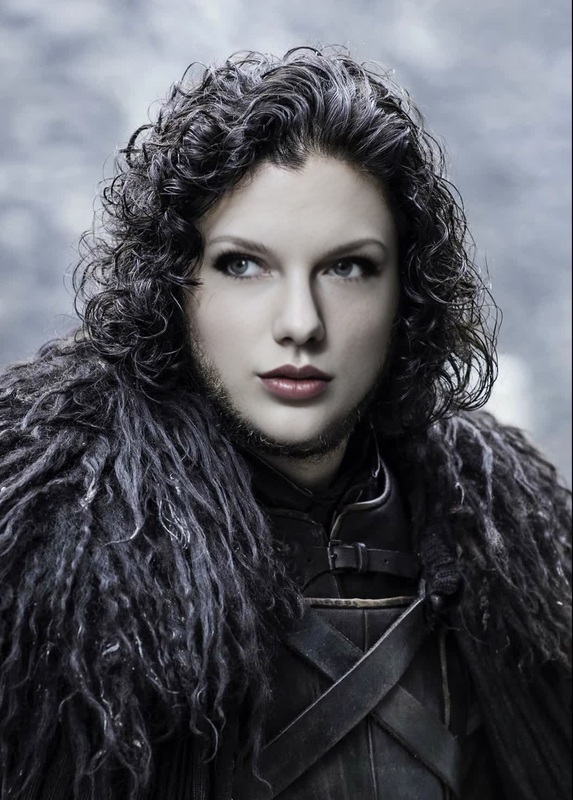
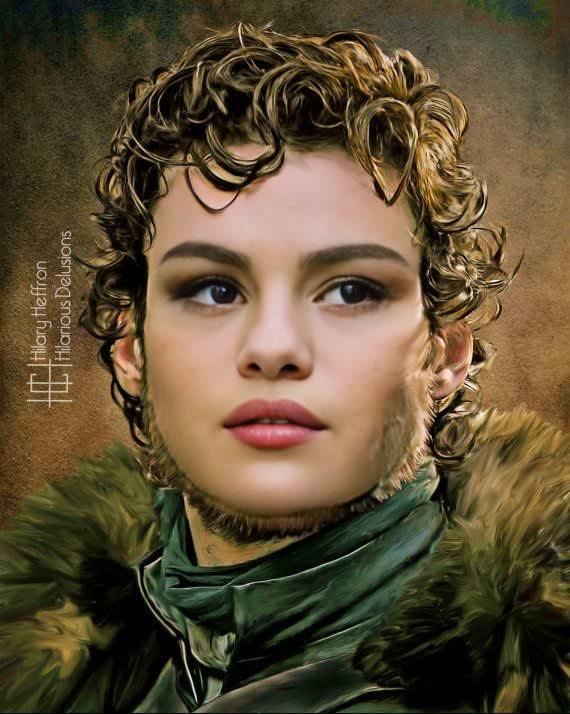
Step into the world of Westeros by transforming into Bran Stark from Game of Thrones. This Video Face Swap template allows you to insert your face into scenes featuring everyone's favorite Three-Eyed Raven, offering an immersive fantasy experience.
What It Does
Our AI-powered template enables you to swap your face into scenes from Game of Thrones seamlessly, ensuring you appear as Bran Stark. This template supports video formats compatible with the popular Video-to-Video models. Ideal for creating shareable content, this tool is perfect for enthusiasts and content creators alike.
Who It's For
Targeted at Game of Thrones fans, social media enthusiasts, and fantasy role-playing gamers, this video face swap tool provides a unique way to engage with the saga. It also serves video creators looking to add a touch of fantasy to their work, with professional features that entertain and engage audiences.
Summary
Transform your personal media into epic fantasy content with the Bran Stark Video Face Swap. This user-friendly tool leverages powerful AI to integrate your face into iconic scenes. Find more transformation options with our Gender Swap and AI Face Editor tools.
How-To
Choose

Customize

Generate

Use Cases
Social Media Engagement
Fantasy Role-Playing
Promotional Content
Best Practices
High-Quality Photos
Upload high-resolution images to achieve the best accuracy in face alignment and swapping.Lighting Consistency
Ensure the lighting on your face is consistent with the scene to create a more natural look.Face Positioning
Align your face carefully with the specified markers to improve the final video quality.