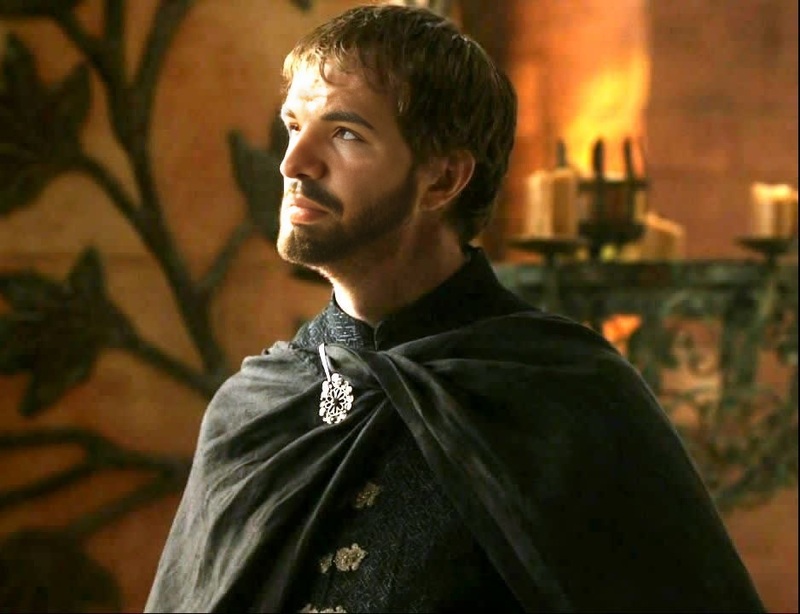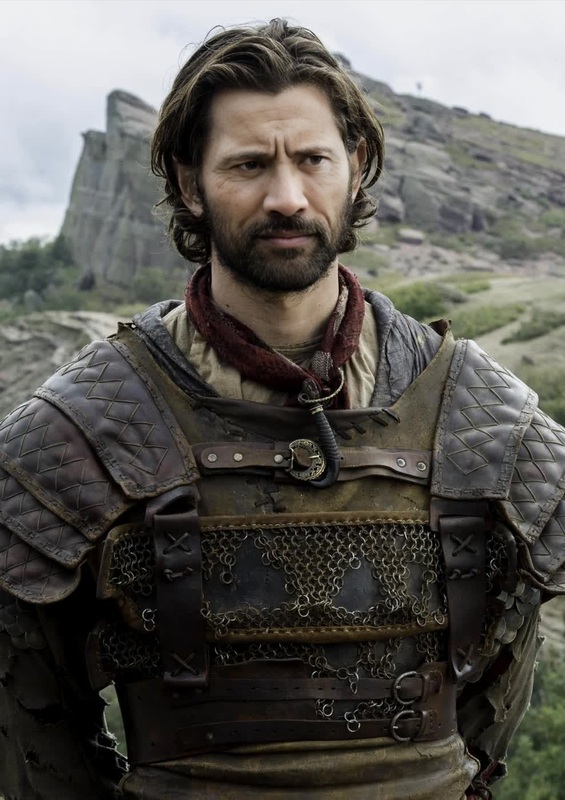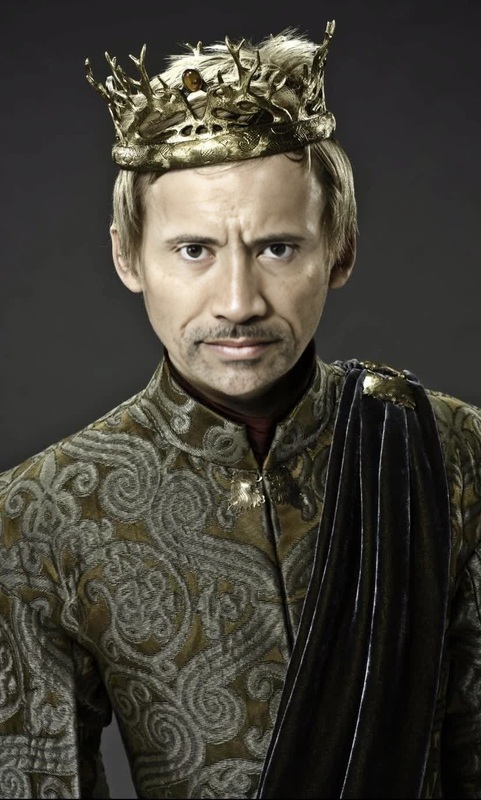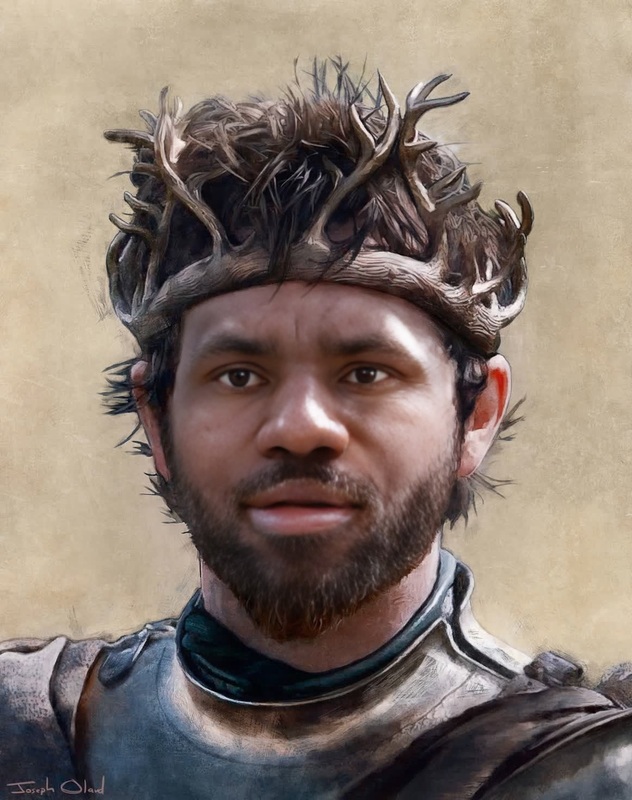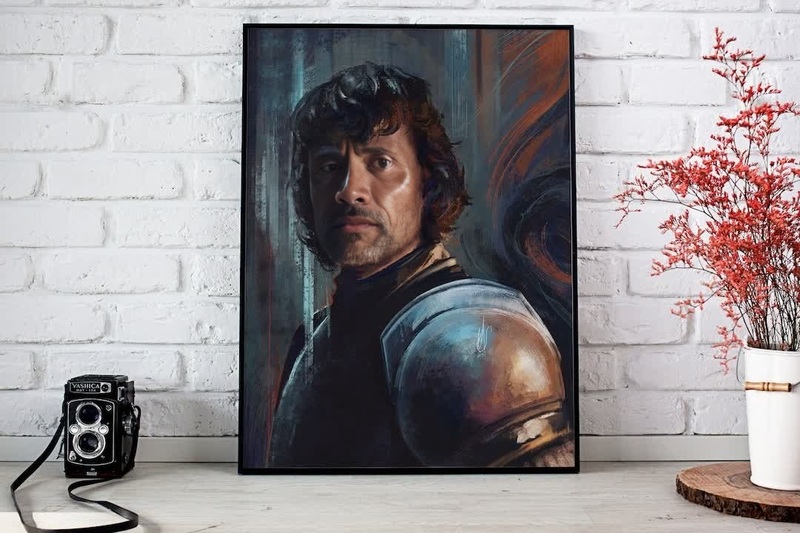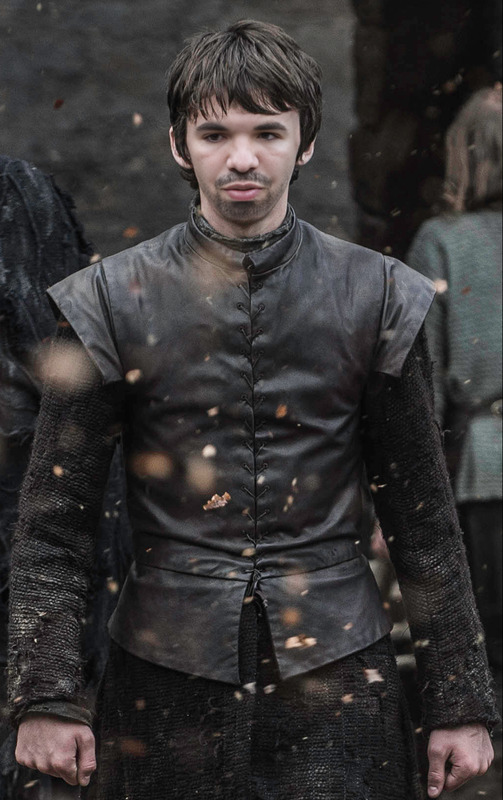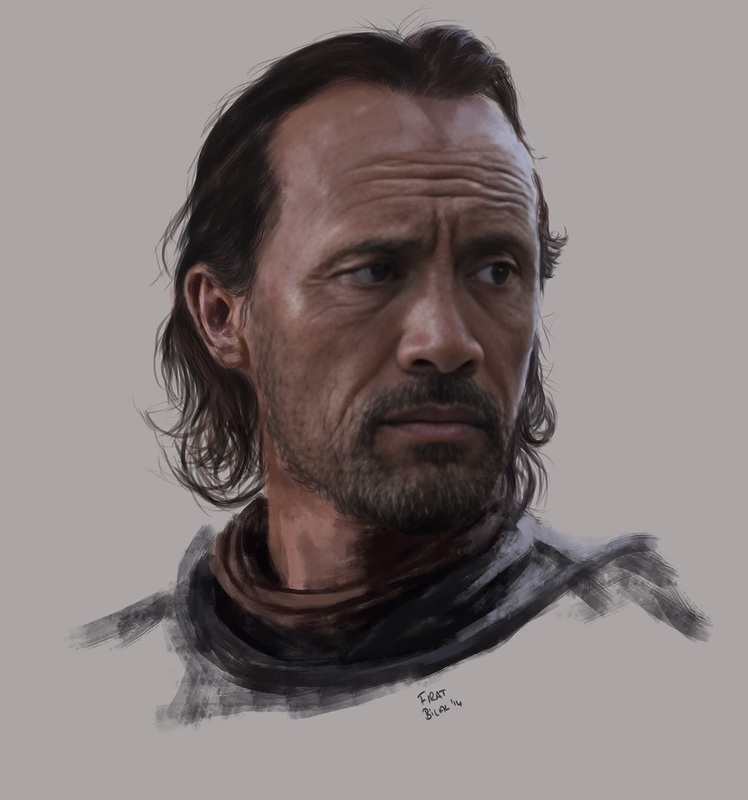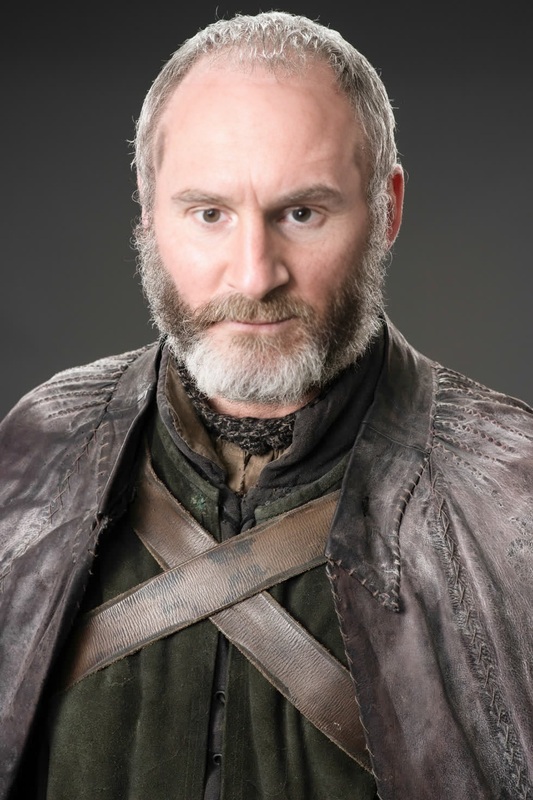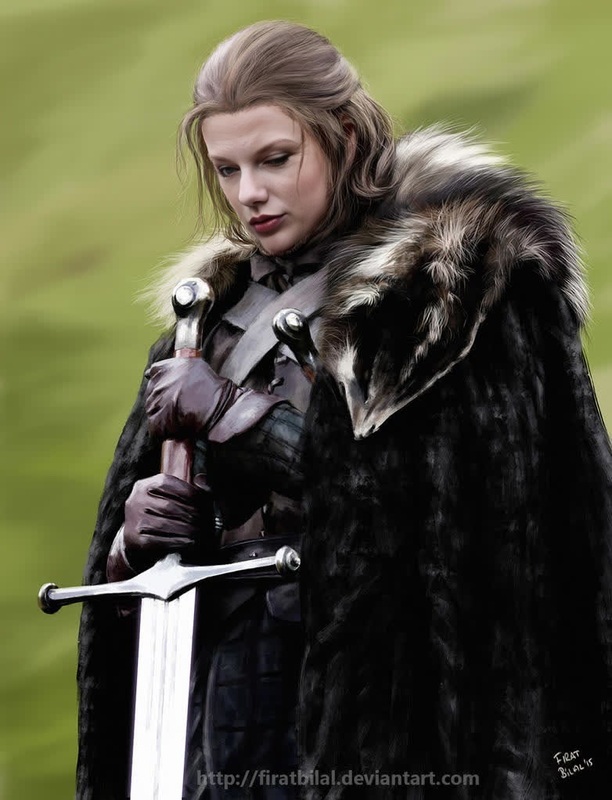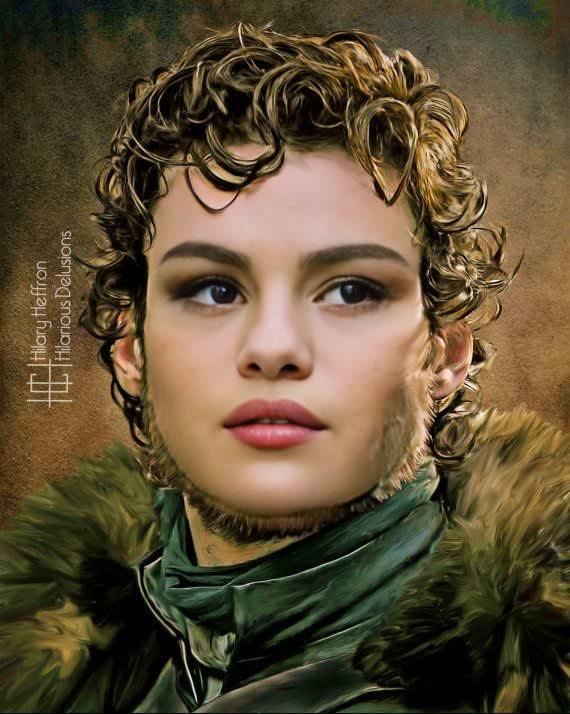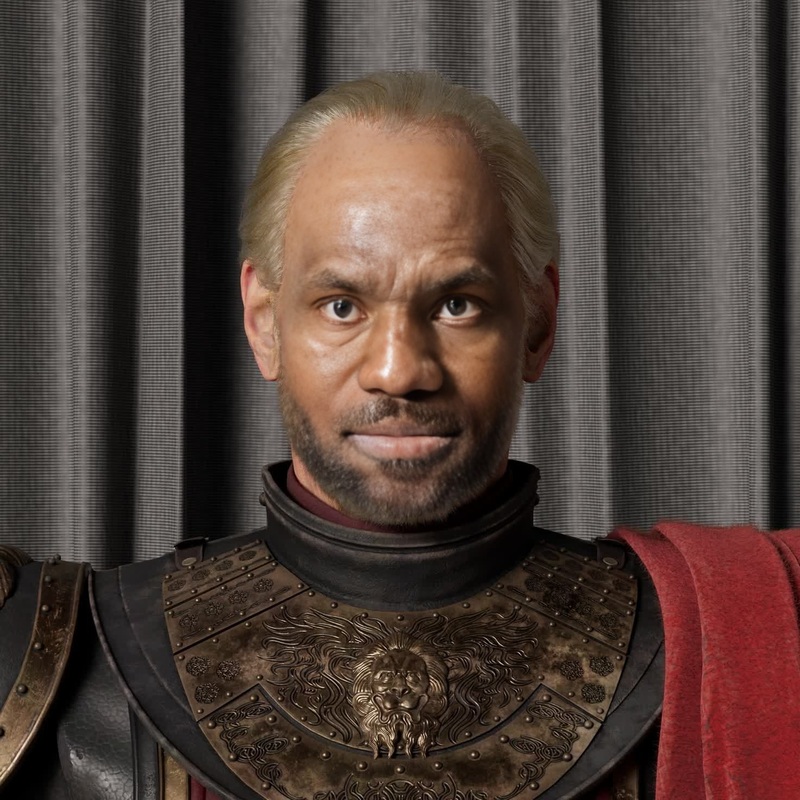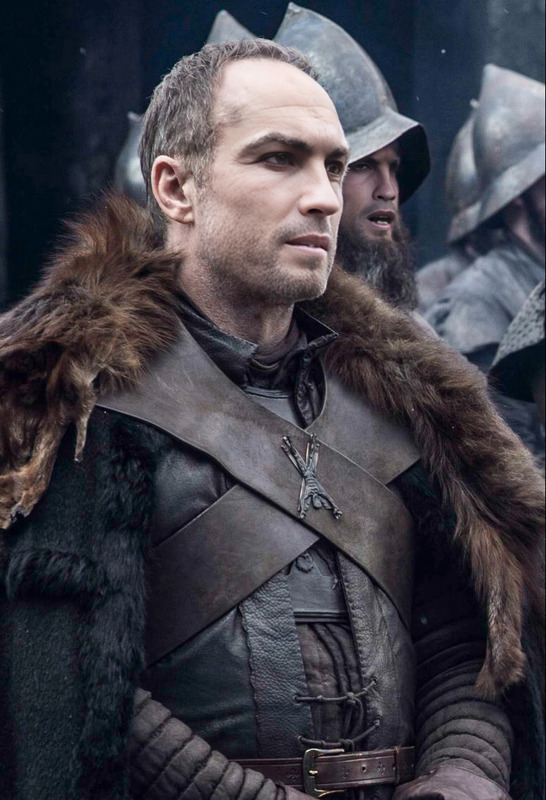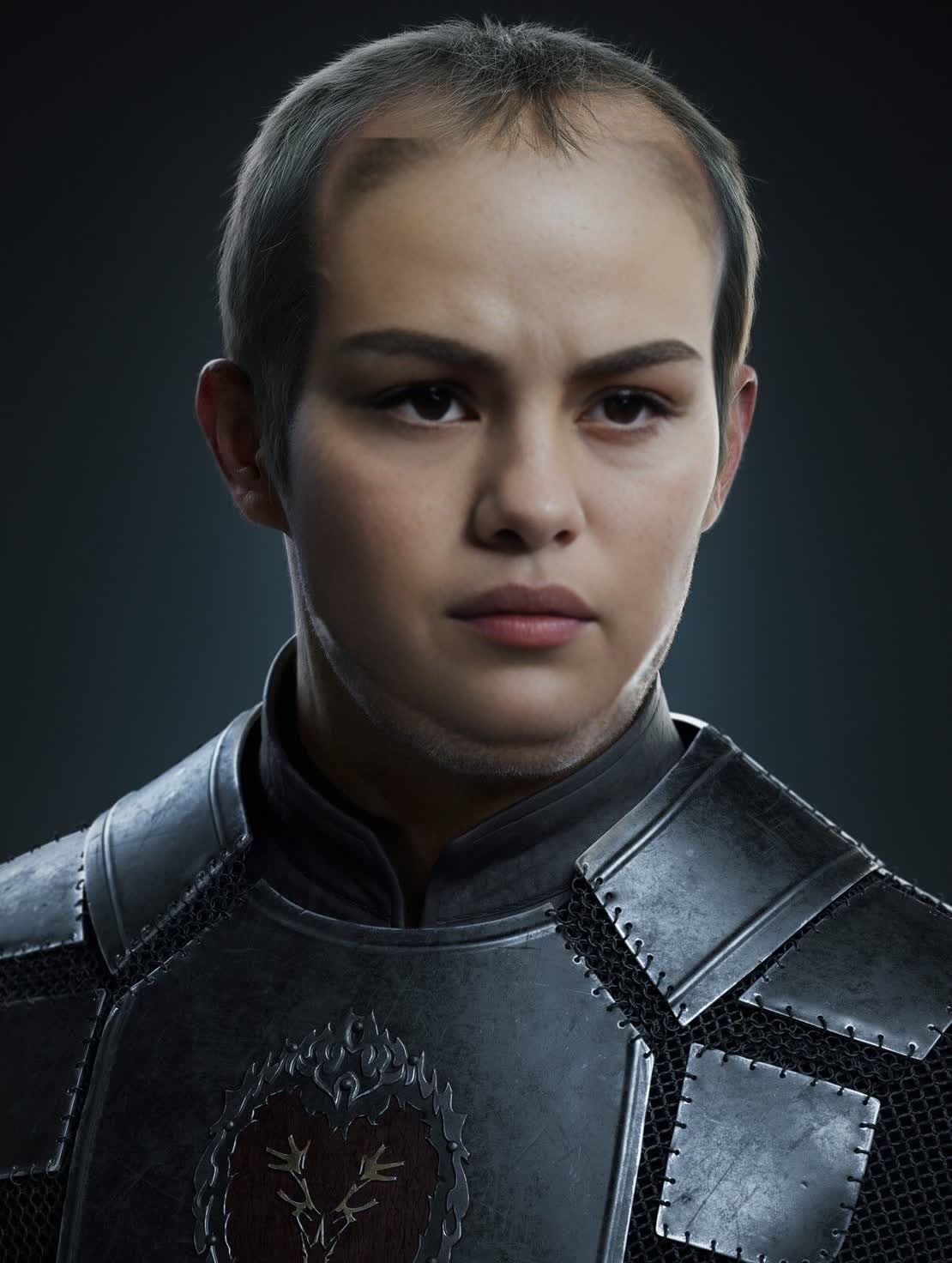
Stannis Baratheon Game Of Thrones
- Image
- 1110 × 1472 px
Any aspect ratio
Overview
Step into the shoes of Stannis Baratheon with our Video Face Swap template. If you're a fan of Game of Thrones, reliving those intense Westeros scenes is now possible with just a few clicks. This template allows you to become Stannis, melding your facial expressions into classic scenes.
What It Does
The Stannis Baratheon template swaps your face with the character's in existing video footage, bringing your likeness into memorable Game of Thrones moments. The transformation uses the latest in AI-driven face replacement to ensure a realistic result.
The template supports multiple video formats, making it versatile for different project needs. Discover more options within our Video Face Swap product suite.
Who It's For
Ideal for Game of Thrones enthusiasts who wish to create unique, personalized content. Whether you're a cosplayer, content creator, or just a fan looking to bring a fantasy character to life, this tool is perfect for your creative needs.
Suitable for individuals and professionals looking to add a touch of Westeros to their video projects or social media posts. Explore more transformational tools from our Face Swap collection.
Summary
Step out of reality and into King's Landing using the Stannis Baratheon Game Of Thrones template. This video face swap tool enables both fans and creators to craft content that impresses and engages, with the realism you expect from a Video Face Swap experience.
How To
Choose the Template

Customize Your Input

Generate and Download

Use Cases
Fan Creations
- Create personalized fan video edits
- Produce engaging fan theories with custom video content
Social Media Content
- Great for viral social media challenges
- Enhance your content channel with unique clips
Virtual Cosplay
- Perfect for virtual cosplay events and competitions
- Enhance your costumes with real-time video edits
Best Practices
Use High-Quality Images
To achieve the best results, use high-resolution photos for swapping. Blurry images can affect the accuracy of face alignment.Check Lighting Conditions
Ensure your uploaded photo has consistent lighting with the video footage to improve the blending effect.Preview Before Finalizing
Take advantage of the preview feature to adjust settings before generating your final video. This ensures your face aligns perfectly with Stannis' expressions.