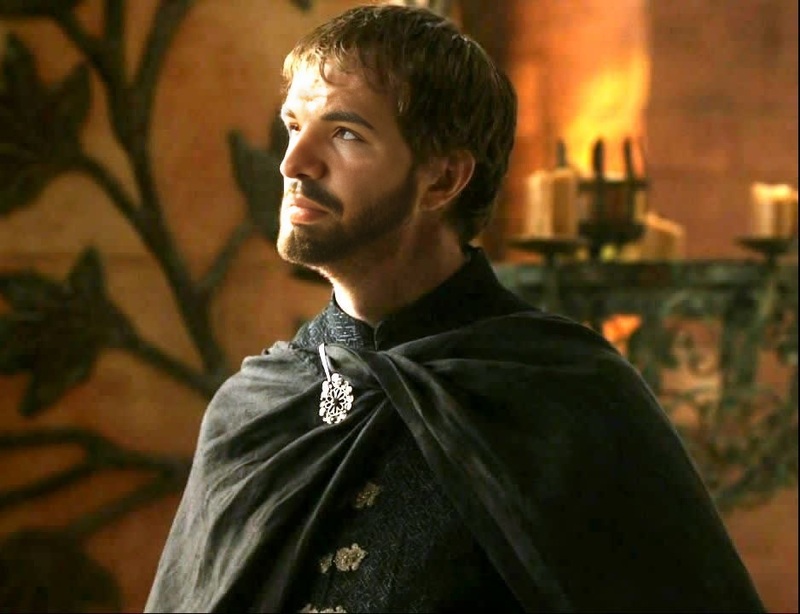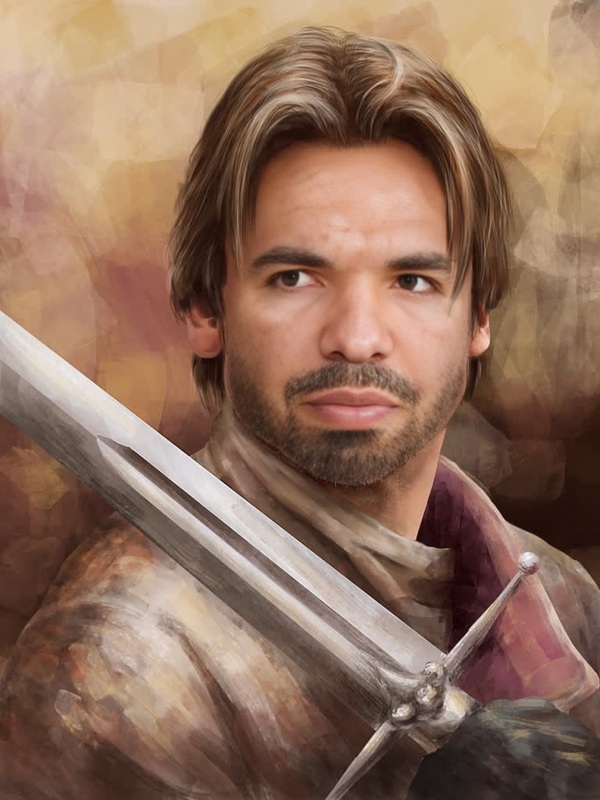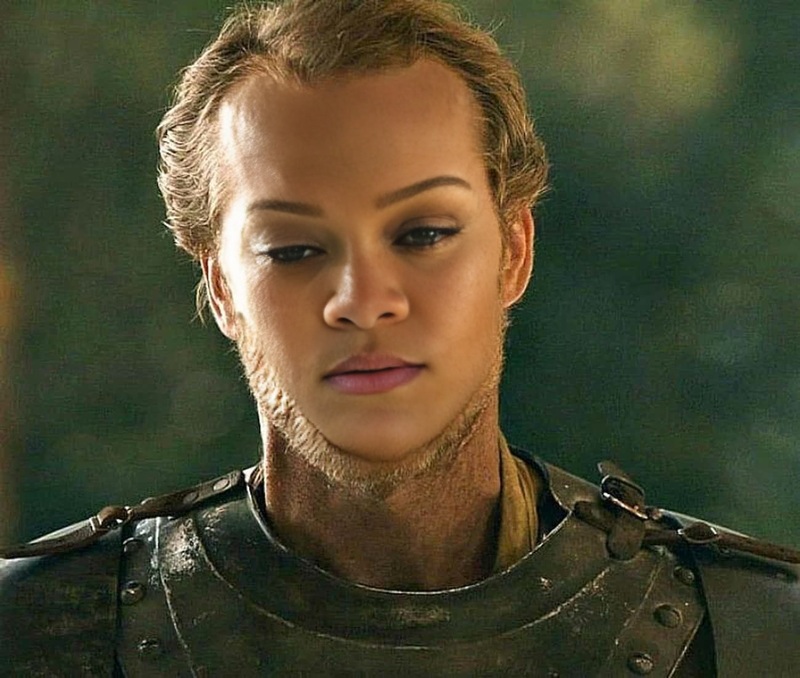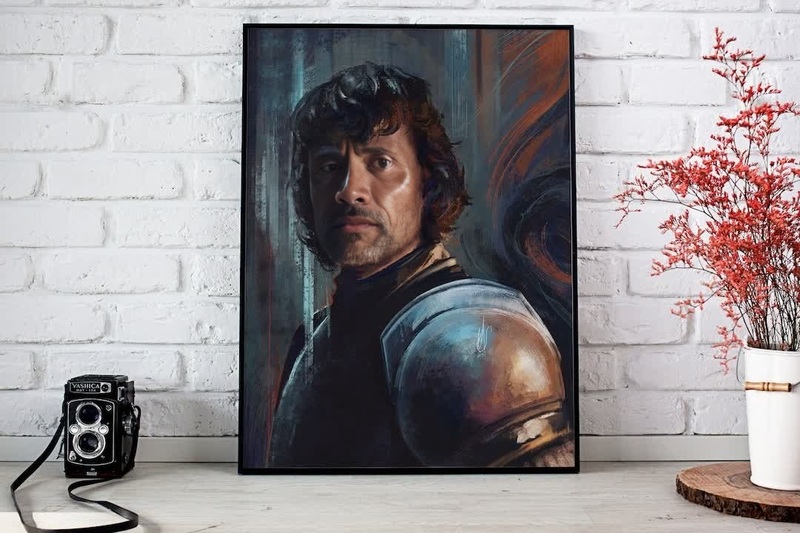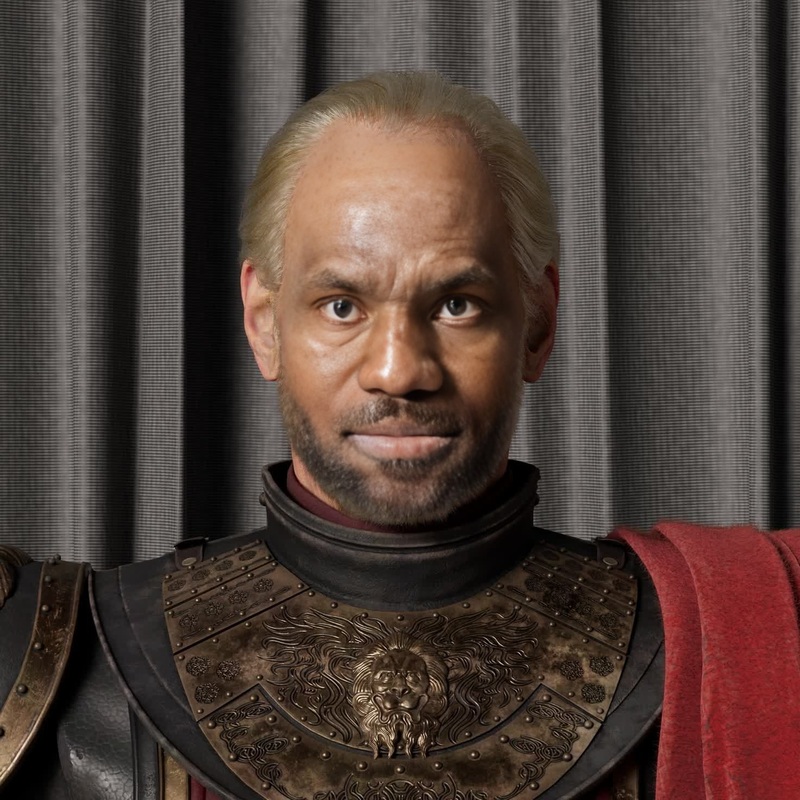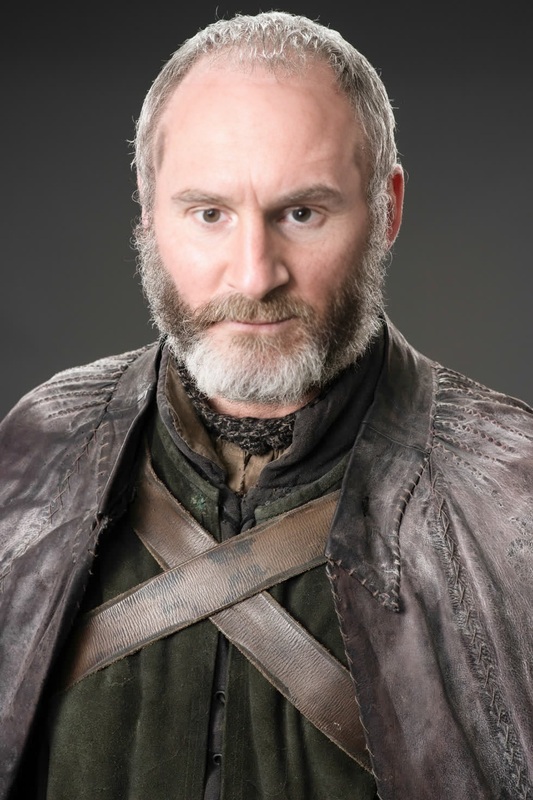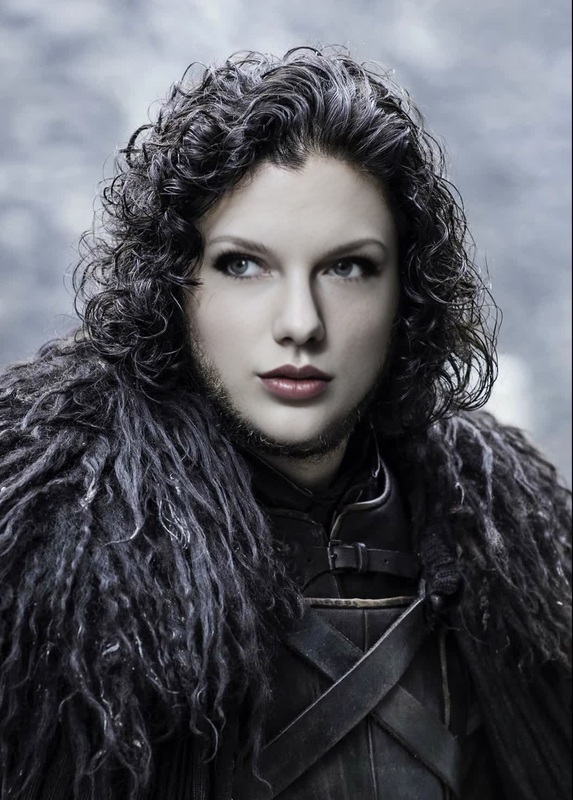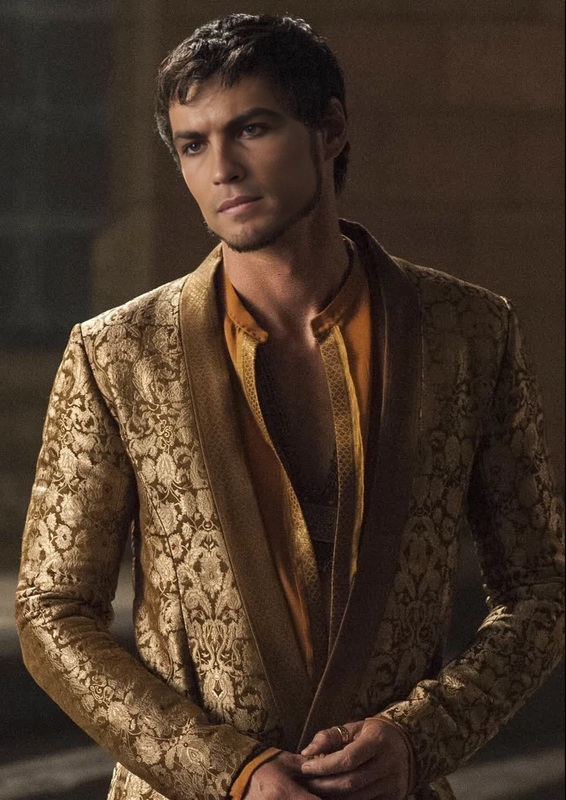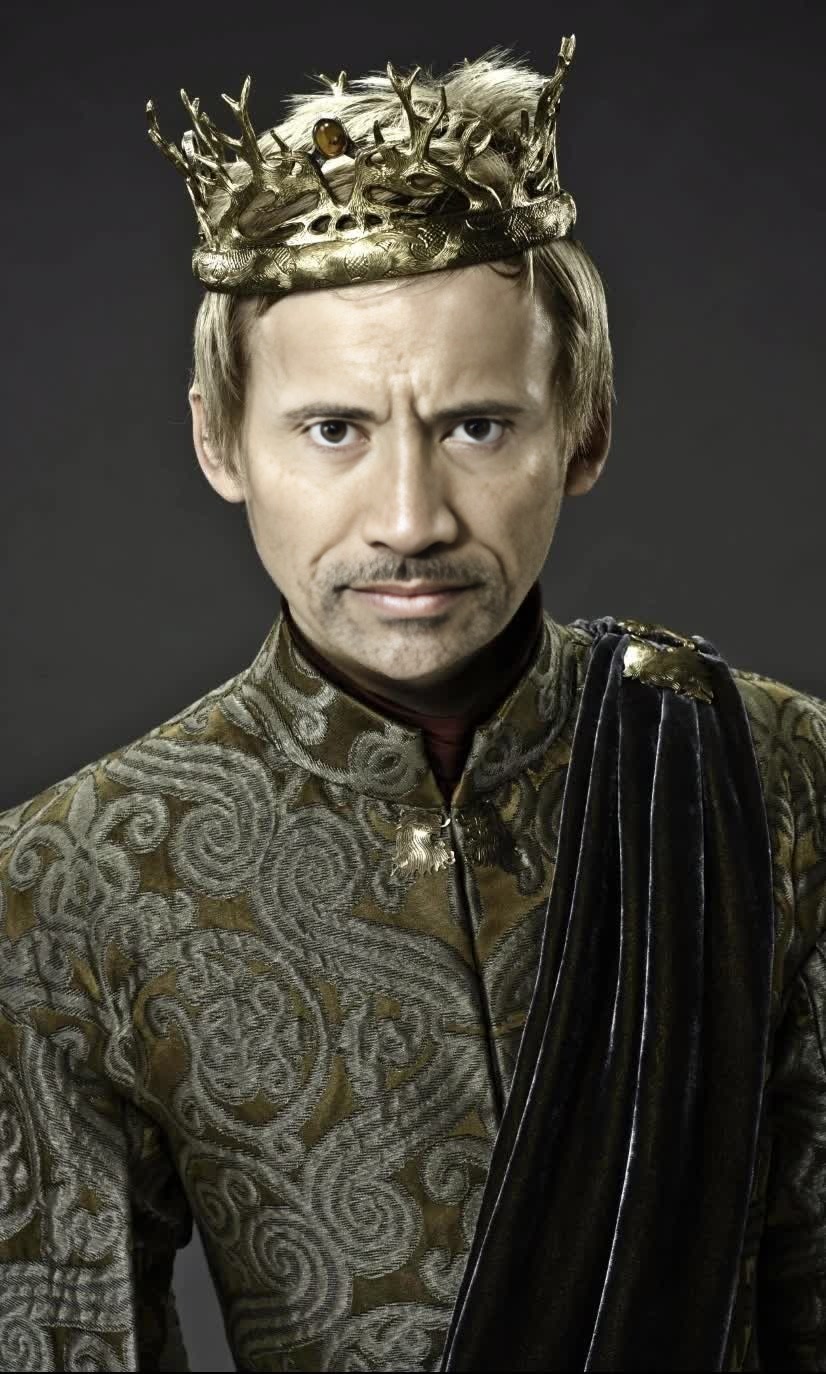
Joffrey Baratheon Game Of Thrones
- Image
- 826 × 1374 px
Any aspect ratio
Overview
Dive into the world of Westeros with our Joffrey Baratheon Video Face Swap template. This engaging template allows you to transform any video by swapping a face with the iconic character, Joffrey Baratheon from Game of Thrones. Ideal for creators looking to add a humorous twist to their content.
What It Does
This template allows you to perform a Video Face Swap, incorporating Joffrey Baratheon's face into your selected video. It utilizes sophisticated AI technology to ensure seamless integration with accurate facial mapping and expressions. Pair it with our Video Face Swap for even more intriguing transformations.
Who It's For
Designed for video creators, social media influencers, and fans of Game of Thrones who want to inject some fun into their projects. If you're into making meme videos or engaging clips for social media, this is your go-to tool.
Summary
With the Joffrey Baratheon Video Face Swap template, you can breathe new life into your existing video content. Whether you're creating funny videos for social platforms or engaging your audience with unique storytelling, this template provides the tools you need. Discover more about our AI Video Generator to expand your creative possibilities.
How To
Choose Your Template

Customize Your Video

Generate and Download

Use Cases
Humorous Meme Videos
- Use iconic scenes and add a humorous Joffrey twist.
- Engage wider audiences with trending meme formats.
Fan Edits
- Swap characters in iconic scenes.
- Experiment with alternative storylines.
Social Media Content
- Make eye-catching posts that stand out in feeds.
- Utilize as part of a themed content series.
Best Practices
Choose High-Quality Videos
Ensure the video you upload is of high quality to achieve the best face swap results.Keep Lighting Consistent
Use videos where the lighting on the face is consistent to enhance the AI's effectiveness.Review Before Sharing
Always review the final video to ensure that the face swap looks natural and meets your creative expectations.