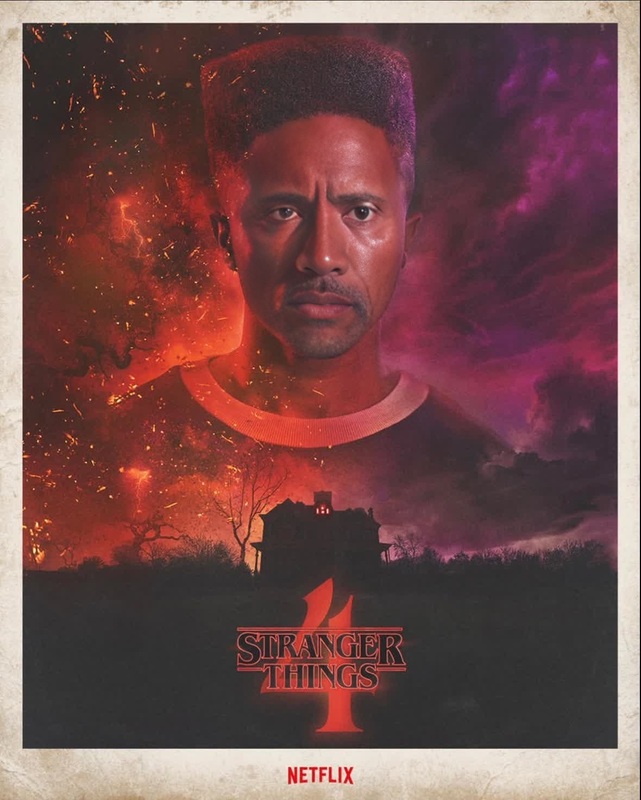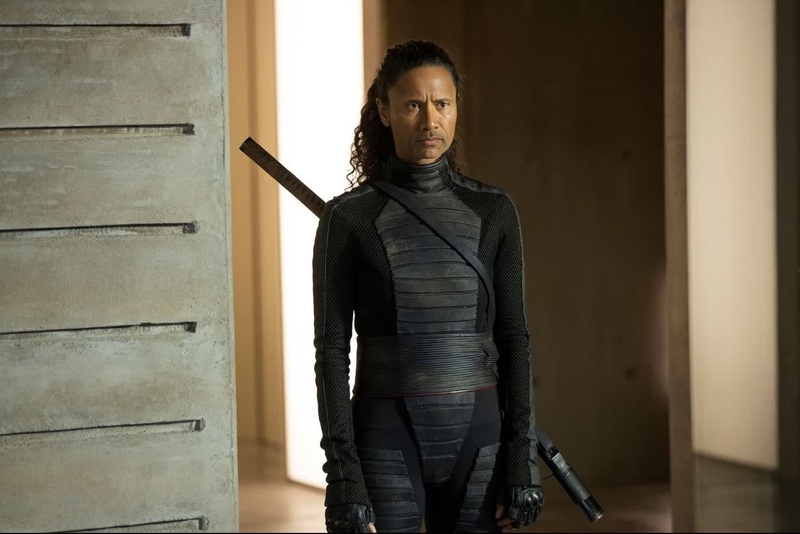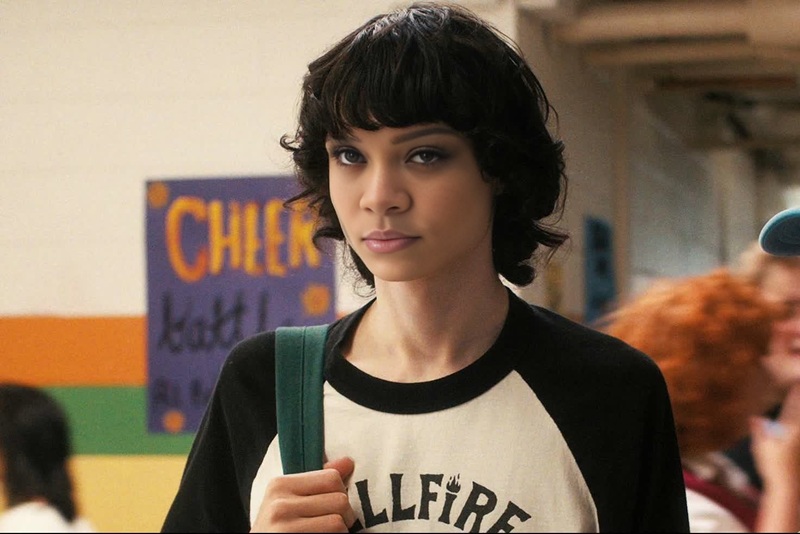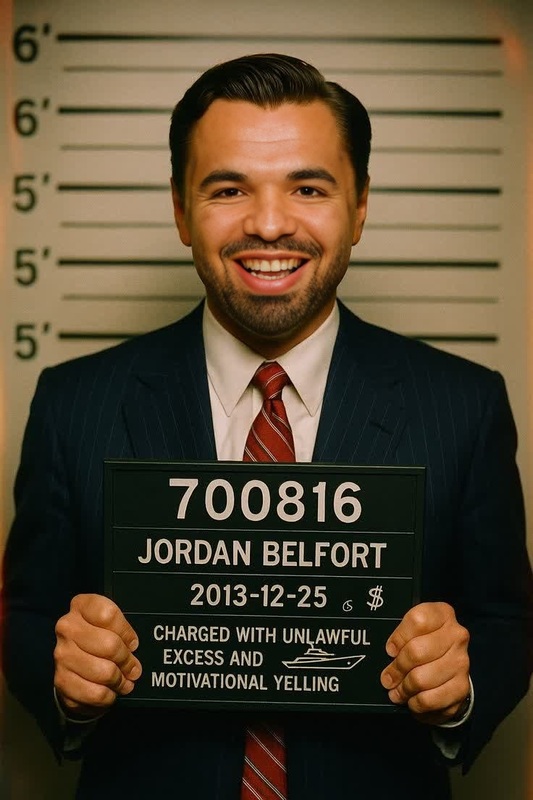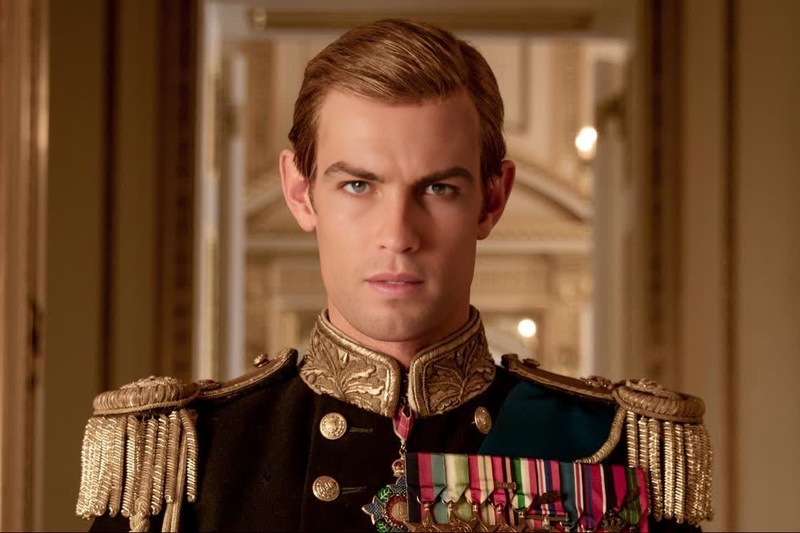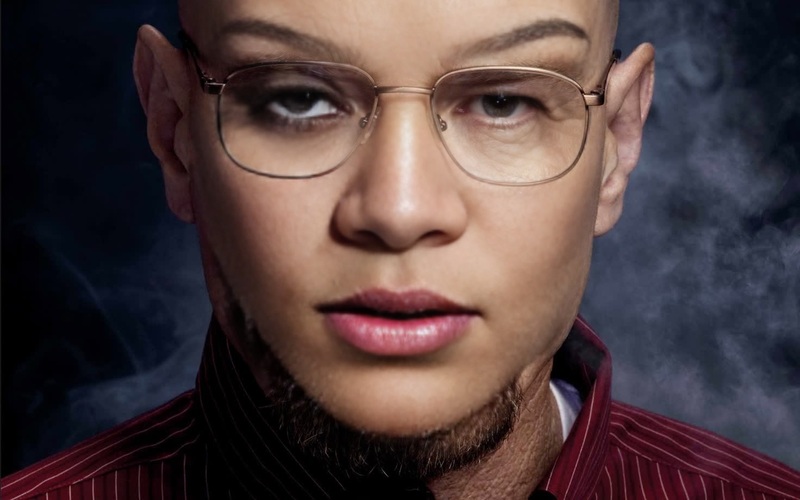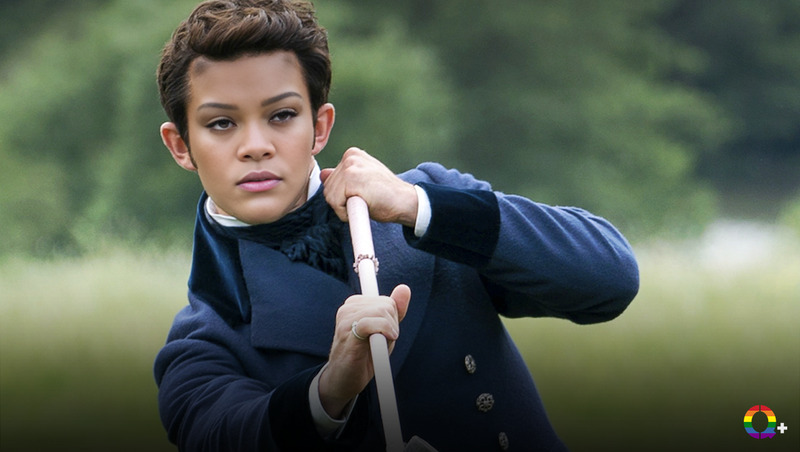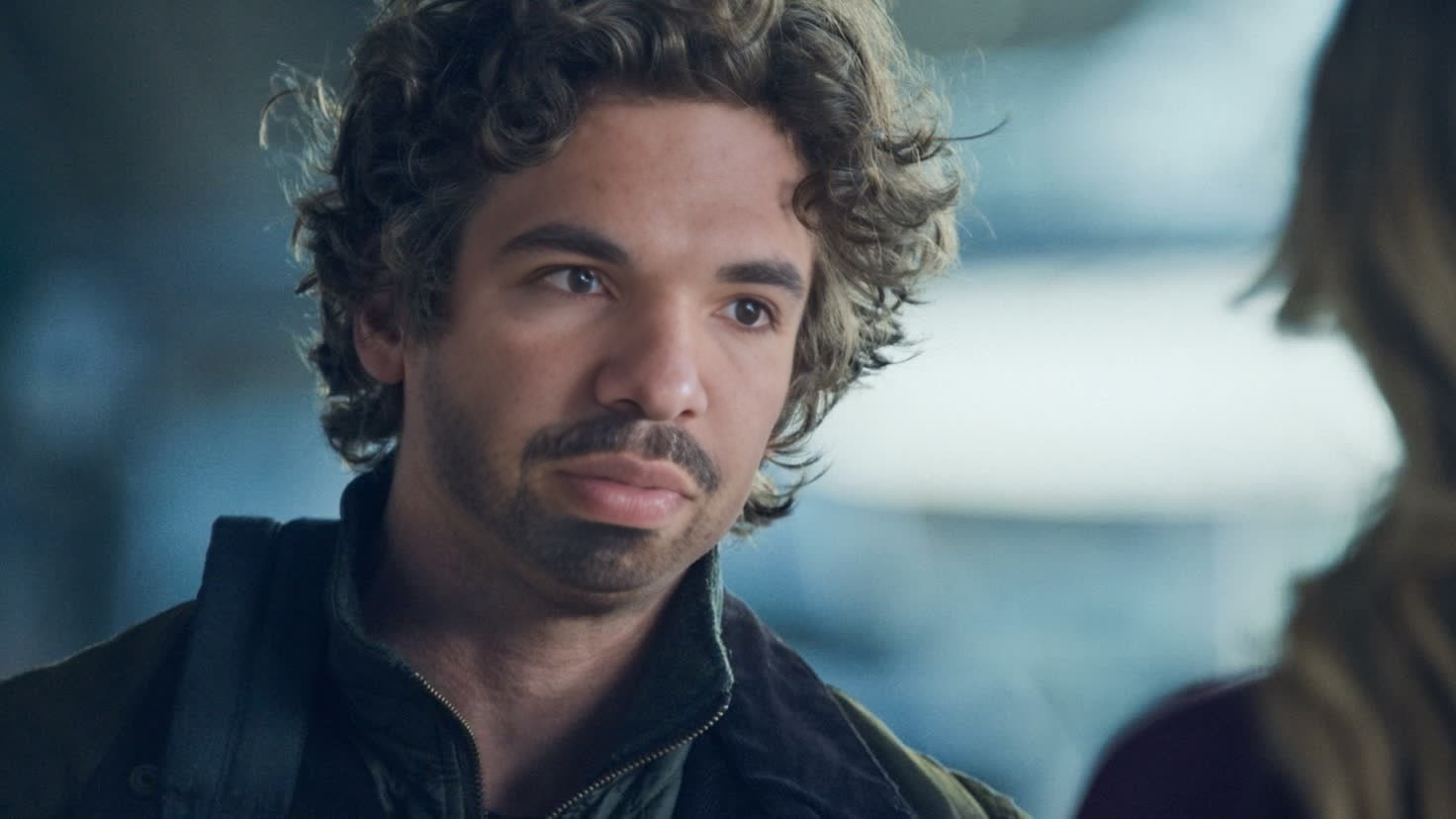
Jeremy Allen White The Bear Season 1 Portrait
- Image
- 1472 × 828 px
Any aspect ratio
Overview
Step into the world of "The Bear" with our Jeremy Allen White Video Face Swap template. This tool enables you to insert your face into iconic scenes from Season 1, providing a fun and engaging way to immerse yourself or others into the show. The template supports various video formats, making it ideal for both personal use and social media sharing.
What It Does
This template leverages the latest AI technology to perform a seamless video face swap, allowing your face to replace Jeremy Allen White's in scenes from "The Bear." The result is a convincing and entertaining video transformation, perfect for fan content, social media entertainment, or just a good laugh with friends. For a broader range of transformations, pair it with our AI GIF Generator.
Who It's For
This template is designed for fans of "The Bear," social media content creators, and anyone interested in exploring face swap technology. Whether you're creating content for platforms like TikTok and Instagram or just want to amuse friends, this tool fits a variety of creative needs. Adding a voiceover? Consider our AI Voice Changer for an even more personalized touch.
Summary
Transform your videos with the Jeremy Allen White Video Face Swap template. Empower your content creation by replacing faces in favorite scenes, making it ideal for fan tributes or playful videos. To further explore related technology, check out our Face Swap products for more variety and options.
How To
Choose Template

Customize Your Swap

Generate and Download

Use Cases
Social Media Content
- Fan tributes
- Comedic clips
- Engaging posts
Entertainment Projects
- School projects
- Video presentations
- Party entertainment
Marketing Material
- Ad content
- Brand storytelling
Best Practices
Start with Quality Images
For the most convincing swaps, use high-resolution images that match the lighting and angles of the video scenes.Adjust Thoroughly
Spend time adjusting the face alignment and blending to ensure a natural fit. Slight tweaks can make a big difference in realism.Experiment with Variations
Try different expressions and angles to see what looks best in the final video. This can enhance authenticity and engagement.
Frequently asked questions
More Like This