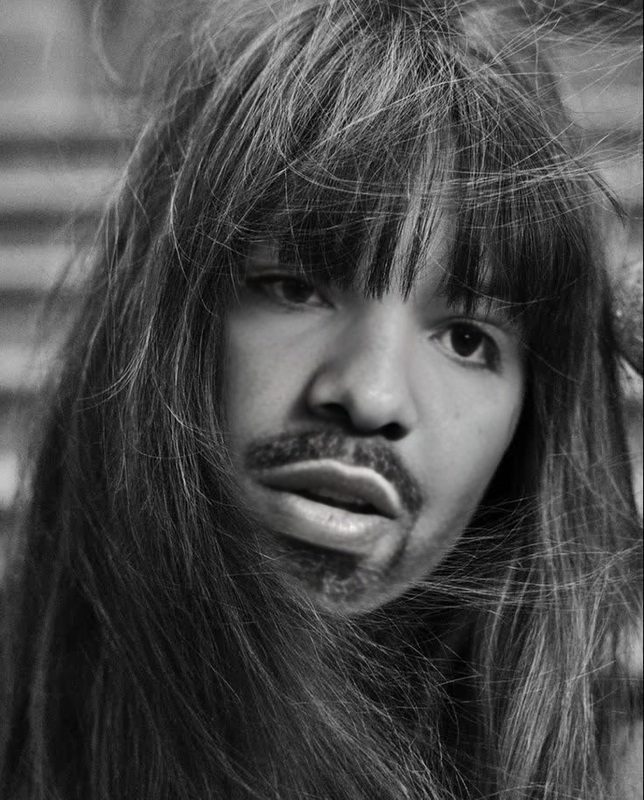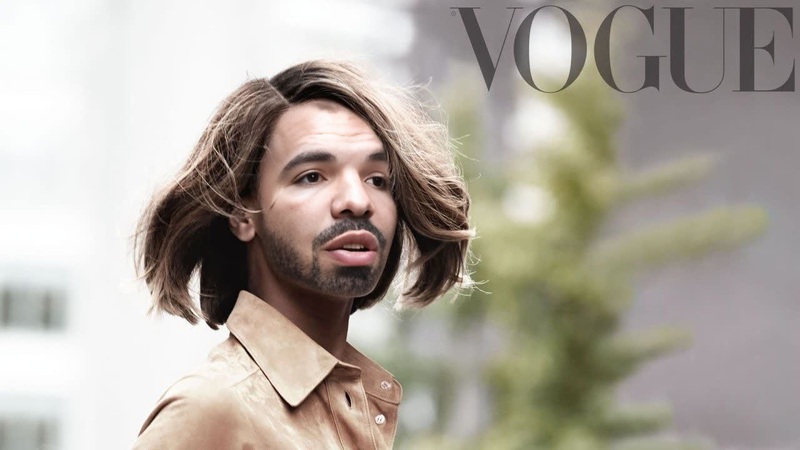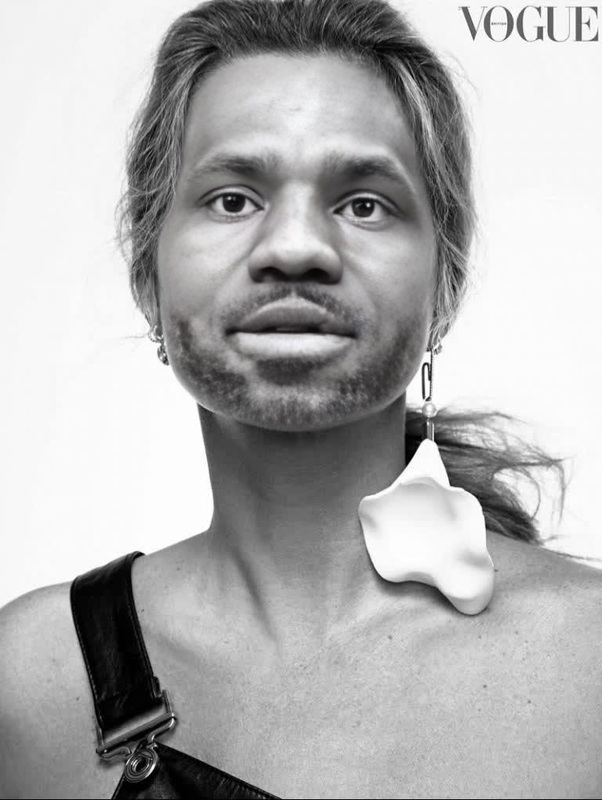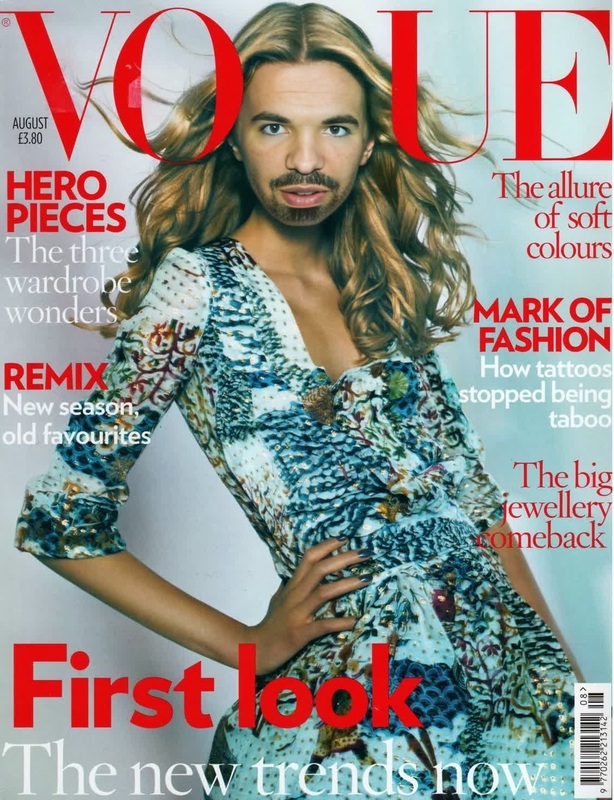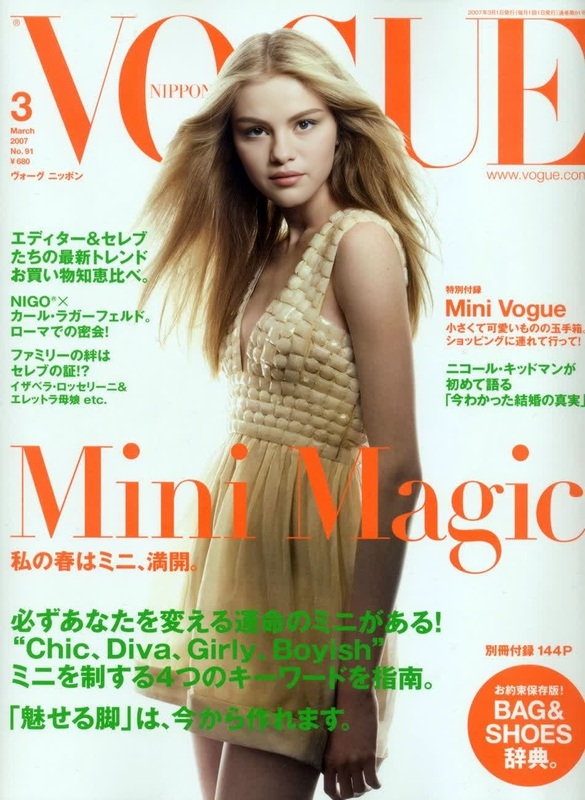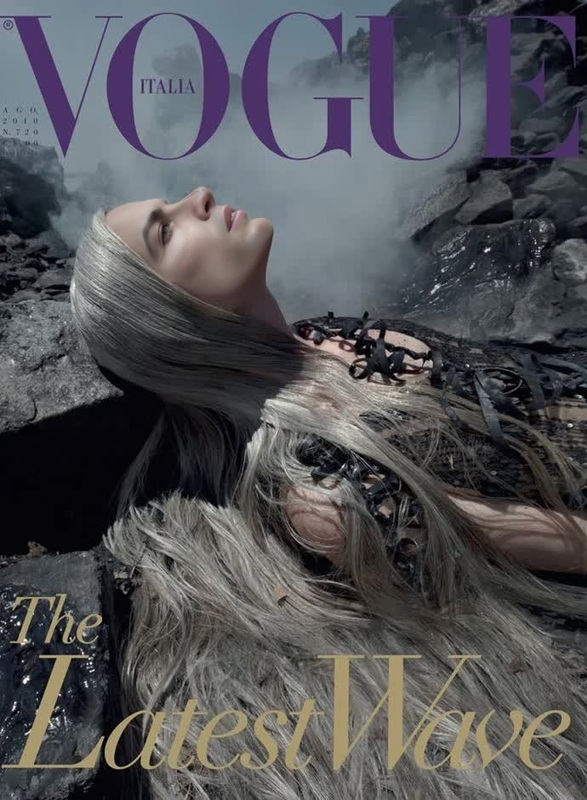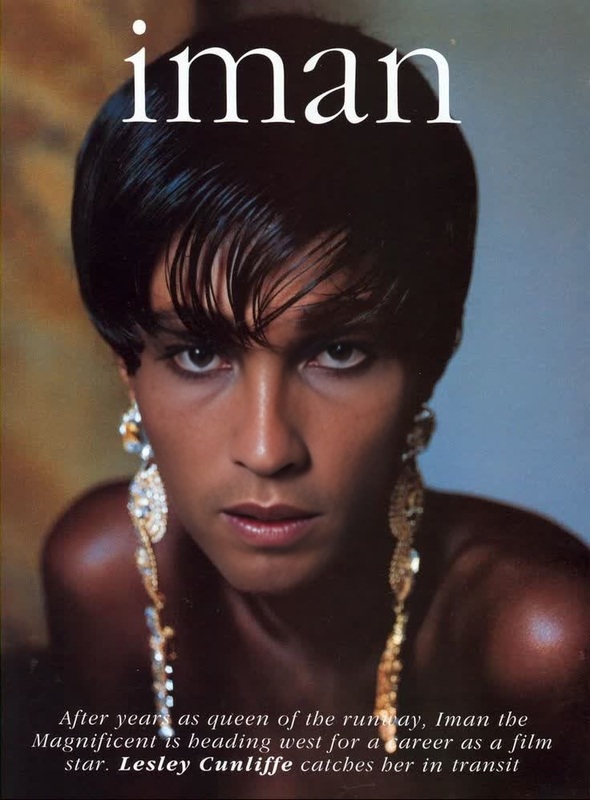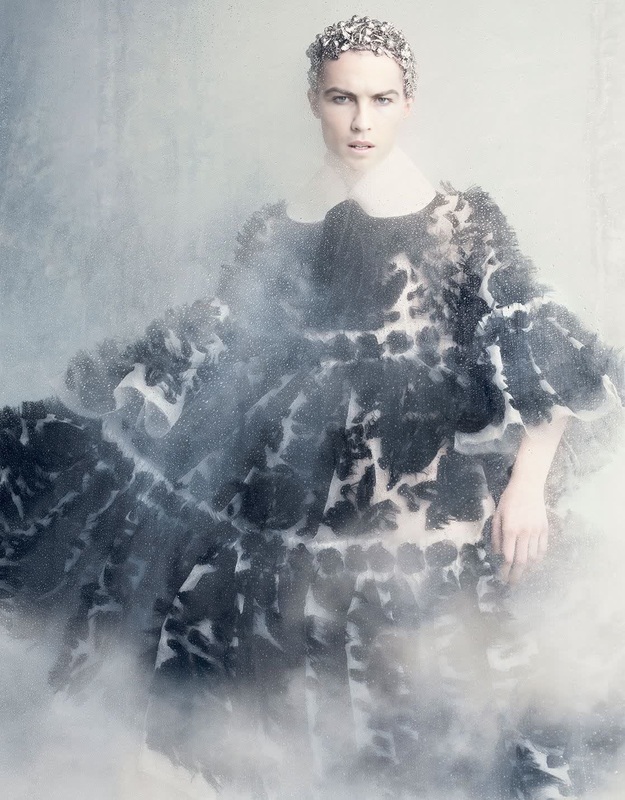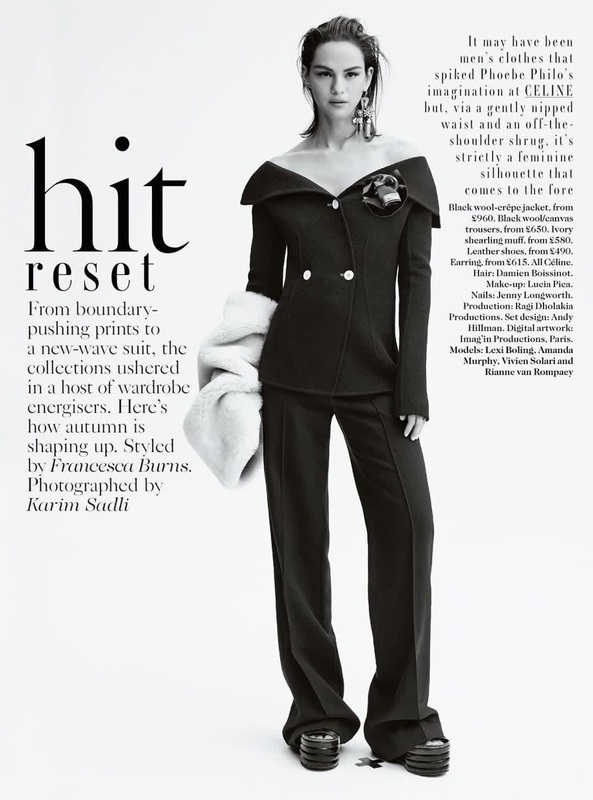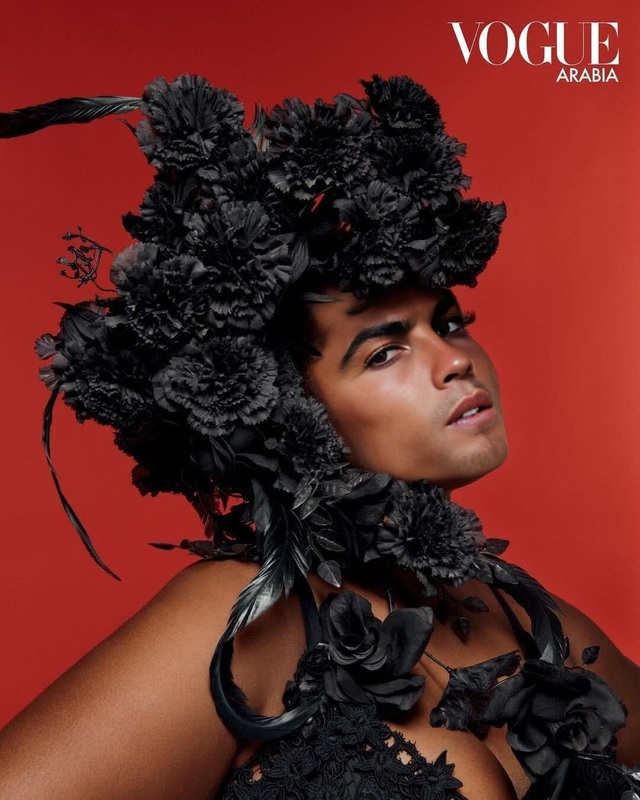
Iris Law Vogue Uk Editorial Portrait
- Image
- 630 × 946 px
Any aspect ratio
Overview
Dive into the world of editorial brilliance with the Iris Law Vogue UK Editorial Portrait template, designed for stunning Video Face Swap creations. Whether you're crafting content for a high-fashion project or just experimenting with portraits, this template gives you the flexibility to create unique and captivating visuals.
What It Does
This template allows you to superimpose faces onto editorial-style video portraits, maintaining a professional and polished look. With minimal setup, you can achieve effects akin to those seen in AI Image Editor applications, making it perfect for both professionals and hobbyists.
Who It's For
Designed for content creators, marketers, and fashion enthusiasts, this template provides a versatile platform for anyone looking to add a touch of creativity to their editorial projects. It's especially beneficial for those working in digital marketing, social media content production, and artistic video creation. Explore more tools like the AI Image Generator to expand your creative possibilities.
Summary
Transform your content by utilizing the Iris Law Vogue UK Editorial Portrait template. Perfect for creating compelling and shareable video assets, it empowers users to experiment with face-swapping technologies on video, enhancing the visual appeal of any project. Consider using it in conjunction with AI GIF Generator for expanded content formats.
How-To
Choose the Template

Customize Your Inputs

Generate Your Video

Use Cases
Fashion Editorials
- High-fashion video shoots
- Lookbooks and style guides
- Social media campaigns
Creative Ads
- Personalized marketing content
- Dynamic campaign visuals
- Engaging video adverts
Event Promotions
- Concert and festival promos
- Product launch events
- Invitations and teasers
Best Practices
Select High-Quality Images
Ensure that both the source video and face image are of high resolution to achieve a seamless face swap effect.Perfect Alignment Settings
Use the alignment tools in the editing phase to adjust for any inconsistencies in angle or lighting between the original and replacement faces.Experiment with Lighting
Matching the lighting conditions of the face image with the source video enhances realism.