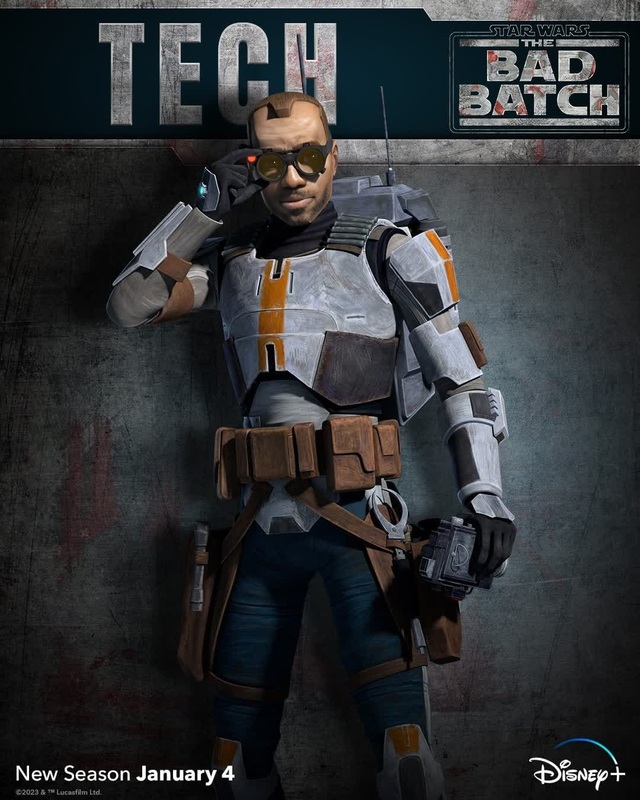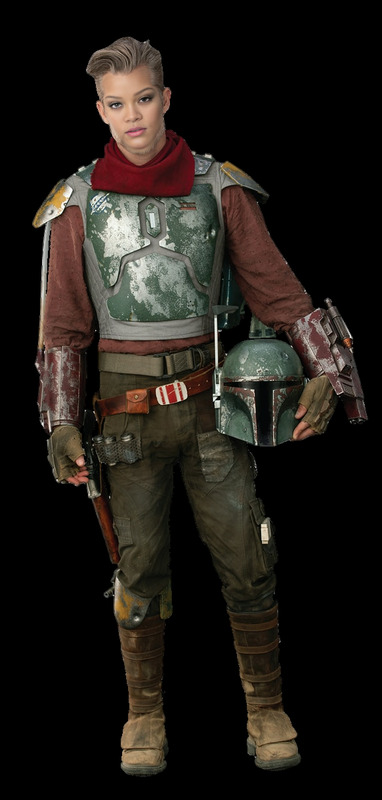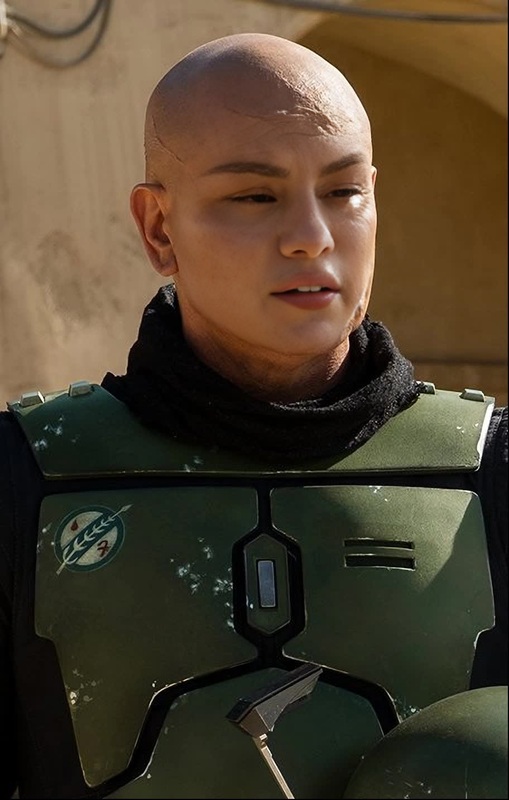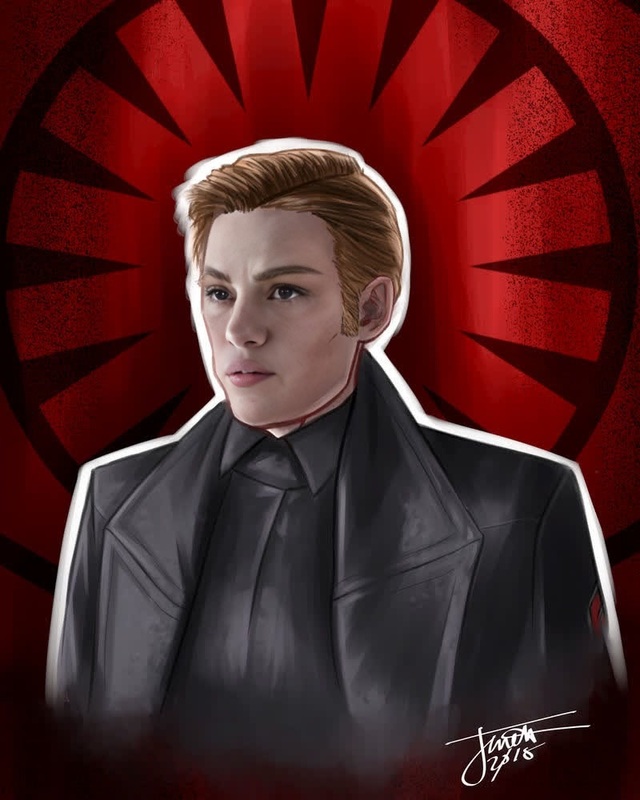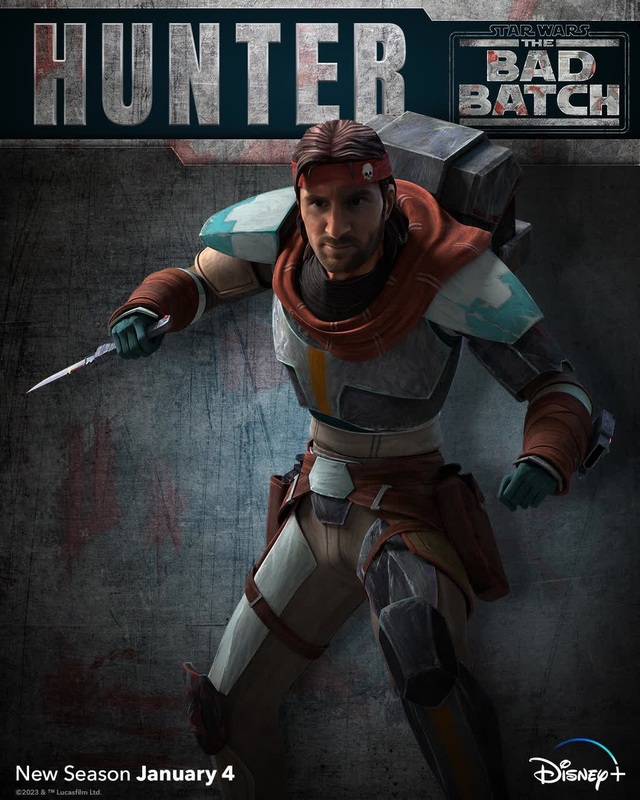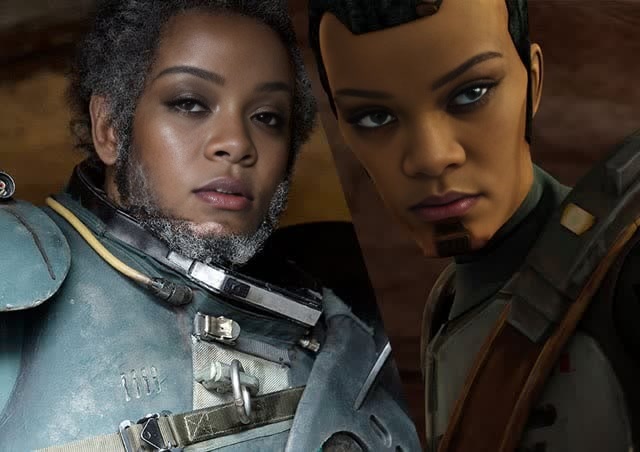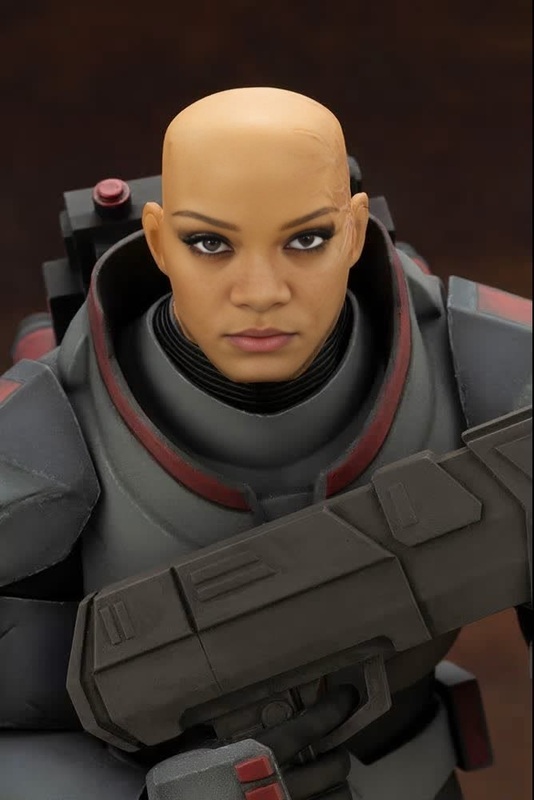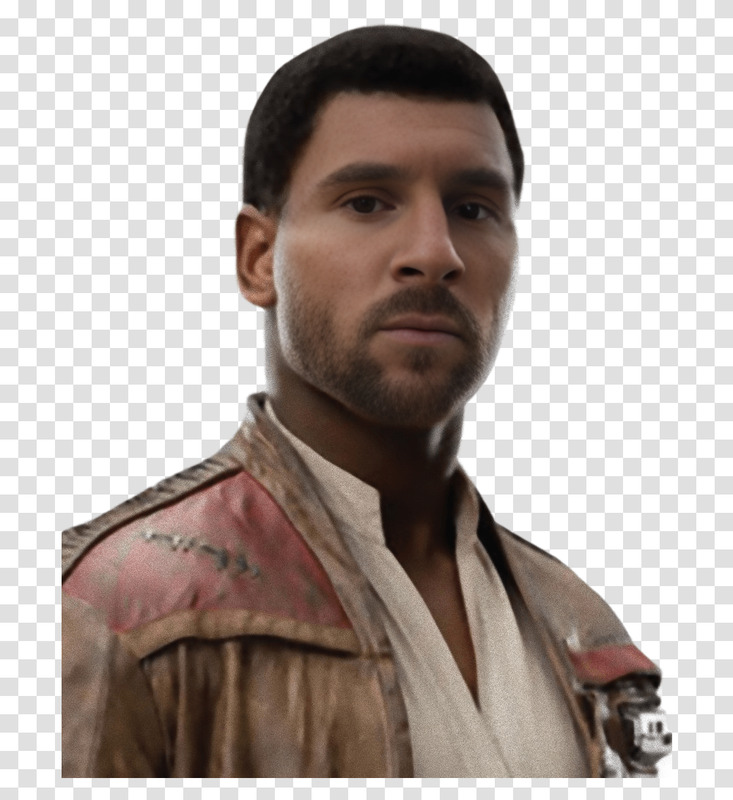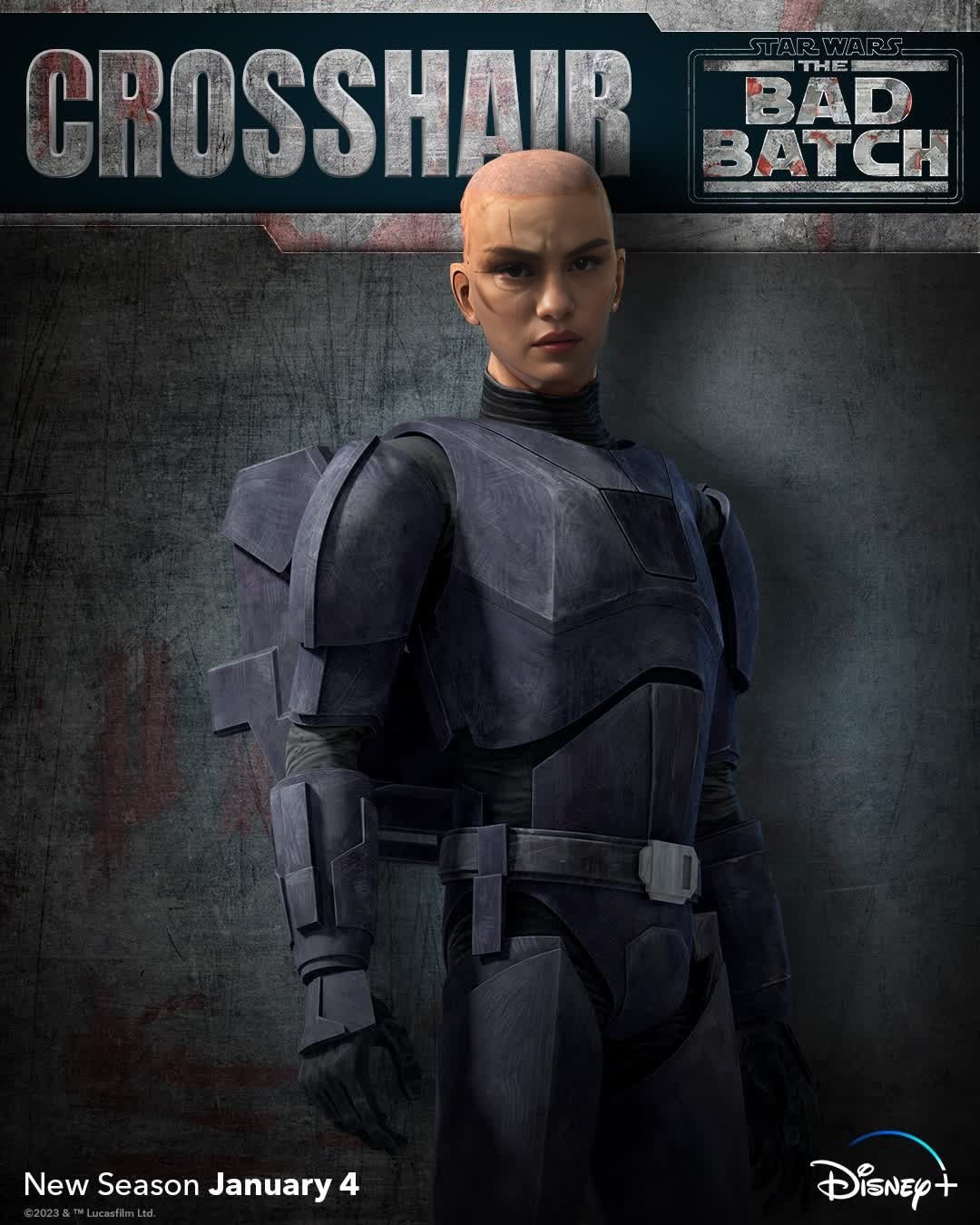
Crosshair The Bad Batch Star Wars
- Image
- 1080 × 1350 px
Any aspect ratio
Overview
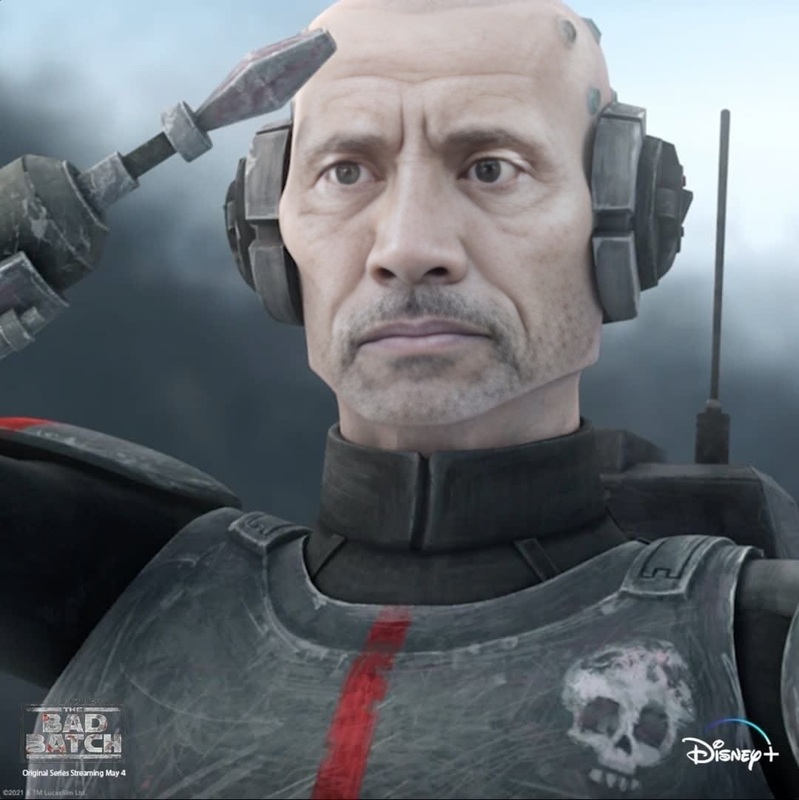
Dive into the Star Wars universe with the "Crosshair The Bad Batch" video face swap template. This tool offers sci-fi enthusiasts and content creators a unique way to personalize and transform their videos, placing themselves or others right in the action!
Whether you're looking to entertain fellow Star Wars fans or create viral social media content, this template is your gateway to an exciting digital adventure.
What It Does
This template allows users to swap faces in scenes from "The Bad Batch" series, specifically featuring the character Crosshair. The powerful Face Swap technology ensures accurate and realistic results, with faces blending seamlessly into the chosen scenes. The final video maintains high-quality visuals, ready for sharing.
Complement your project with other tools like the AI Video Generator for full video creations or enhance visuals using the AI Image Editor.
Who It’s For
This template caters to Star Wars fans, content creators, and digital marketers. If you're crafting a sci-fi themed project, producing fan edits, or engaging an audience with creative content, this face swap tool provides all you need.
It's also beneficial for social media influencers looking to boost engagement with imaginative video content. Pair it with tools like the AI GIF Generator for fun, shareable media.
Summary
Transform your videos with the "Crosshair The Bad Batch" face swap template. Using advanced facial recognition technology, it ensures realistic face swaps, placing users directly into their favorite Star Wars scenes. Ideal for creators aiming to enhance their storytelling through bespoke video content.
Broaden your creative toolset by exploring complementary products like AI Video Extender for lengthier narratives, ensuring your storytelling resonates more deeply.
How To
Choose Your Template

Customize Your Content

Generate and Download

Use Cases
Fan Edits
- Create birthday greetings
- Mock trailers
- Character mash-ups
Social Media Content
- Clip montages
- Trivia videos
- Interactive content
Marketing & Promotions
- Promotional teasers
- Campaign tie-ins
- Content for themed events
Best Practices
Use Clear, High-Quality Images
Ensure the face you upload is well-lit and clear to achieve the most realistic swap results.Fine-Tune Settings
Adjust settings related to alignment and tone for the most seamless integration.Preview Before Finalizing
Always review the preview before finalizing your output to make necessary tweaks.