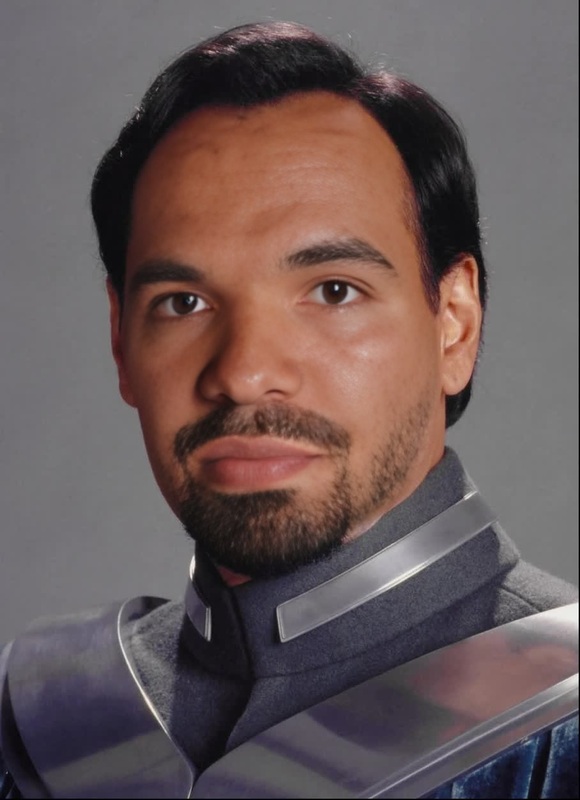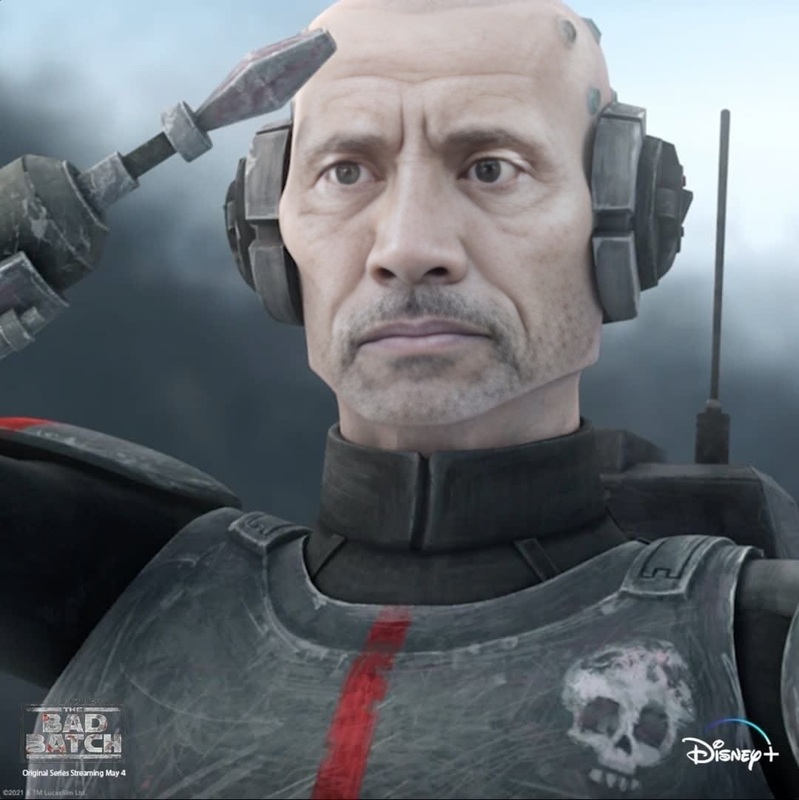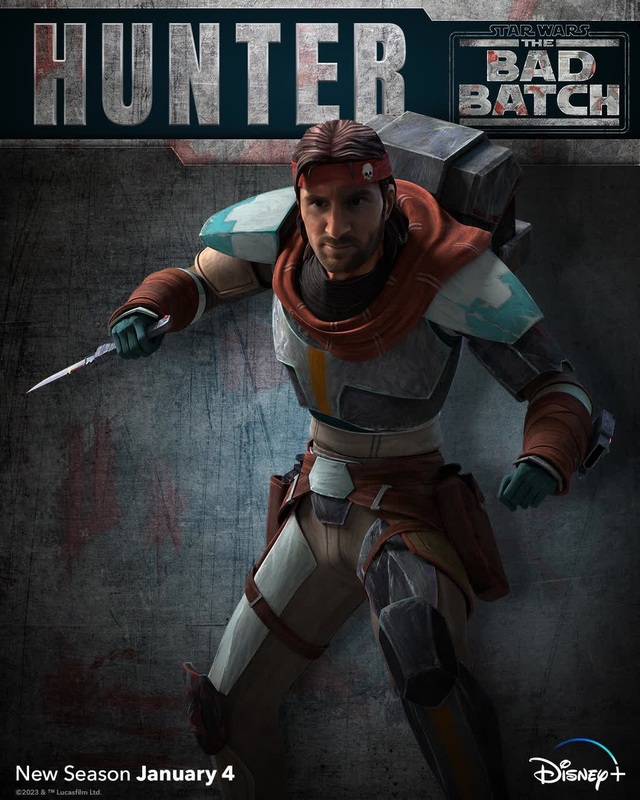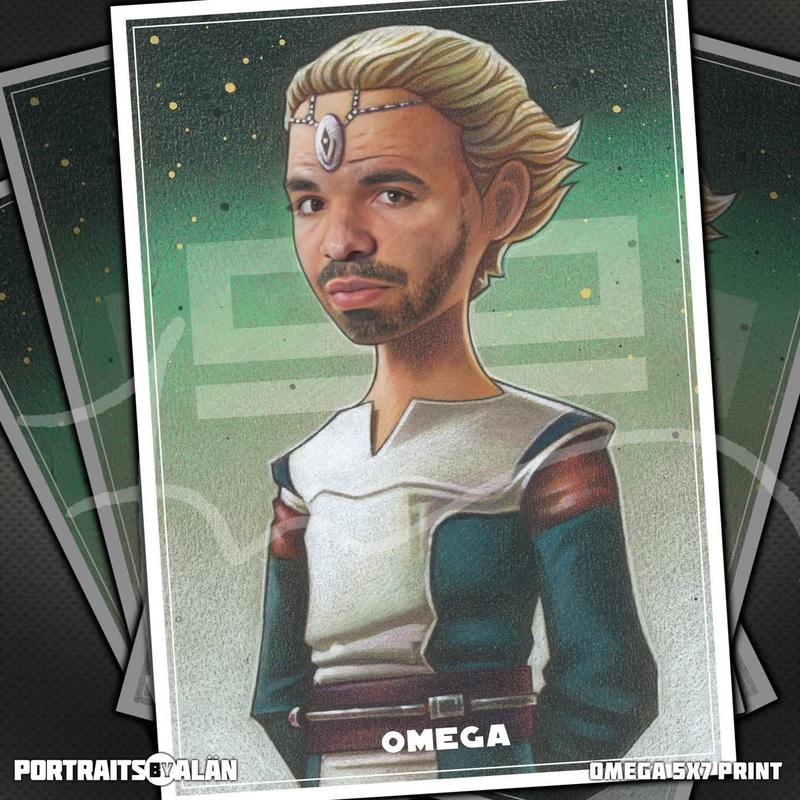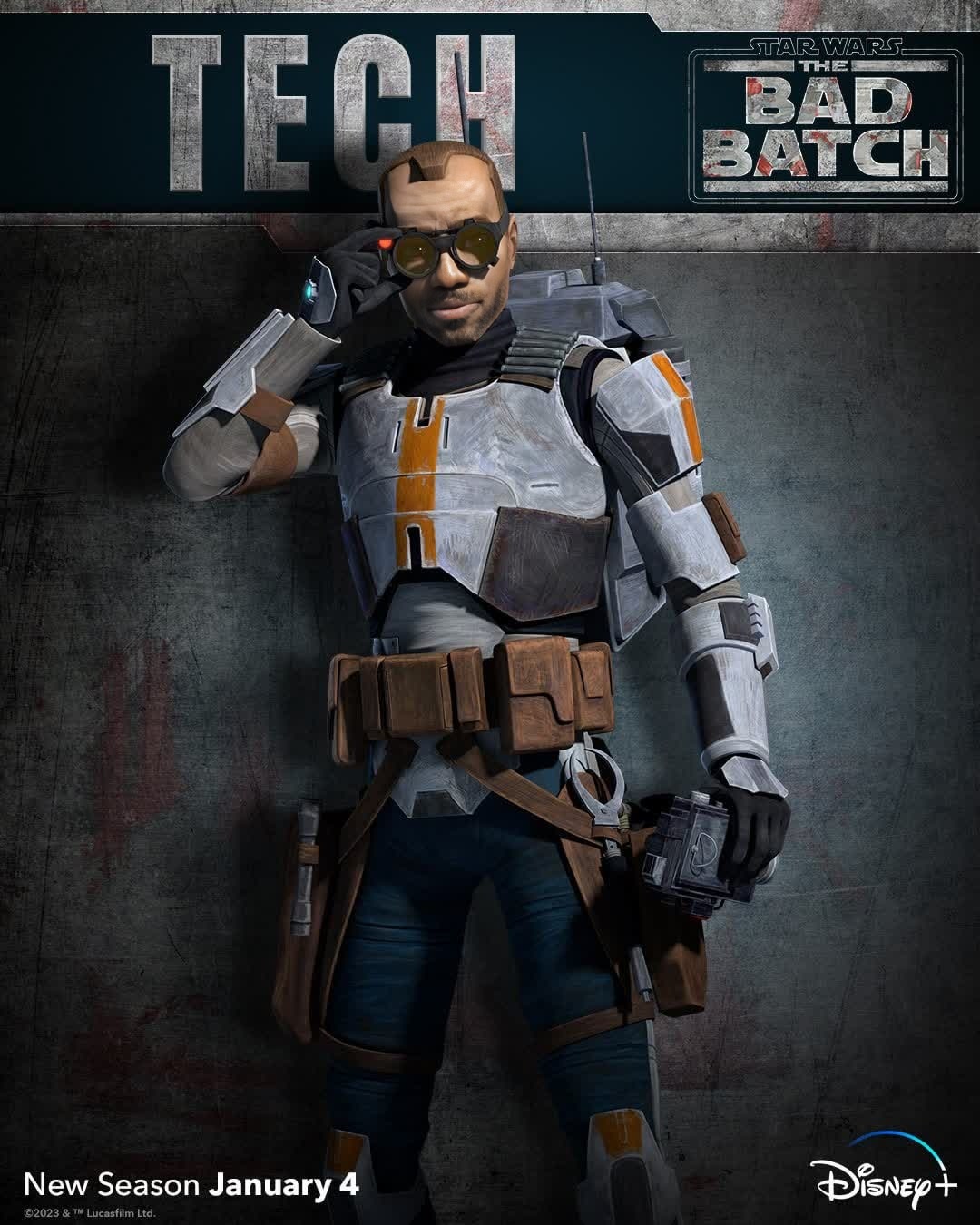
Tech The Bad Batch Star Wars
- Image
- 1080 × 1350 px
Any aspect ratio
Overview
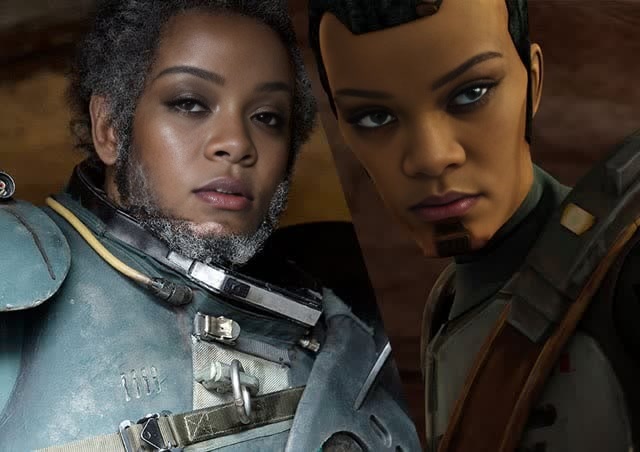
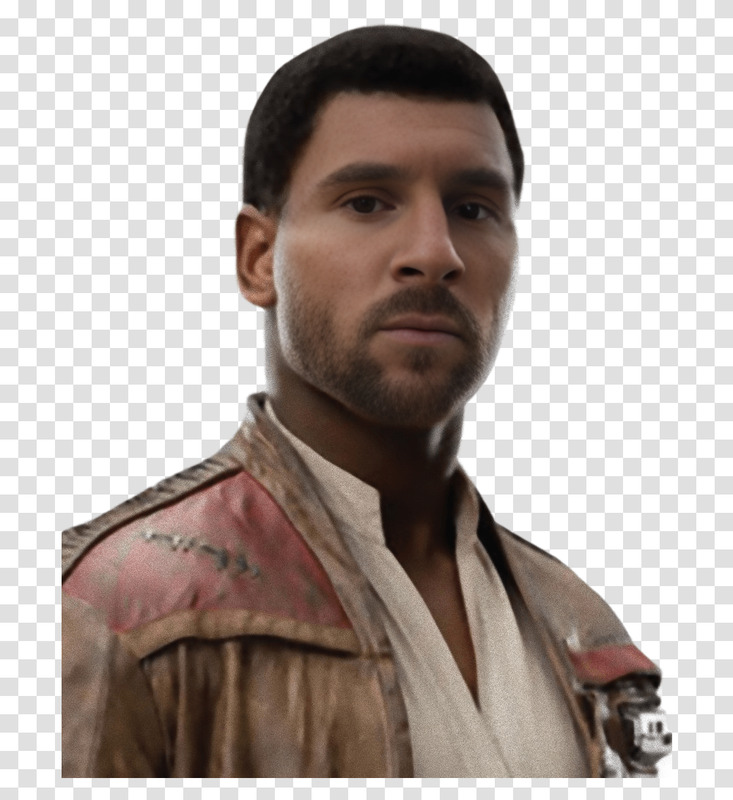
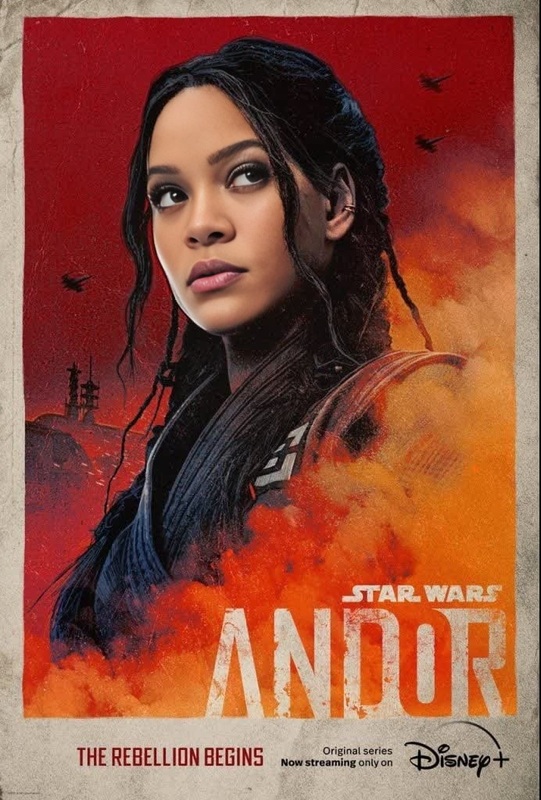
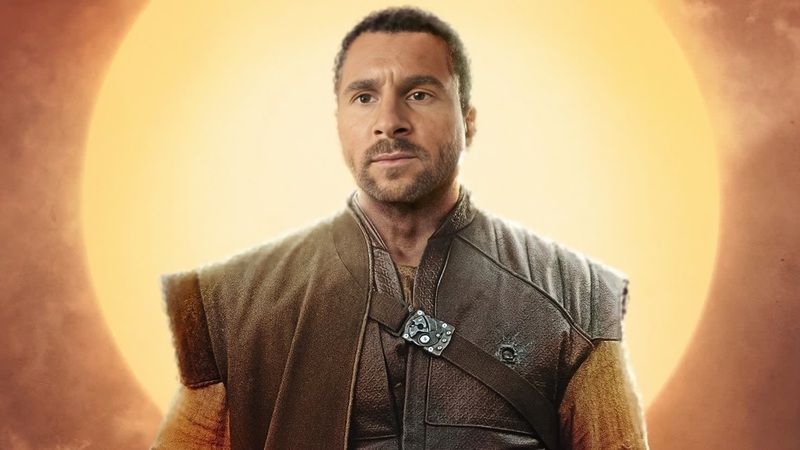
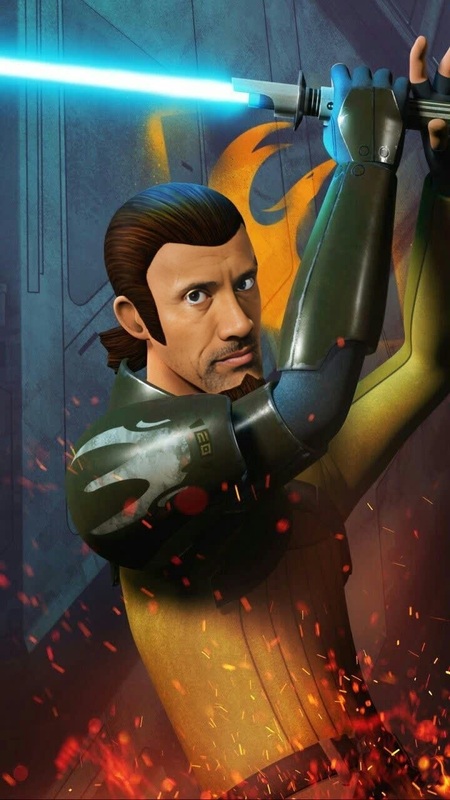
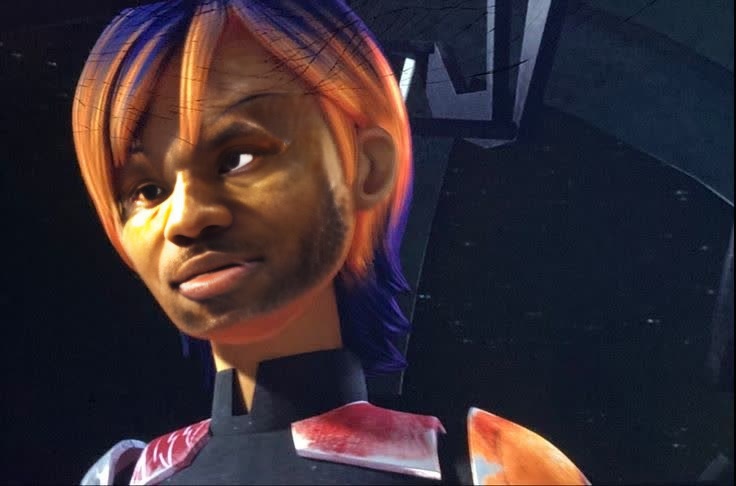
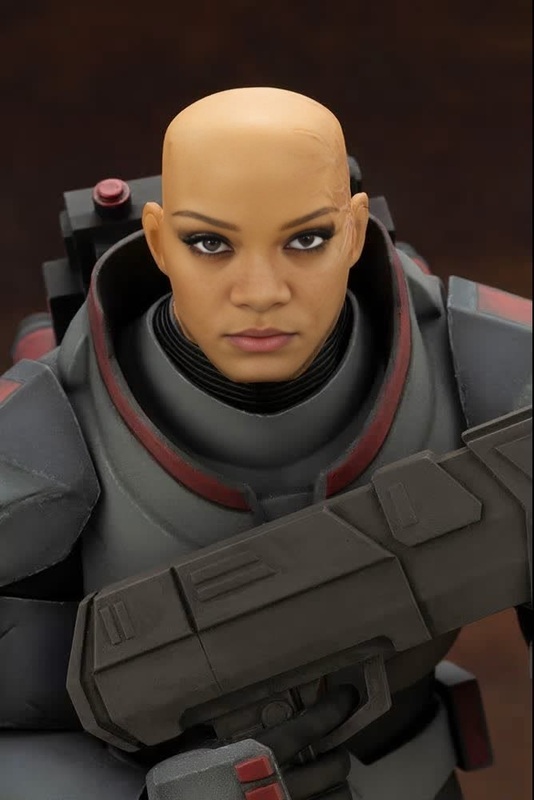
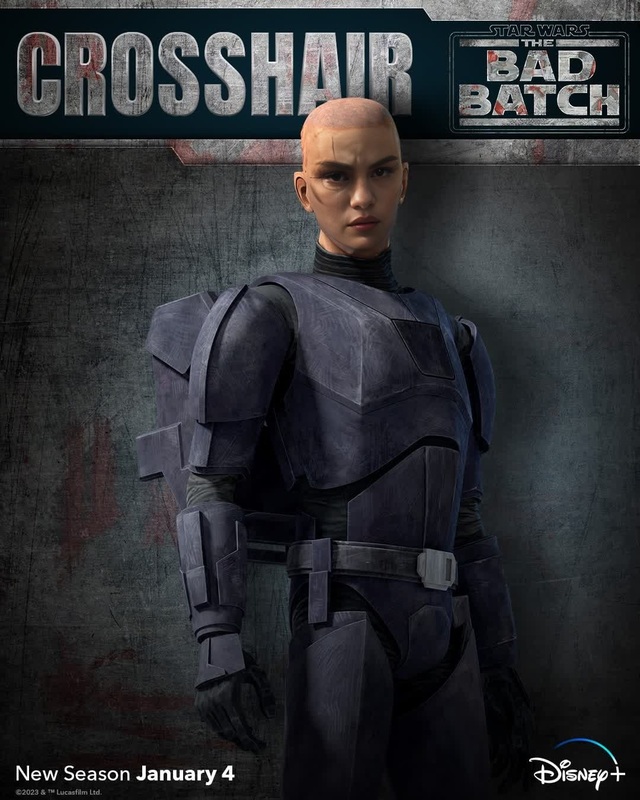
Immerse yourself in the Star Wars universe with the "Tech The Bad Batch" video template. This Video Face Swap tool lets you import videos of yourself or others and apply AI-powered face swapping to step into iconic roles from The Bad Batch. Perfect for enthusiasts looking to deepen their connection with the franchise.
What It Does
The template leverages state-of-the-art facial recognition technology to map and replace faces in video clips with precision. Whether you're at home or in a workshop, creating a believable transformation into a Bad Batch character requires minimal input for maximum creativity. The produced videos maintain high-quality and can be exported in various formats for different needs.
Who It's For
This tool is ideal for corporate training facilitators seeking engaging content, creative professionals involved in storyboarding or animatics, and Star Wars fans eager to personalize their favorite sci-fi scenes. No prior video editing experience is required, making it accessible to all skill levels.
Summary
With the "Tech The Bad Batch" template, transform into your favorite Star Wars characters with just a few clicks. The intuitive AI engine ensures realistic swaps, offering a captivating way to reimagine classic scenes. Explore more possibilities with AI Image Editor and Image to Video tools to complement your projects.
How To
Choose Your Template

Customize Your Scene

Generate Your Video

Use Cases
Fan-Made Content
- Create viral videos for platforms like TikTok or Instagram.
- Host virtual watch parties featuring your own Bad Batch appearances.
Educational Videos
- Useful in e-learning platforms or classroom settings.
- Enhances engagement and retention through familiar visuals.
Promotional Material
- Use in ads to draw attention and connect with Star Wars fans.
- Add a pop culture twist to business presentations.
Best Practices
Upload High-Quality Videos
Begin with high-resolution video files to maintain clarity after face swapping.Experiment with Angles
Try different camera angles and lighting for varied effects and more realistic swaps.Adjust Facial Expressions
Utilize subtle adjustments to match the emotion and expression of the original scene for an enhanced effect.