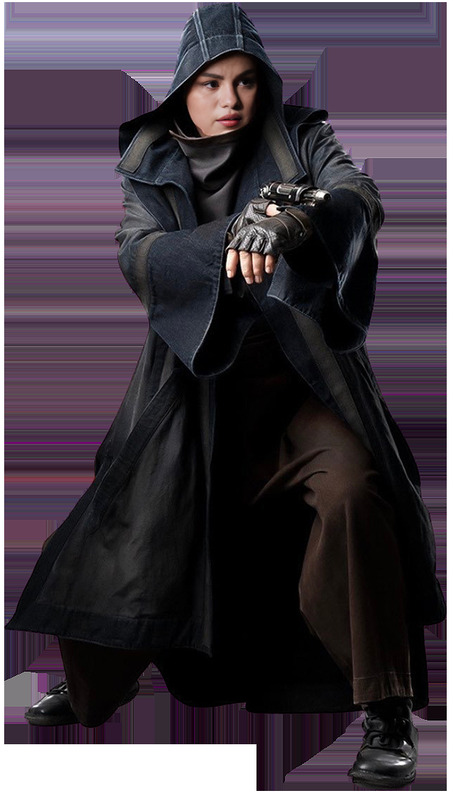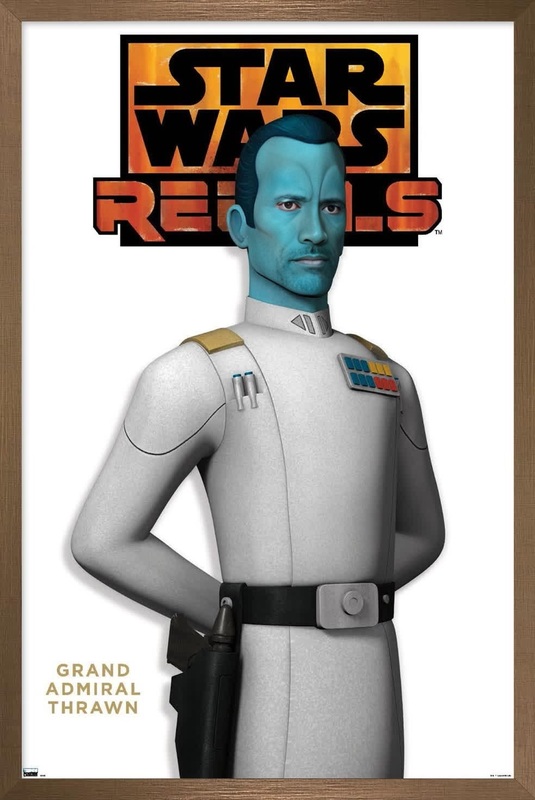
General Hux Star Wars
- Image
- 800 × 1000 px
Any aspect ratio
Overview
Dive into the Star Wars universe with our General Hux Video Face Swap template. This tool lets you create humorous and engaging videos by swapping faces with the iconic Star Wars character, General Hux. Whether you're crafting a new narrative or just having fun with friends, this template provides endless entertainment.
What It Does
This Video Face Swap template transforms your uploaded video by replacing selected faces with General Hux's. You can adjust the swap for optimal seamlessness, creating a convincing and entertaining result.
Pair it with our AI Voice Changer to add another layer of creativity, making your video even more authentic to the Star Wars theme. Or enhance the final touch with the AI Video Extender to elongate your hilarious moments.
Who It's For
The General Hux Video Face Swap is perfect for Star Wars fans, content creators aiming to produce viral videos, and anyone looking to bring a touch of sci-fi humor to their content. It’s also a great tool for influencers and video marketers who want to engage their audience with a fresh and playful take.
Summary
Bring General Hux to life in your projects with this interactive Video Face Swap template. Designed for fun and creativity, it provides a simple way to personalize videos while staying true to the Star Wars vibe. Create memorable moments and share them with ease.
How To
Choose Your Template

Customize the Face Swap

Generate and Share

Use Cases
Social Media Content
- Instagram Reels
- TikTok challenges
- YouTube Shorts
Entertainment
- Parody videos
- Fan fiction scenes
- Mashup storytelling
Marketing
- Promotional teasers
- Branded entertainment
- Themed ad campaigns
Best Practices
Choose High-Quality Videos
For the best results, use clear, high-resolution videos as they provide better face detection and swapping accuracy.Consider Short Clips
Face swaps tend to perform better on shorter clips, as there is less computational complexity involved, ensuring a smoother swap.Experiment with Lighting
Ensure the lighting on the subjects in your video matches General Hux’s character to improve the realism of the swap.