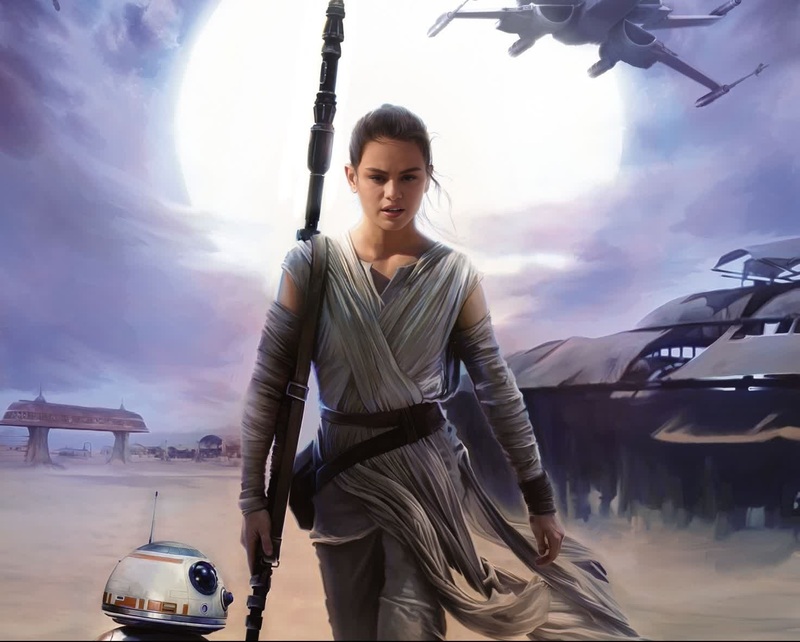
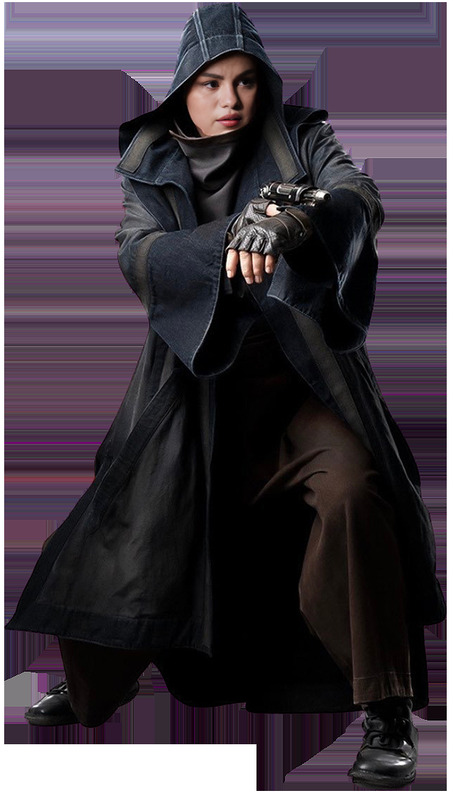
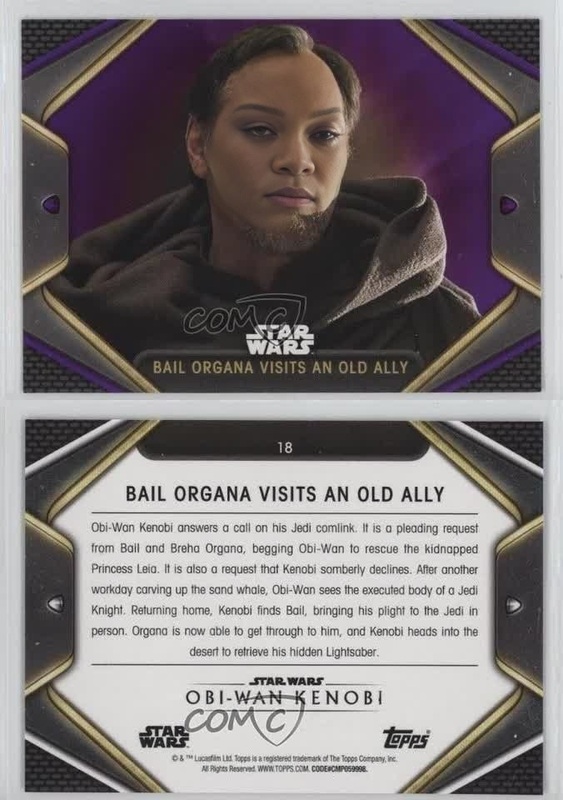
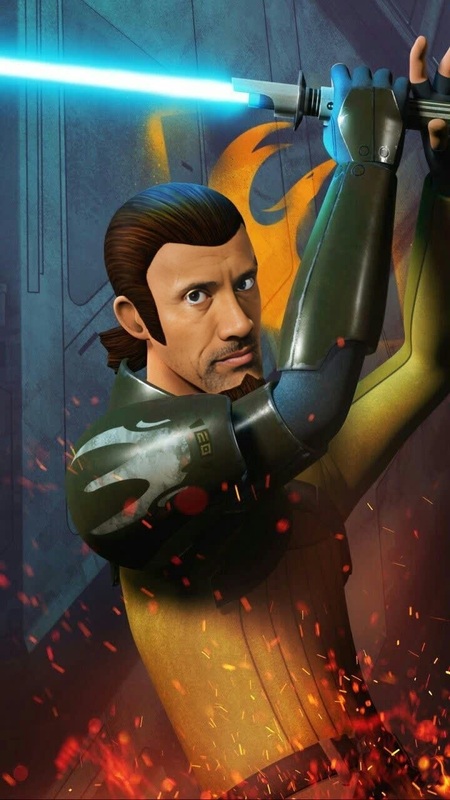
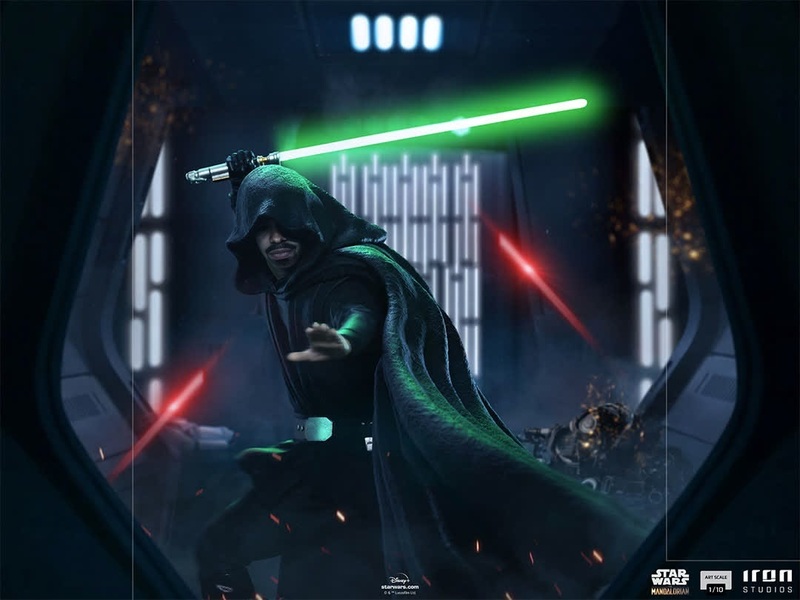
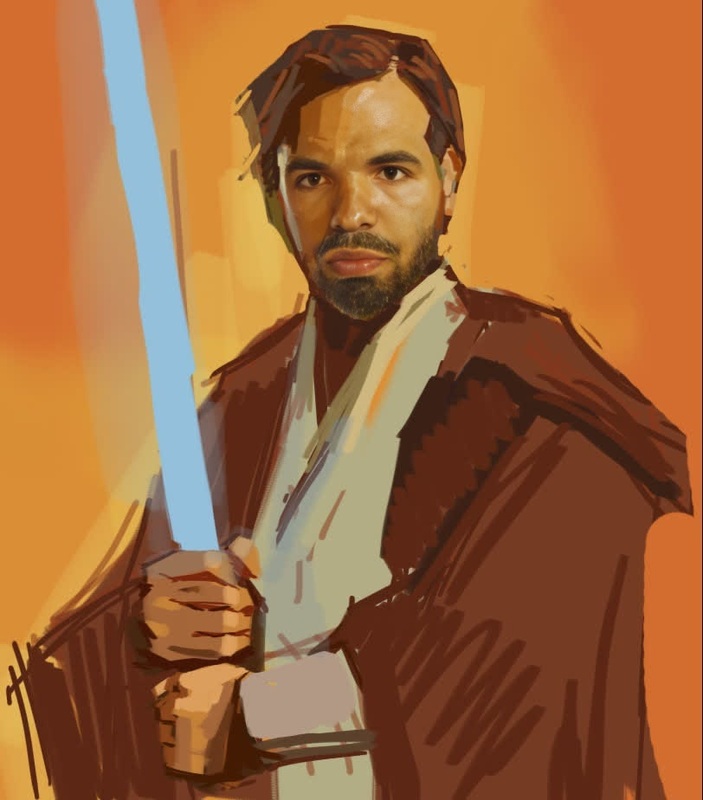
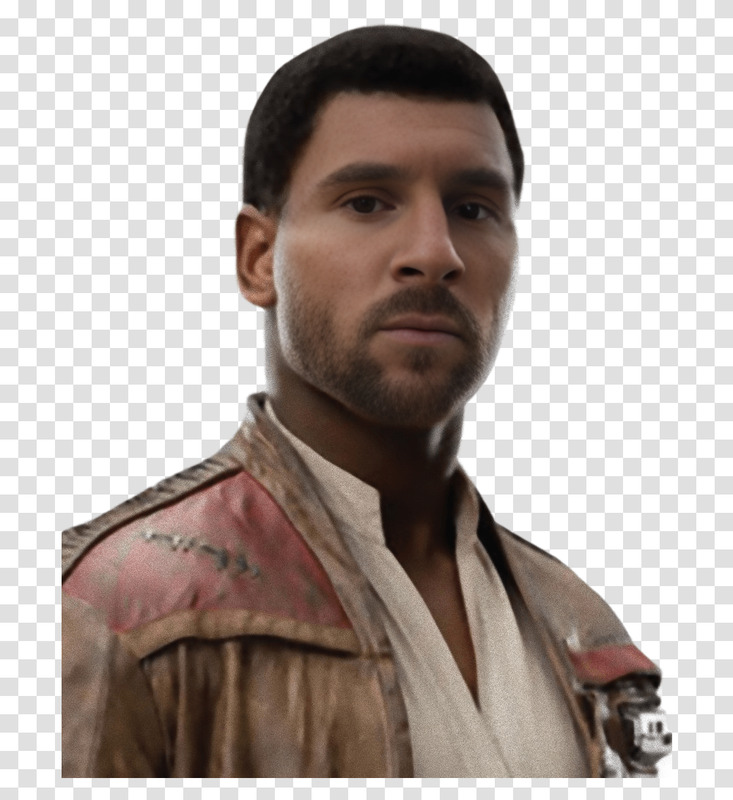
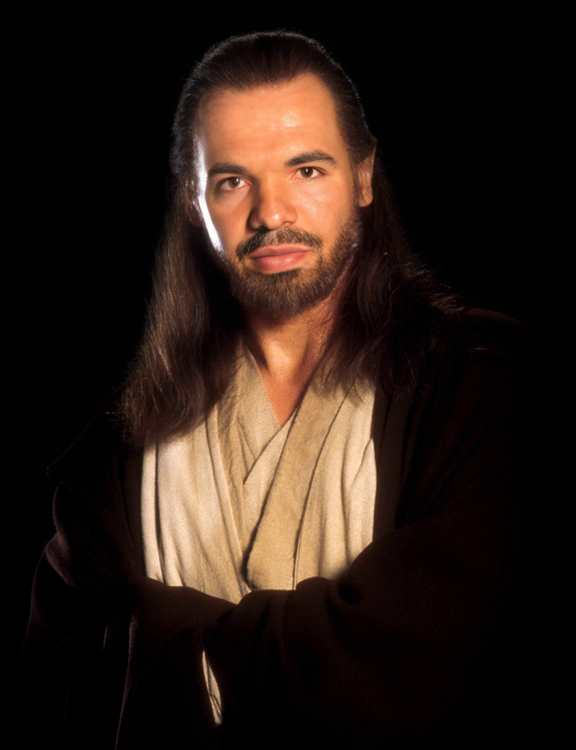
Anakin Skywalker Star Wars
face-swap
Any aspect ratio
Tags
transformationsCreate High-Impact Face Swap Videos in Minutes with This Magic Hour Template
This template is built on Magic Hour’s Face Swap engine, giving you a fast way to generate realistic, share-ready face swap videos for marketing, content, and creative projects. Remix it, customize it, and ship production-quality video without touching a timeline or a 3D tool.
What This Template Does
This template lets you:
- Swap any face into an existing video while preserving lighting, head motion, and expressions
- Repurpose one “hero” video into many localized or personalized variants
- Prototype creative concepts for ads, social campaigns, or storyboards in minutes
- Test different personas, demographics, or characters on the same footage
It’s powered by the same underlying tech as Magic Hour’s core Face Swap product and optimized for quick remixing.
How to Remix This Template in Magic Hour
You can create your own version of this template directly in the browser. The flow is straightforward:
Open the Face Swap Video creator
Go to the Face Swap Video template. This is where you’ll upload your video and reference face.Upload your base video
- Use any short clip where the subject’s face is reasonably visible and not fully blocked.
- Ideal for: talking-head videos, reactions, product demos, UGC-style content, and meme clips.
Upload the face to swap in
- Add a clear, front-facing photo of the new person’s face.
- Higher quality inputs typically produce more consistent results, especially for commercial use.
- For better source images, you can generate faces with tools like the AI Face Generator, AI Selfie Generator, or Avatar Generator.
Generate your face swap video
- Hit generate and let Magic Hour handle alignment, blending, and frame-by-frame transformation.
- Review the result, then download or iterate with different faces or base videos.
Create variants quickly
- Reuse the same base video and swap in multiple faces (e.g., different demographics, team members, characters).
- This is especially powerful for A/B testing creatives or localizing content for different audiences.
Because this template uses the same backend as the main Face Swap and Face Swap GIF tools, you can move between static GIFs and full videos with a similar workflow.
Best Use Cases for This Face Swap Template
This template is designed for practical, high-leverage use cases, not just novelty content. Common patterns include:
Performance marketing & paid social
- Test multiple “actors” or personas for the same script and layout.
- Localize creatives for regions by swapping in faces that match local audiences.
- Turn a single winning UGC-style video into a library of variants.
Content creators & YouTubers
- Create reaction, parody, or meme-style clips while maintaining high visual quality.
- Map yourself into reference scenes for commentary, explainer content, or skits.
- Prototype concepts quickly before you commit to full production.
Startups & product marketing teams
- Build character-driven explainer videos without hiring multiple actors.
- Personalize onboarding or sales videos by swapping in your team’s faces.
- Rapidly test who “fronts” your brand in performance creatives.
Developers & technical teams
- Use this template as a reproducible baseline for internal tools and experiments.
- Combine Face Swap output with other AI workflows—image editing, lip sync, or text-to-video—for more advanced pipelines.
Advanced Workflows: Going Beyond Simple Face Swap
To build more sophisticated templates and automation around this, you can chain Face Swap with other Magic Hour tools:
1. Face Swap + Lip Sync (Talking Characters)
If you want your swapped face to speak a specific script or language:
- Use this template (or Face Swap Video) to create a clean face swap on your base footage.
- Then open the Lip Sync creator to sync the video to a new voiceover or audio track.
- Generate voice with AI Voice Generator or clone a voice with AI Voice Cloner, if needed.
This stack gives you a speaking, on-brand character you can reuse across campaigns.
2. Face Swap + Video-to-Video (Stylized Personas)
To keep motion but change the visual style (e.g., cinematic, anime, illustration):
- Create your face-swapped clip with this template.
- Pass it through the Video-to-Video tool to restyle the footage.
- For consistent aesthetics, design reference frames with:
This is useful for building brand-specific characters or stylized content while preserving authentic motion and expressions.
3. Face Swap + Animation (Custom Characters and Avatars)
If you start from a static character or illustration:
- Generate or design your character with tools like:
- Turn that character into motion with the Animation creator.
- Optionally, run a Face Swap pass on top of that animation to blend real faces with stylized designs.
This pipeline supports branded mascots, VTubers, and character-led content.
Tips for High-Quality Face Swap Results
To get the best performance from this template:
Choose clear, well-lit input faces
- Avoid heavy occlusions (hands, masks, large sunglasses) and extremely low resolution.
- Even lighting and sharp features usually produce more stable swaps.
Match approximate angles and expressions
- When possible, use source images that roughly match the pose and vibe of your base video (smiling vs neutral, frontal vs angled).
Use consistent aspect ratios and framing
- Keep the face reasonably central in your base video. More stable tracking means fewer artifacts.
Upscale and clean assets when needed
- If your source images or video are low resolution, run them through:
- AI Image Upscaler for photos
- Video Upscaler for clips
- If your source images or video are low resolution, run them through:
Edit or refine faces before swapping
- For brand-safe or polished results, adjust photos first with:
- AI Face Editor
- AI Image Editor
- AI Clothes Changer for wardrobe tweaks
- For brand-safe or polished results, adjust photos first with:
Combining Face Swap with Other Magic Hour Products
Once you’ve generated your face swap video from this template, you can enhance it further:
Clean backgrounds and objects
- Remove distractions with Image Background Remover for stills or AI Remover / Remove Object from Photo for images.
- Design new scenes using the AI Background Generator.
Repurpose content into other formats
- Convert stills into motion using Image-to-Video.
- Turn clips into GIFs or memes with AI GIF Generator and AI Meme Generator.
Make the video speak & subtitle it
- Pair your swapped face with synthetic narration via AI Talking Photo or Text-to-Video.
- Auto-caption your exports for social with the Auto Subtitle Generator.
Experiment with identity transformations
- Combine with Gender Swap or Full Body Generator for concept exploration and character design.
Practical Guidance for Teams and Power Users
For creators, marketers, and developers integrating this template into real workflows:
Build repeatable creative systems
- Standardize on a set of base videos (e.g., core explainer scripts, product demos).
- Use this Face Swap template to generate new personas or localized variants for each campaign cycle.
Test systematically
- Treat faces, styles, and scripts as variables you can swap in and out.
- Use performance data to converge on which personas and visual styles actually move metrics, then scale those.
Maintain ethical and legal standards
- Only swap faces you have rights and consent to use, especially for public-facing or commercial content.
- Consider adding context or disclaimers when content is synthetic to maintain audience trust.
Prototype fast, then refine
- Start with quick generative passes to explore direction.
- Once you find concepts that resonate, refine input assets (better source photos, cleaner base videos) to lock in production quality.
Get Started
To remix this template and create your own face swap video:
- Open the Face Swap Video template.
- Upload your base clip and face photo.
- Generate, review, and iterate with new faces or additional Magic Hour tools.
You can keep this template as a reusable building block in your creative stack—combining it with Lip Sync, Video-to-Video, Animation, and other Magic Hour products to build full, AI-native video workflows.