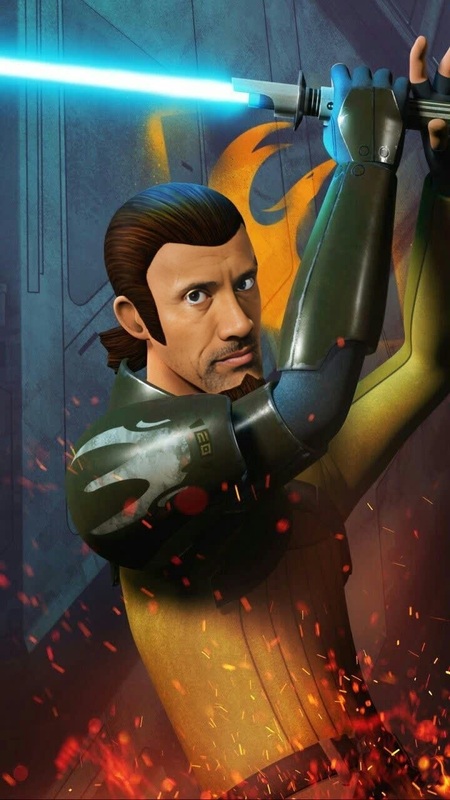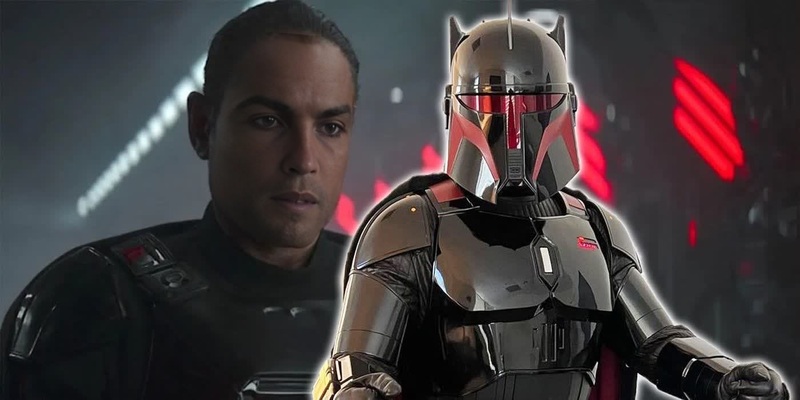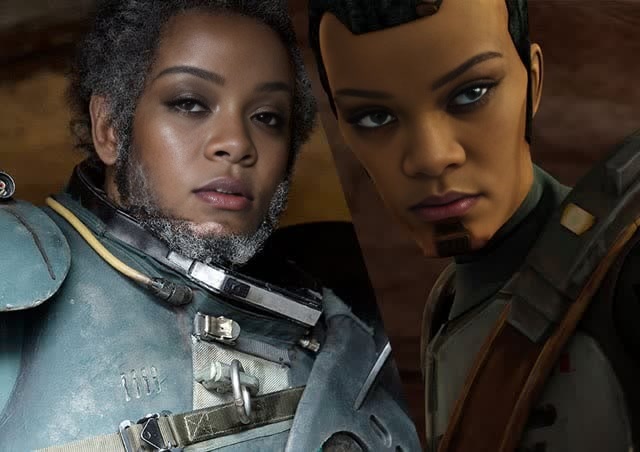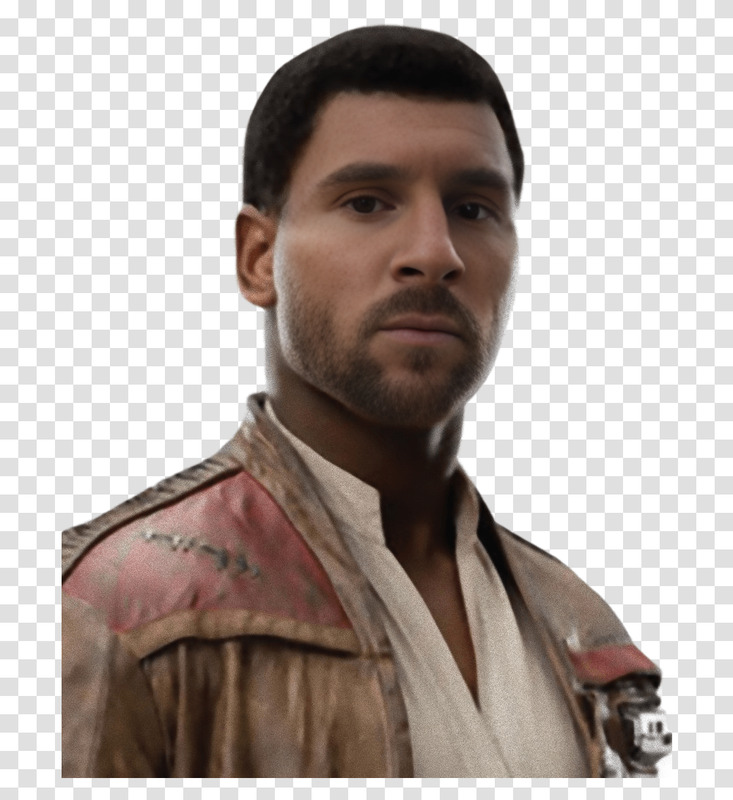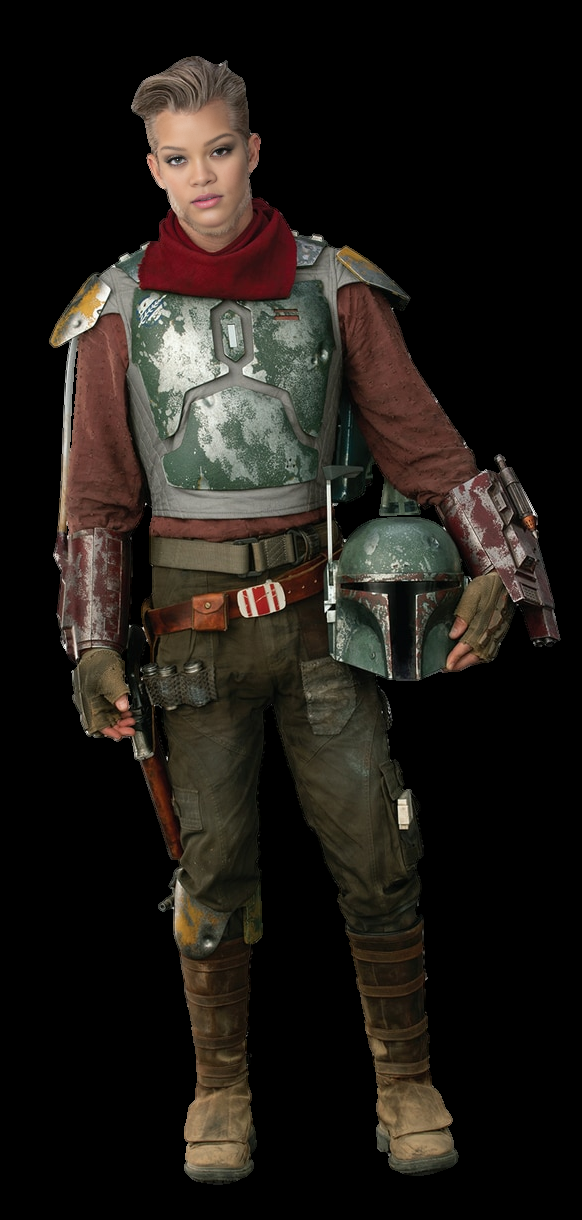
Cobb Vanth The Mandalorian Star Wars
- Image
- 582 × 1220 px
Any aspect ratio
Overview
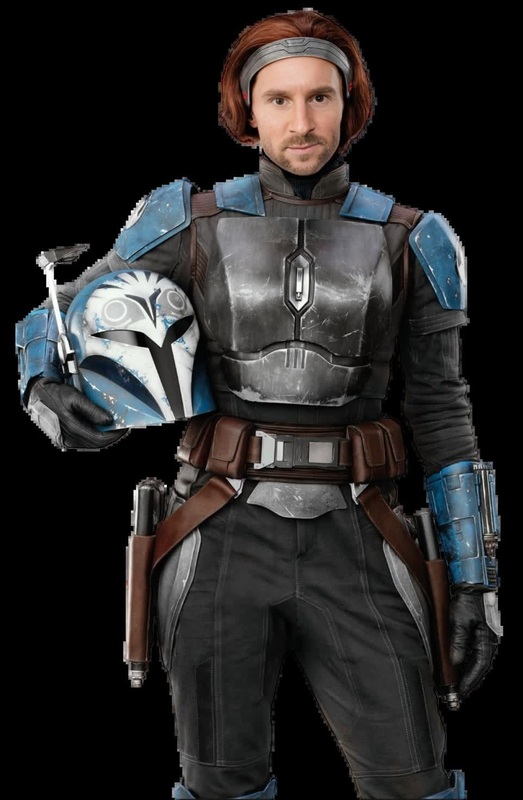
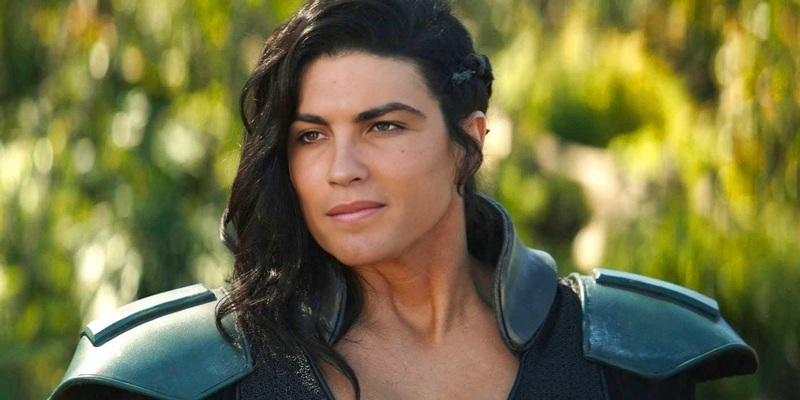
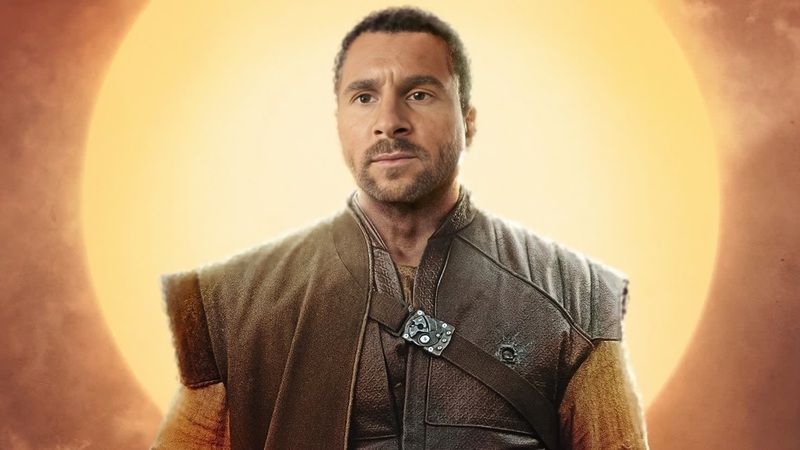
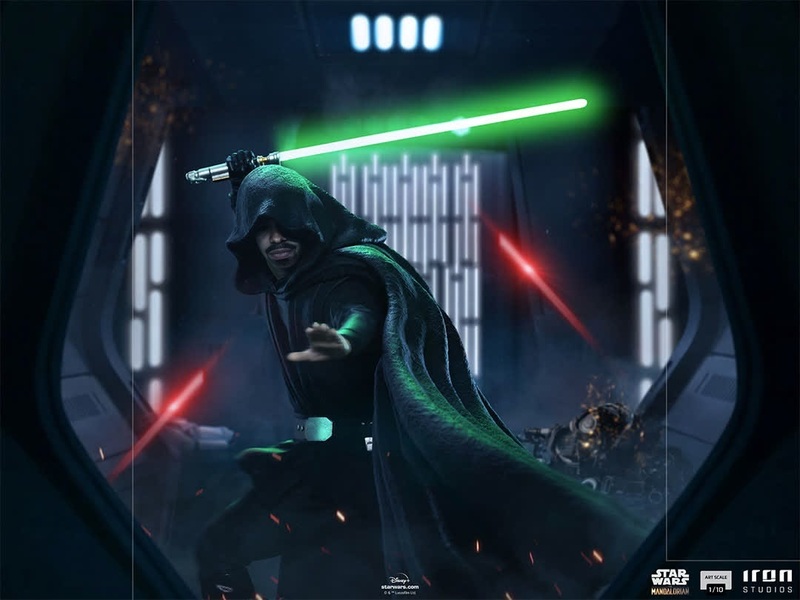
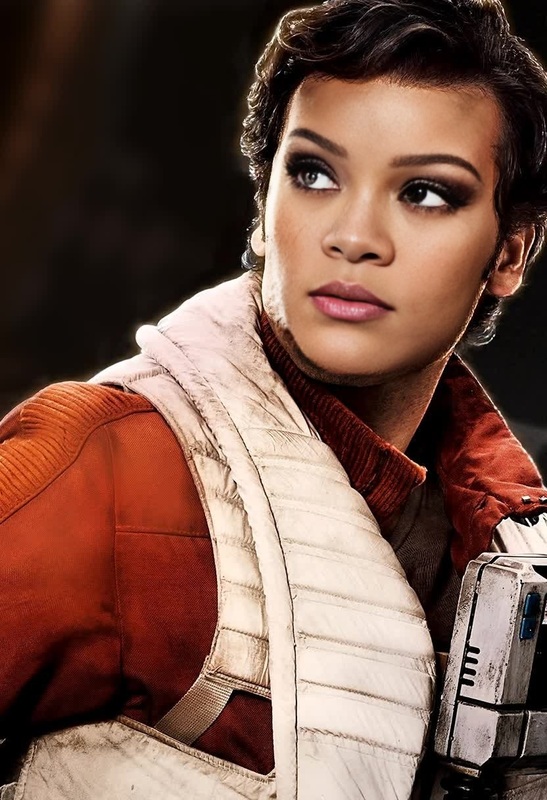
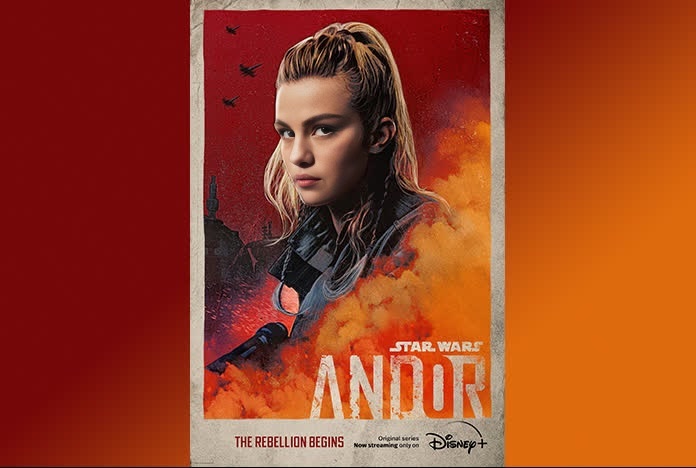
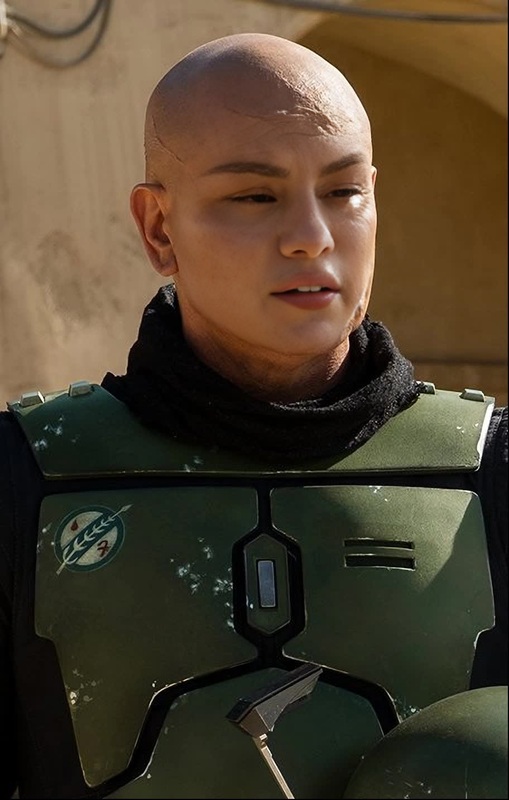
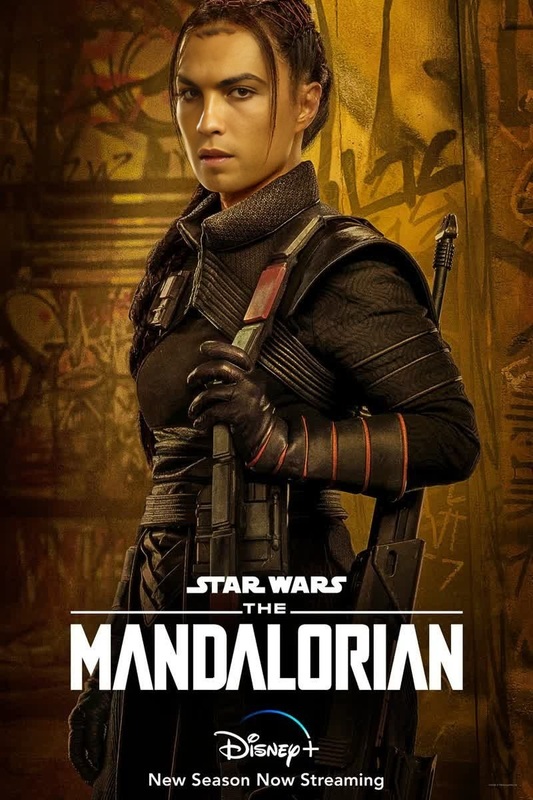
Dive into the Star Wars universe with our Cobb Vanth Video Face Swap template. This tool allows you to seamlessly integrate your face into scenes featuring the dashing marshal from "The Mandalorian." Utilize our sophisticated AI technology for captivating video transformations.
What It Does
The Cobb Vanth Video Face Swap template lets you replace characters' faces in The Mandalorian scenes with a face of your choosing. The result is a high-quality video where your swap is virtually undetectable. If you're interested in more face transformations, check out our Video Face Swap product.
Who It's For
This template is perfect for Star Wars fans, filmmakers, and content creators looking to add a personalized touch to their videos. Whether creating a fan film or enhancing training videos, this tool offers versatility and creativity. Explore more about what's possible with AI Talking Photo integrations.
Summary
Incorporating Cobb Vanth into your videos is made easy with this Video Face Swap template. It offers simple customization options and fast processing to bring your Star Wars fantasies to life. For other video editing enhancements, consider pairing this with our AI Image Editor.
How to Use
Choose Your Template

Customize Your Input

Generate Your Video

Use Cases
Fan Films
- Enhance character engagement
- Boost visual storytelling
Social Media Content
- Stand out on platforms like TikTok and Instagram
- Increase follower engagement
Training Materials
- Maintain user engagement
- Add humor to educational content
Best Practices
Use High-Resolution Images
Ensure the uploaded face image is high resolution for a more realistic swap. This minimizes pixelation and maintains video quality.Optimize Lighting Conditions
Match the lighting of the face input image with that of the video scene for seamless integration.Test Different Angles
Experiment with various facial angles to achieve the best alignment and realism in the swap.