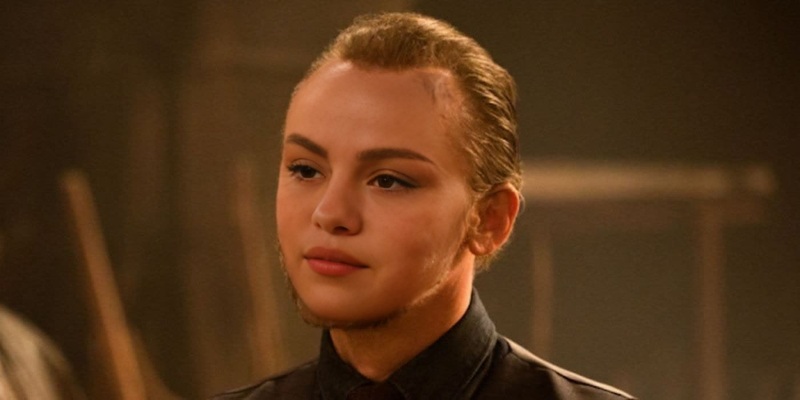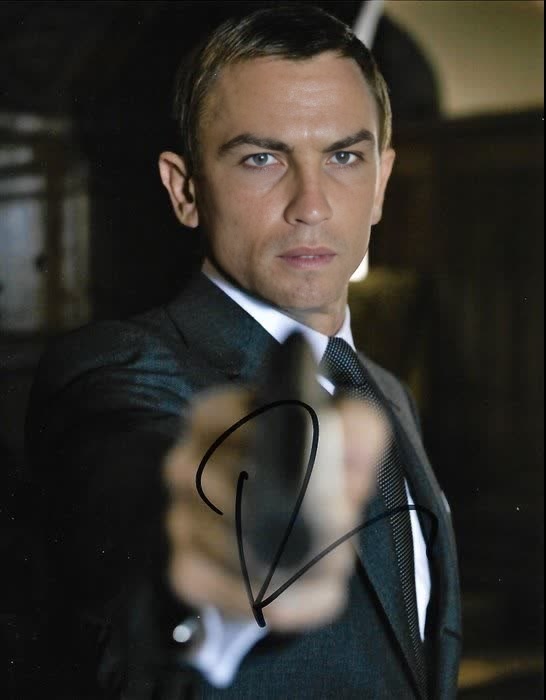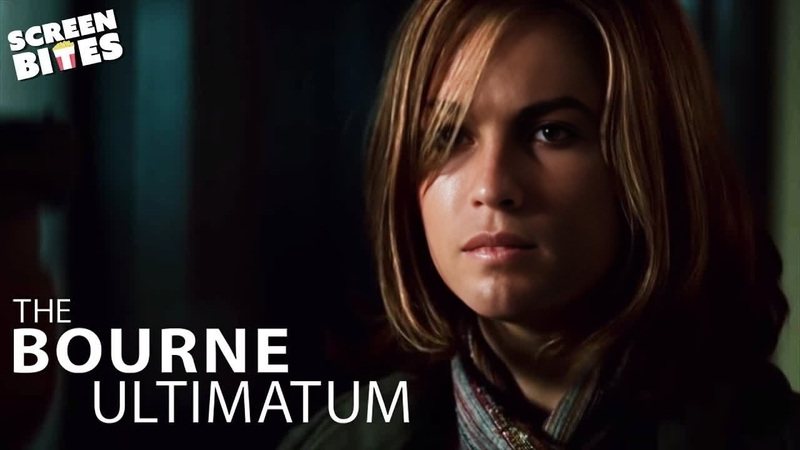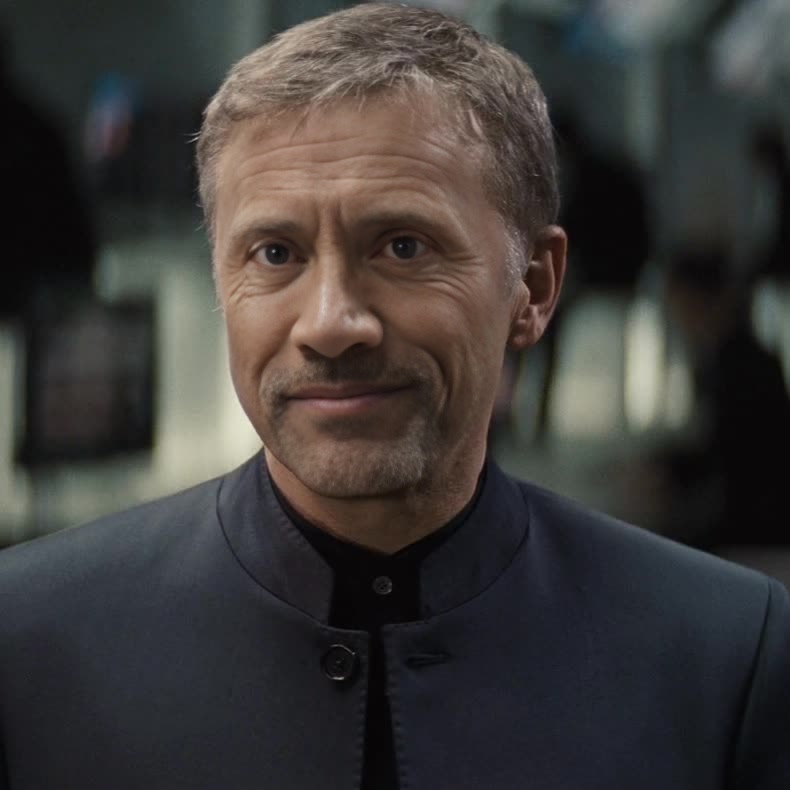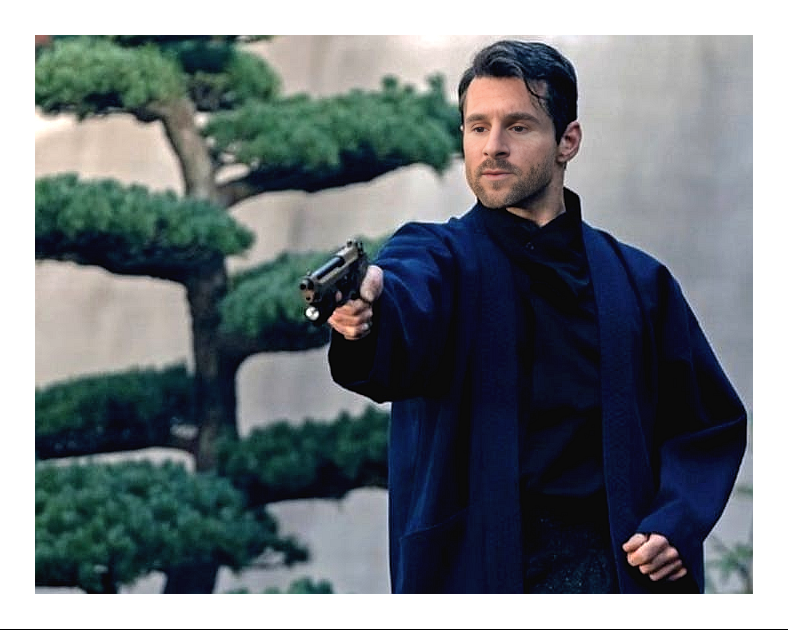
Safin No Time To Die James Bond
- Image
- 788 × 630 px
Any aspect ratio
Overview
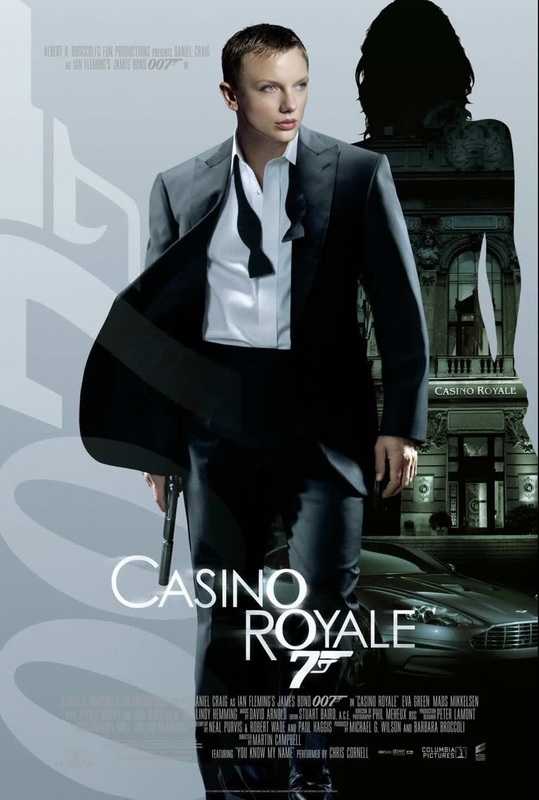
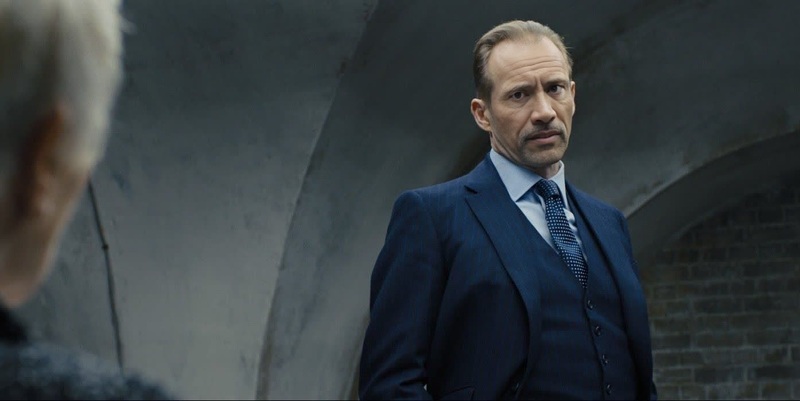
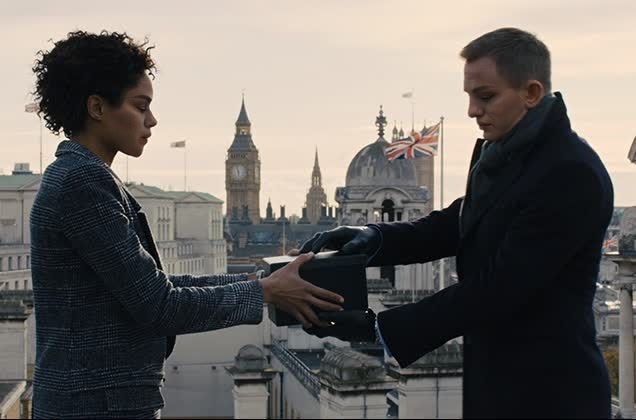
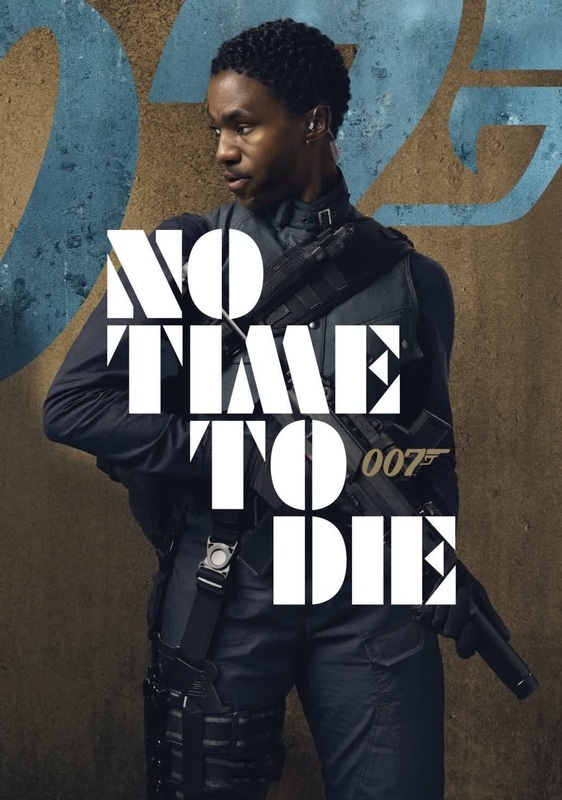
This template lets you perform a compelling video face swap, placing a new face onto Safin from the film No Time To Die. It's ideal for fan edits and imaginative video projects, allowing you to reimagine the iconic character with someone else in the role.
What It Does
The Safin Video Face Swap template uses advanced face swapping technology to integrate a chosen face onto the character of Safin, maintaining realistic expressions and movements. By leveraging AI technology, this template ensures a natural-looking transformation worthy of cinematic fan creations.
Explore the full scope of possibilities with other Face Swap options available, including video face swaps for various creative needs.
Who It's For
Ideal for filmmakers, fans of the James Bond series, and content creators focused on fan fiction and alternate storylines. Whether you're crafting a personal project or developing engaging product demo videos, this template provides a unique tool to explore creative storytelling.
Summary
By choosing this Video Face Swap template, users gain a powerful tool for reimagining scenes with precision and visual integrity. For those interested in expanding their creative toolkit, consider exploring the AI Video Generator for additional transformative capabilities.
How To
Choose Your Template

Customize Your Swap

Generate and Download

Use Cases
Fan Edits
- Re-imagine classic Bond scenes
- Design custom storylines
Social Media Content
- Promote viral content
- Highlight follower interactions
Creative Projects
- Integrate into short films
- Develop character backstories
Best Practices
Select High-Quality Images
For the best results, use a high-resolution image of the face you intend to swap. Clear images create more convincing replacements.Consider Lighting and Expressions
Match the lighting and facial expressions of the source and target for a seamless integration.Utilize Advanced Features
Explore tools like the AI Image Editor to enhance initial images before swapping for optimal results.