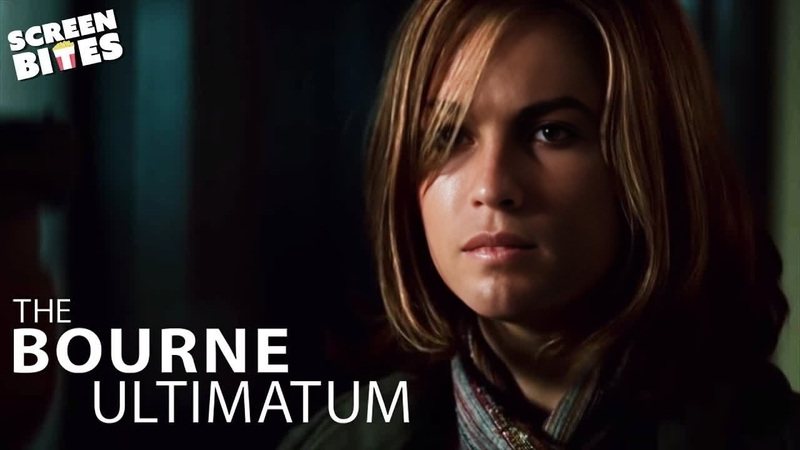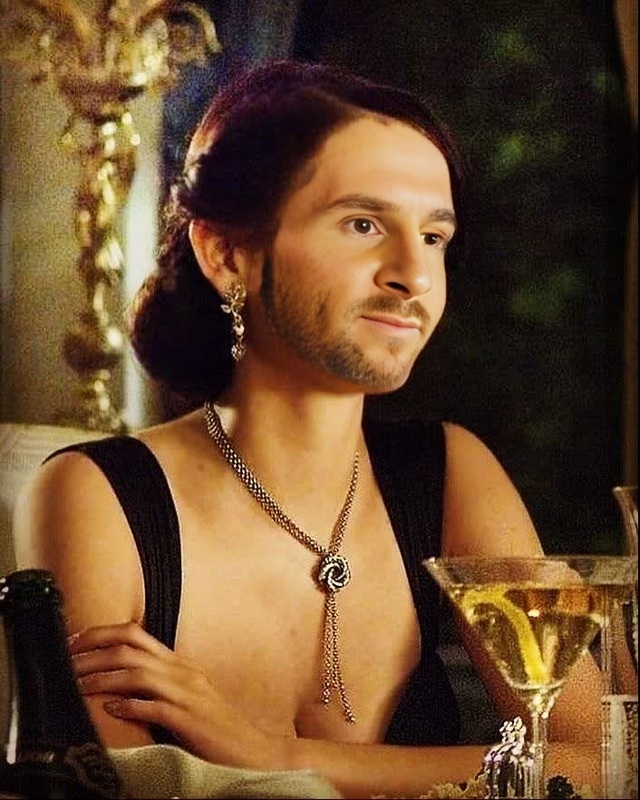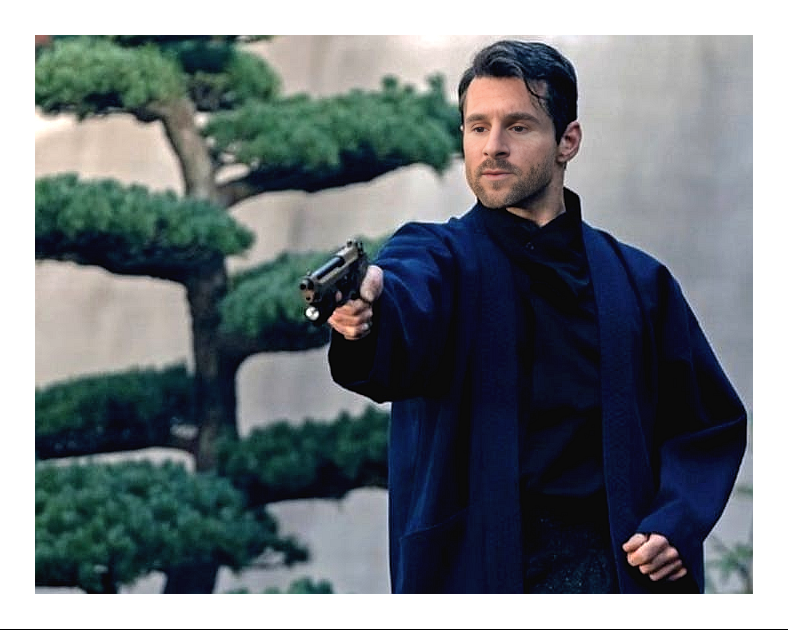
Paloma No Time To Die James Bond
- Image
- 1034 × 1472 px
Any aspect ratio
Overview
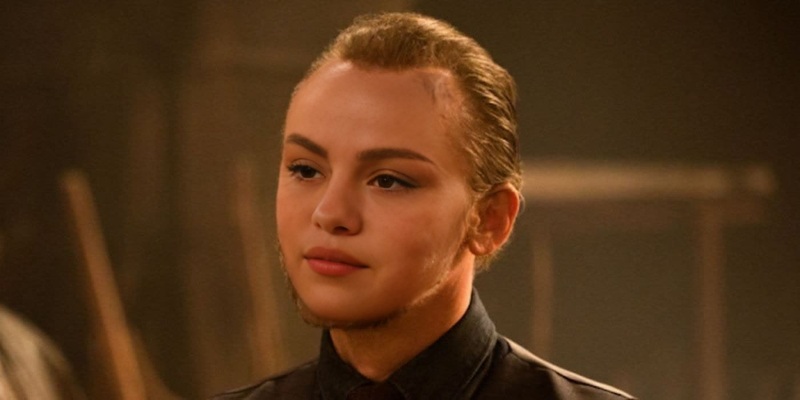
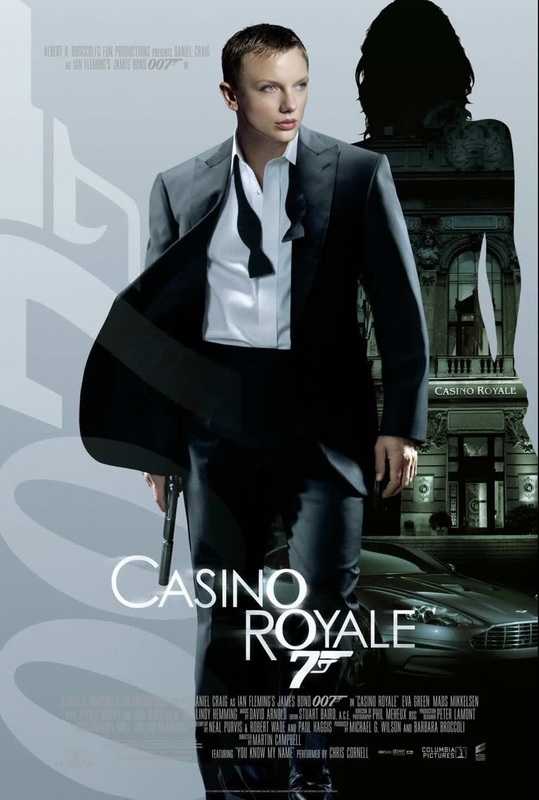
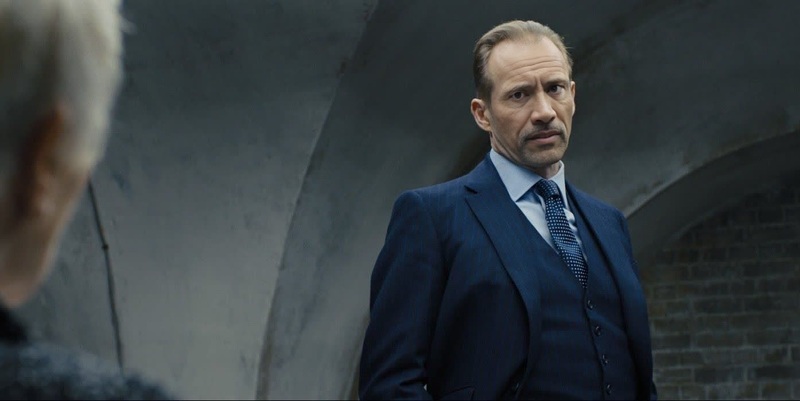
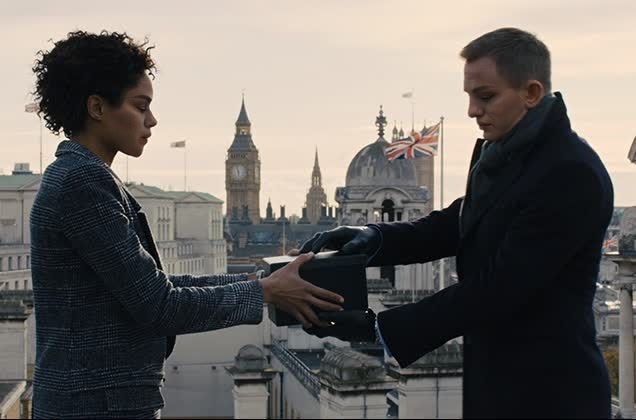
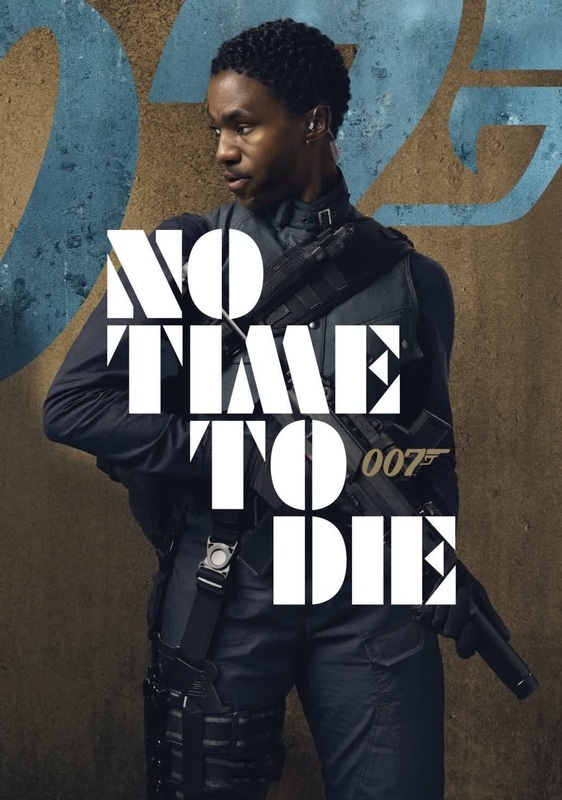
Step into the exciting world of James Bond with the "Paloma No Time To Die" Video Face Swap template. This tool allows you to merge your likeness with the iconic character, Paloma, to star in memorable scenes from "No Time To Die." Our Video Face Swap technology enables realistic and captivating transformations, providing you with a unique opportunity to make classic movie moments your own.
What It Does
Using advanced AI techniques, this template merges your facial features with Paloma's, allowing you to experience the thrill of the James Bond universe firsthand. The video output can be tailored to fit various creative projects, offering flexibility and ease of use for video editors and content creators alike. This template is a part of our robust Video Face Swap offerings.
Who It's For
Designed for movie enthusiasts, content creators, and marketers looking to create engaging and visually stunning content, this template is perfect for anyone wanting to add a bit of James Bond flair to their projects. Ideal for social media influencers, filmmakers, and anyone in need of dynamic and personalized video content. Explore similar transformations with the Image to Video tool to expand your creative possibilities.
Summary
The "Paloma No Time To Die" Video Face Swap template is a powerful tool for transforming visuals with your face mapped onto a beloved cinematic character. Generate professional-quality video that captures the essence of iconic film scenes and make them uniquely yours. For additional enhancement options, consider tools like the AI Image Editor for post-production polish.
How To
Choose the Template

Customize Your Inputs

Generate Your Video

Use Cases
Social Media Buzz
- Enhance marketing campaigns
- Boost viewer engagement
Promotional Material
- Unique brand storytelling
- Memorable client engagements
Personalized Gifts
- Creative birthday surprises
- Unique wedding gifts
Best Practices
High-Quality Photos
Ensure that the input photo is clear and well-lit to improve face swap accuracy.Experiment with Angles
Different angles of your face can yield different results—experiment for the best outcome.Preview Before Finalizing
Take advantage of the preview feature to make any necessary adjustments before downloading.