Nicky Parsons The Bourne Supremacy
- Image
- 826 × 414 px
Any aspect ratio
Overview
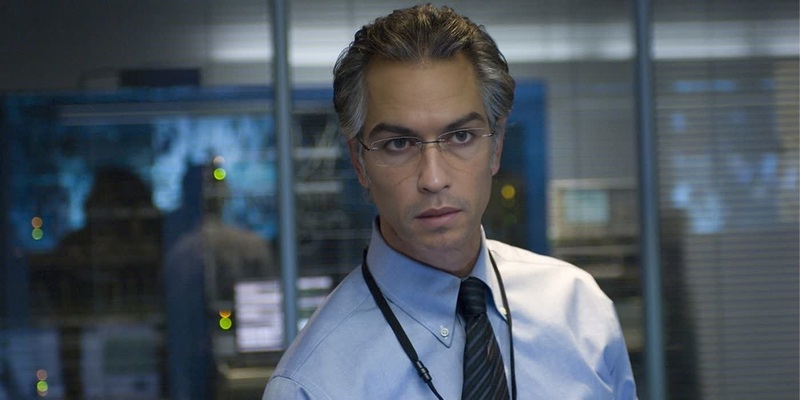
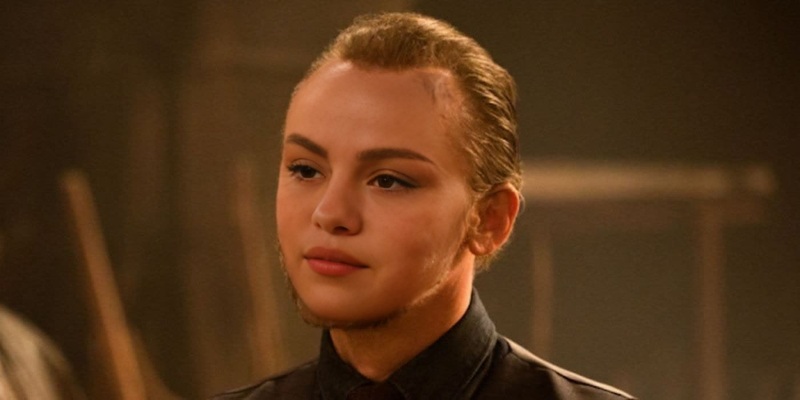
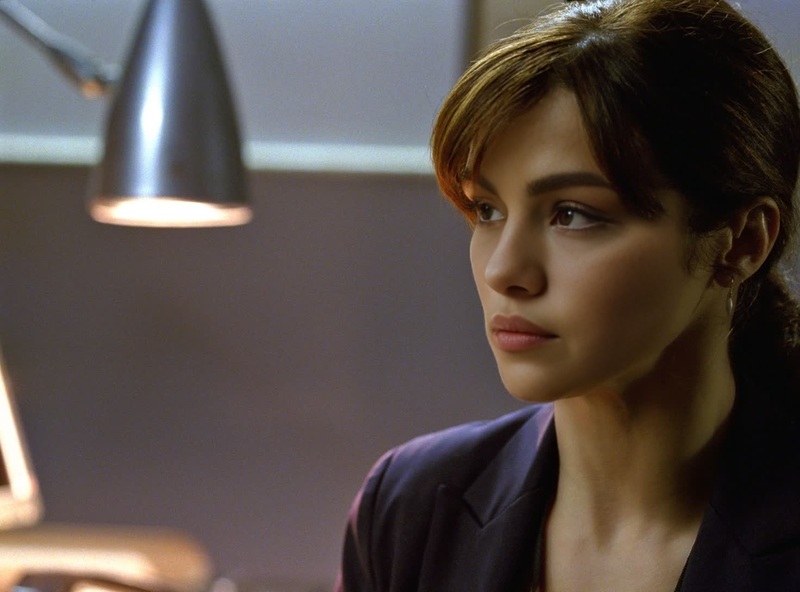
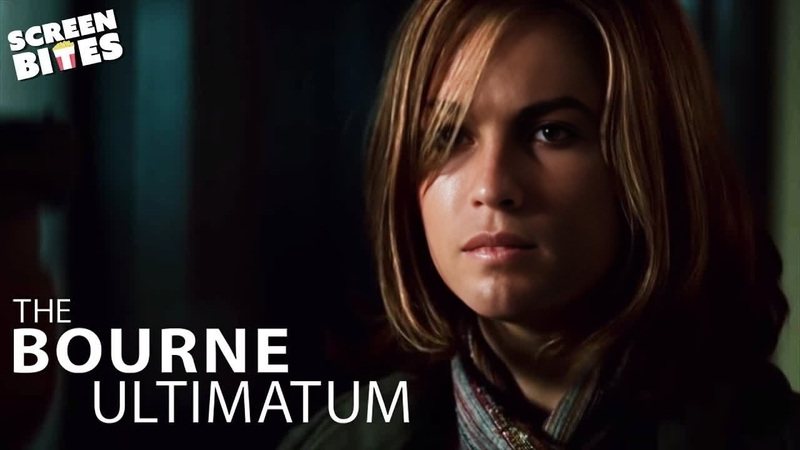
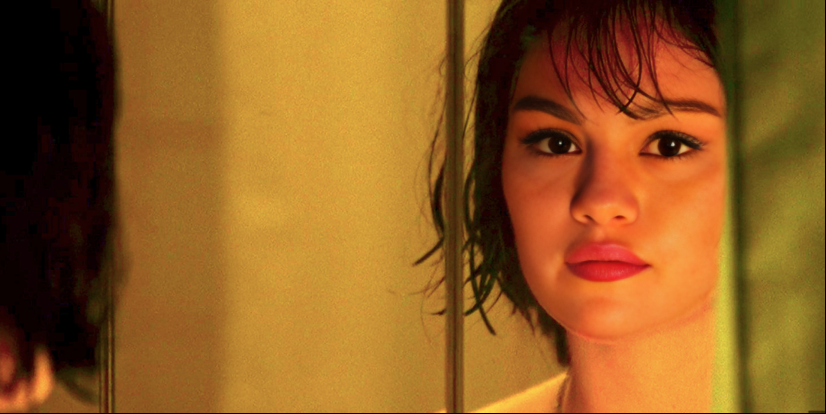
Experience the thrill of being part of the espionage world with the Nicky Parsons The Bourne Supremacy video face swap template. This tool lets you integrate your likeness into iconic scenes, bringing you closer to the action than ever before. Ideal for creating unique video content that captures the intrigue and tension of the spy genre.
What It Does
The template uses advanced video face swap technology to seamlessly replace Nicky Parsons' face with yours in scenes from The Bourne Supremacy. This offers a personalized cinematic experience that makes you the star of a thrilling espionage world. For those looking to explore broader face switching options, our Video Face Swap product provides comprehensive tools.
Who It's For
This template is perfect for movie buffs, content creators, and anyone who wishes to step into the shoes of their favorite film characters. It's an excellent tool for educators teaching film studies, helping students understand film production nuances. Additionally, it's great for social media enthusiasts who want to create eye-catching content. Check out the AI Video Extender for enhancing your video length while maintaining quality.
Summary
With the Nicky Parsons The Bourne Supremacy template, dive into the world of espionage with a personalized twist. Utilize the power of face swap technology to create a unique narrative featuring yourself. Explore other transformation options with the AI GIF Generator for animated content creation, enhancing your storytelling capabilities.
How-To
Choose Your Template

Customize Your Experience

Generate Your Video

Use Cases
Social Media Content
- Engage audiences with unique content
- Boost your profile credibility
Film Education
- Enhance learning through interactive examples
- Demonstrate film production processes
Marketing & Advertising
- Create memorable ad campaigns
- Utilize character-driven narratives
Best Practices
Select High-Quality Images
Use a well-lit, clear image of your face for the best results. This ensures accurate face mapping and better alignment with facial expressions.Adjust Facial Fit
Utilize the customization tools to align your face correctly with the character's expressions to enhance realism.Review and Edit
After generating your video, watch it to see if any sections need refinement. Fine-tuning ensures the final product meets your quality expectations.